Marketing
Prepare a house for real estate photos with Photo Ready 360
Send the seller a private link, let them walk the home on their phone, and get a room-by-room readiness report before shoot day. No app, no account.
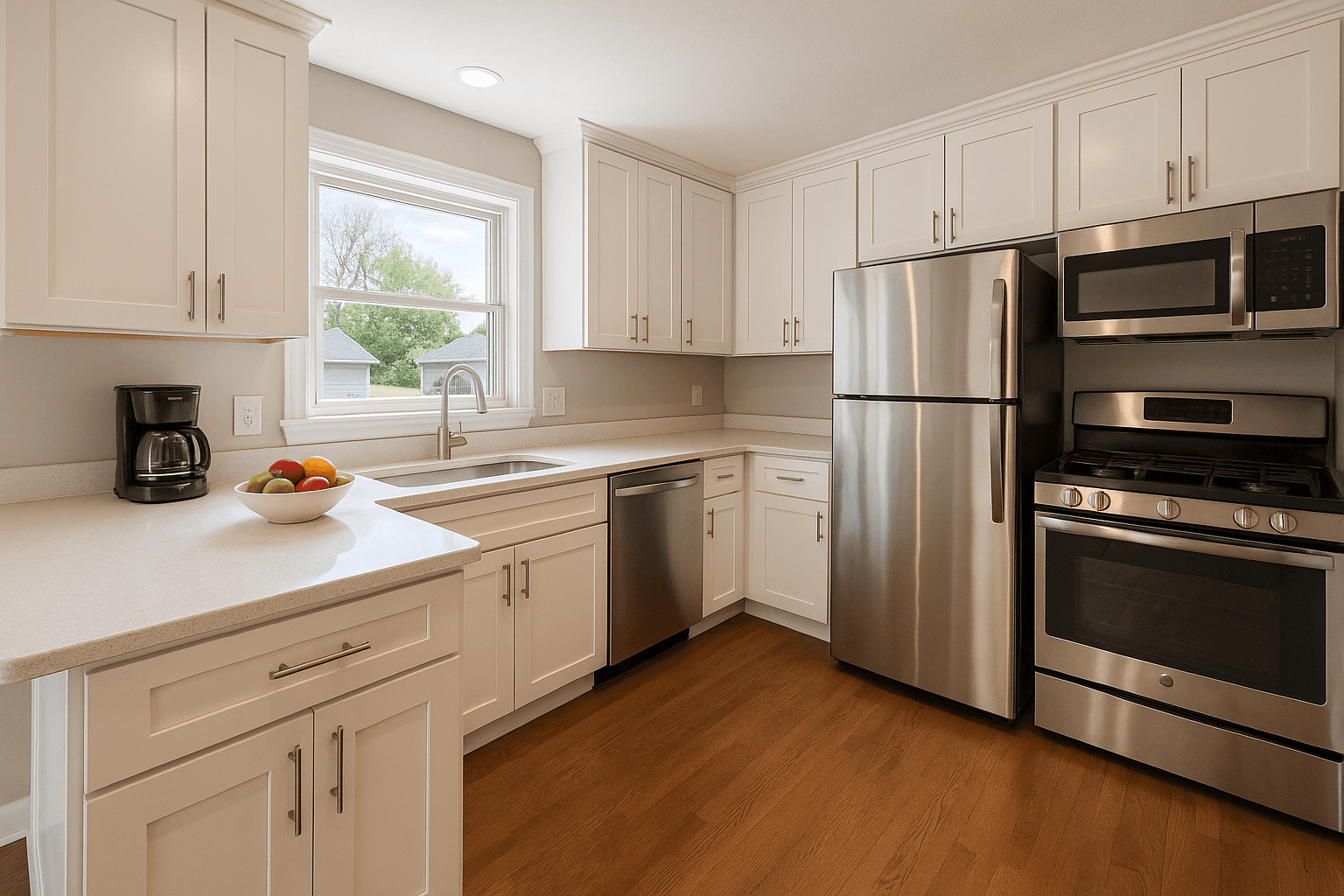
Every photographer knows the walk-in. The listing is booked, the light is right, and the kitchen counter is holding a toaster, a knife block, three bottles of vitamins and a stack of mail. Now the first twenty minutes of the shoot are spent asking a stranger to move their life out of frame, and the edit inherits whatever did not get moved.
The fix has always been to prepare a house for real estate photos before the camera comes out. The problem is that the standard prep sheet is generic, it lands in an inbox, and nobody confirms the seller read it. Photo Ready 360 replaces that sheet with a private link, a short walk through the home on the seller's phone, and a readiness report written from their own photos. Here is how to send it, what the seller sees, what the report contains, what it never does, and how shoot day changes.
Why prep is worth a system, not a PDF
Start with what buyers say they use. In NAR's 2026 Home Buyers and Sellers Generational Trends report, 81% of recent buyers who searched online rated listing photos very useful, the highest of any website feature. The photos are the product, and a cluttered room is a cheaper problem to solve with a hand than with an edit.
A generic checklist says declutter the kitchen. It cannot say which counter, which appliance or which lamp, because it was written for every house. A checklist written from this house's photos can, and that specificity is what gets a seller to act.
Step 1: send the link when you book the shoot
Photo Ready 360 lives in the Workspace, beside your bookings and deliveries. Open Photo Ready, create a link for the listing, and the seller receives a private link by email. If the agent would rather be the one to pass it along, hand it to them. There is nothing for the seller to install and no account to create.
Send it the moment the shoot is booked. That gives the seller days, not hours, to work the list, and the readiness conversation happens long before you are standing in the driveway.
From there the Workspace tracks the link through its statuses, so you know where each listing stands without asking:
- Link sent: the email is out
- Opened, then In progress: the seller is working through the walk
- Submitted, then Preparing report: the photos and answers are in
- Report ready: the report has gone to the seller and to you
- Quotes requested: the seller asked for local prep quotes
Step 2: the seller walks the home on their phone
The seller opens the link and is guided area by area. The recommended core is the front exterior, the kitchen, the living room, the primary bedroom, the primary bathroom, any additional bathrooms and the backyard. Optional areas cover the dining room, extra bedrooms, the office, garage, closets, patio, entry, any empty rooms, and anything the seller is unsure about.
Each area carries a plain capture tip, such as standing in a corner to get as much of the kitchen as possible. They do not need to be good photos, just quick phone shots so the checklist can be written from the real room rather than a template. The whole walk takes about five minutes.
The seller also answers a handful of questions that shape the report:
- Is the home lived in or vacant
- Are there pets in the home
- Is it currently staged or professionally furnished
- Is a professional cleaning already scheduled, and is lawn care already planned
- Are any small touch-ups already planned before photos
- Any rooms they would like extra input on
- Whether they want recommendations for local prep services
Step 3: what the readiness report contains
Once the seller submits, the AI reads the photos for prep observations and a rules engine turns those observations plus the answers into the report. If a photo cannot be read, the rules still produce the checklist from the answers, so the seller is never left with a blank page.
Each area gets a readiness level, and the vocabulary is deliberately soft: Photo-ready, Almost ready, Needs light prep, or Needs attention before scheduling. Nobody is grading the house. Under each level sit the specific actions that area earned, in the report's own words, for example clear countertops down to one or two decorative items, open all blinds and curtains for photo day, or move vehicles off the driveway on photo day.
Beyond the room-by-room list, the report rolls everything up into:
- A short summary of where the home stands
- A before-photo-day list: the higher-priority actions across every area, in one place
- The universal photo-day checklist, the ten things that apply to every listing
- Local prep service categories where they would help, such as deep cleaning, lawn care, window cleaning or junk removal; the seller chooses whether to request quotes, category by category
- Better Listing Media Services worth considering for the shoot, such as virtual staging for an empty room
What Photo Ready 360 never does
This boundary is the whole feature, so it is worth stating plainly for your sellers and for the agents who send you work. Photo Ready 360 is preparation only. It asks one question: what should this homeowner move, clean or switch on before the photographer arrives? It works with what the home already has.
It never gives renovation or remodeling advice. It never estimates repairs. It is not an inspection, an appraisal or a condition report, and nothing in it should be read as one. The photos are assessed only for their physical prep state, never for the people who live there.
That matters for the most sensitive person in the flow. A seller who feels judged stops reading. One who is told the bedroom needs both lamps on and the nightstands cleared does it before dinner.
Step 4: the list, then the final half hour
The report is written from the seller's first pass, so treat it as a starting list, not a verdict. The before-photo-day list is where they start: the higher-priority actions across every area, in one place, days ahead of the shoot. You receive the same report, so the house you walk into is one you have already read about.
The final half hour belongs to the photo-day checklist at the end of every report, the items you would otherwise be doing yourself:
- Open all blinds and curtains, and turn on every light, including lamps
- Clear kitchen and bathroom counters, and make all beds
- Hide trash cans and pet items, and tuck away cords and chargers
- Move cars out of the driveway
- Close toilet lids, wipe down mirrors and glass, and sweep the entry and walkways
How it changes shoot day
You walk into a house that is ready, and you spend the time shooting. The conversation about the magnets on the fridge happened days ago, in writing, between the seller and a checklist that was not you. Cars are off the driveway because that was a named task with a named day, not a line buried in an email.
The edit gets cleaner too. Object removal can take a bin out of a driveway, but a bin rolled into the garage costs nothing and never looks removed. Prep gets the house right so the edit only has to get the frame right, and a gallery where every room was actually ready reads as consistent in a way retouching cannot fake.
Three habits make it stick:
- Send the link from the booking itself, so it is a step in your process rather than a favor you remember sometimes
- Mention it in your confirmation email, so the agent knows to expect the report and can nudge the seller
- Check the status the night before; a link still at Link sent, or a report whose overall readiness reads Needs attention, is a scheduling conversation, not a surprise
Start with the next booking
Photo Ready 360 is available in the Workspace, and sellers need no account to use it. Create the link for your next listing when you take the booking, and let the house get ready before the camera comes out. For the general room-by-room checklist to send alongside it, see our prep guide below, and the shot list for what to do once you are in the door.
Sources
- 81% of recent buyers who searched online rated listing photos “very useful”, the highest of any website feature. NAR, Home Buyers and Sellers Generational Trends, 2026