Clean-up AI tool
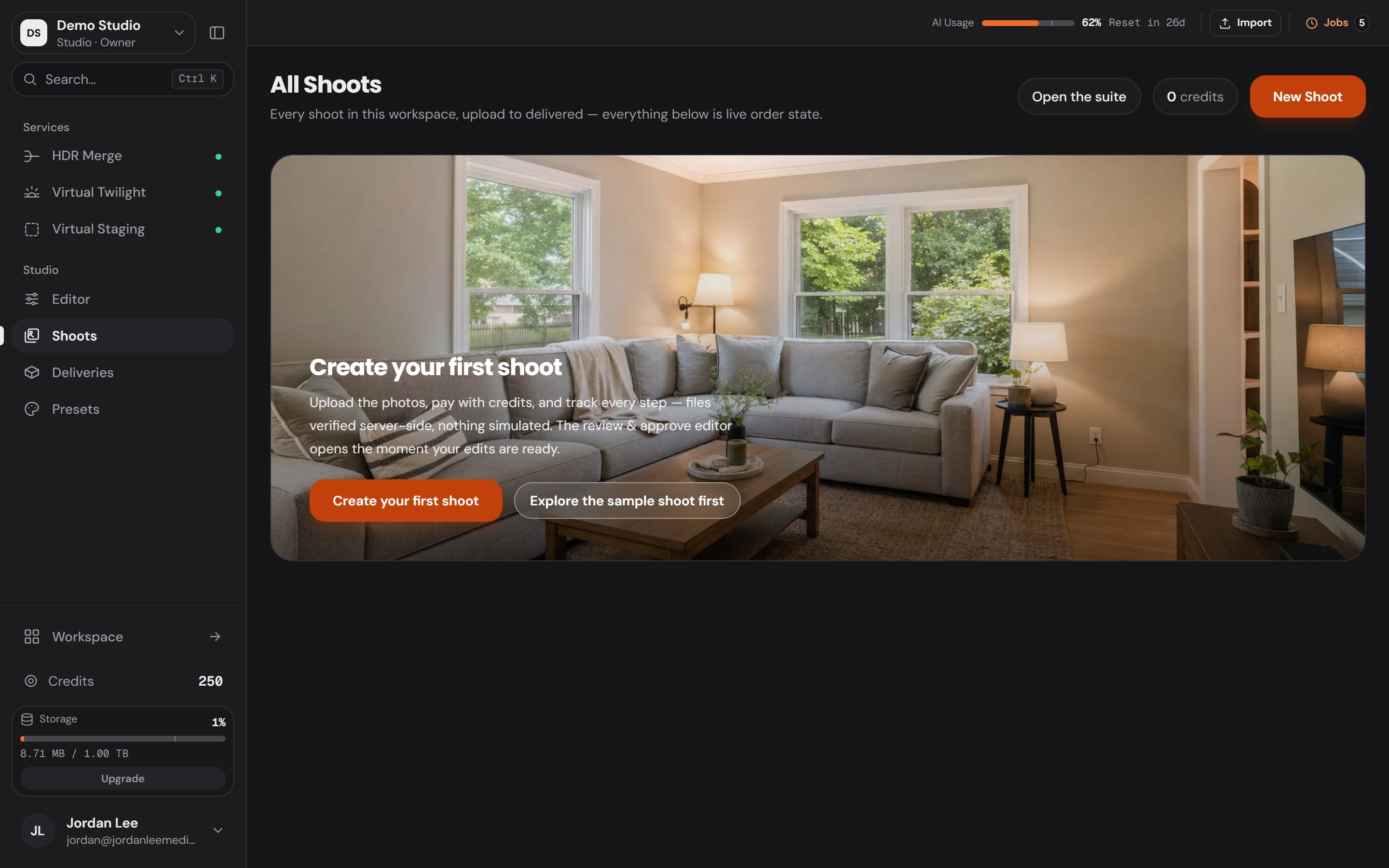
Lighting & color correction
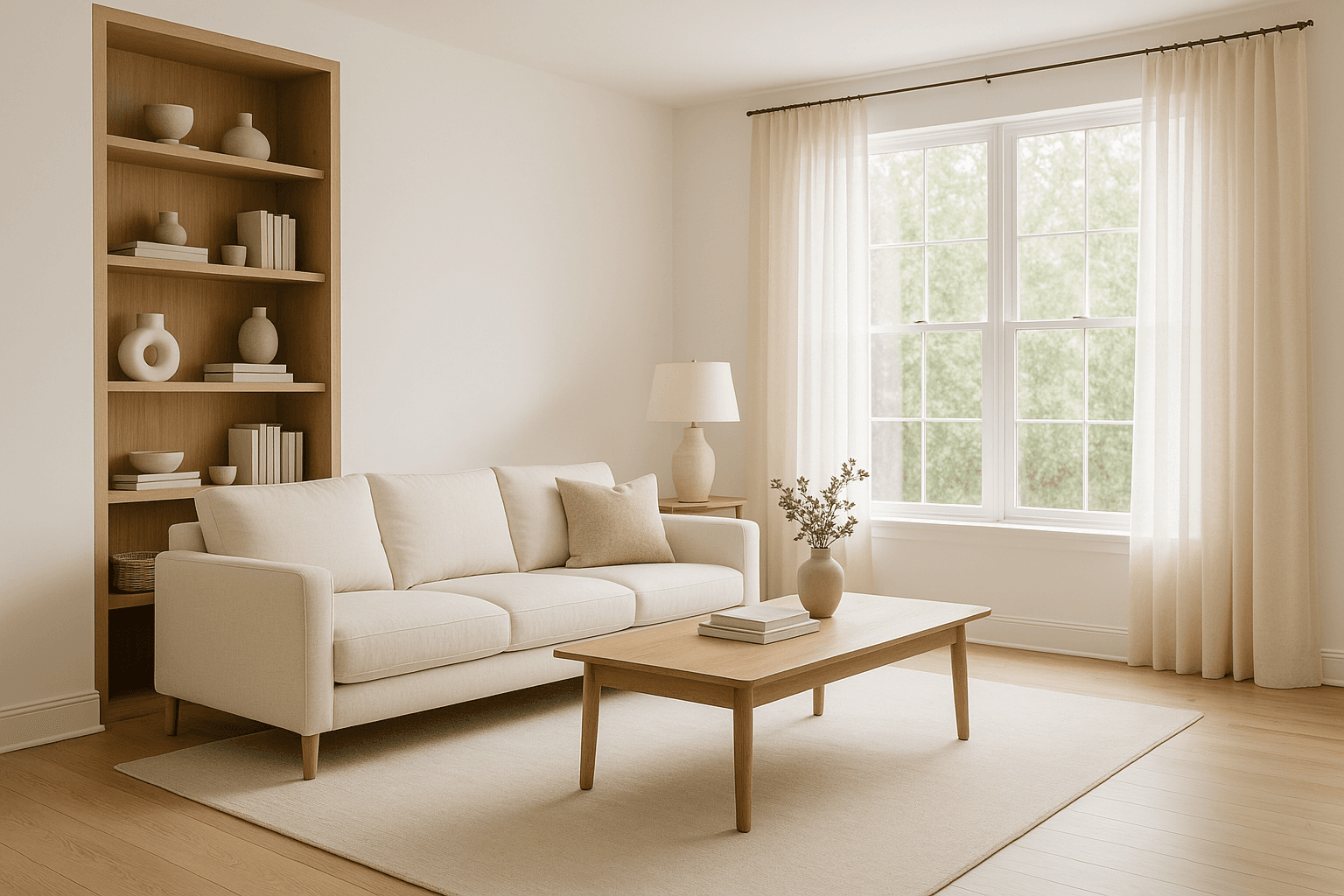
Whites that are actually white, rooms that match from frame to frame: the invisible edit every gallery needs.
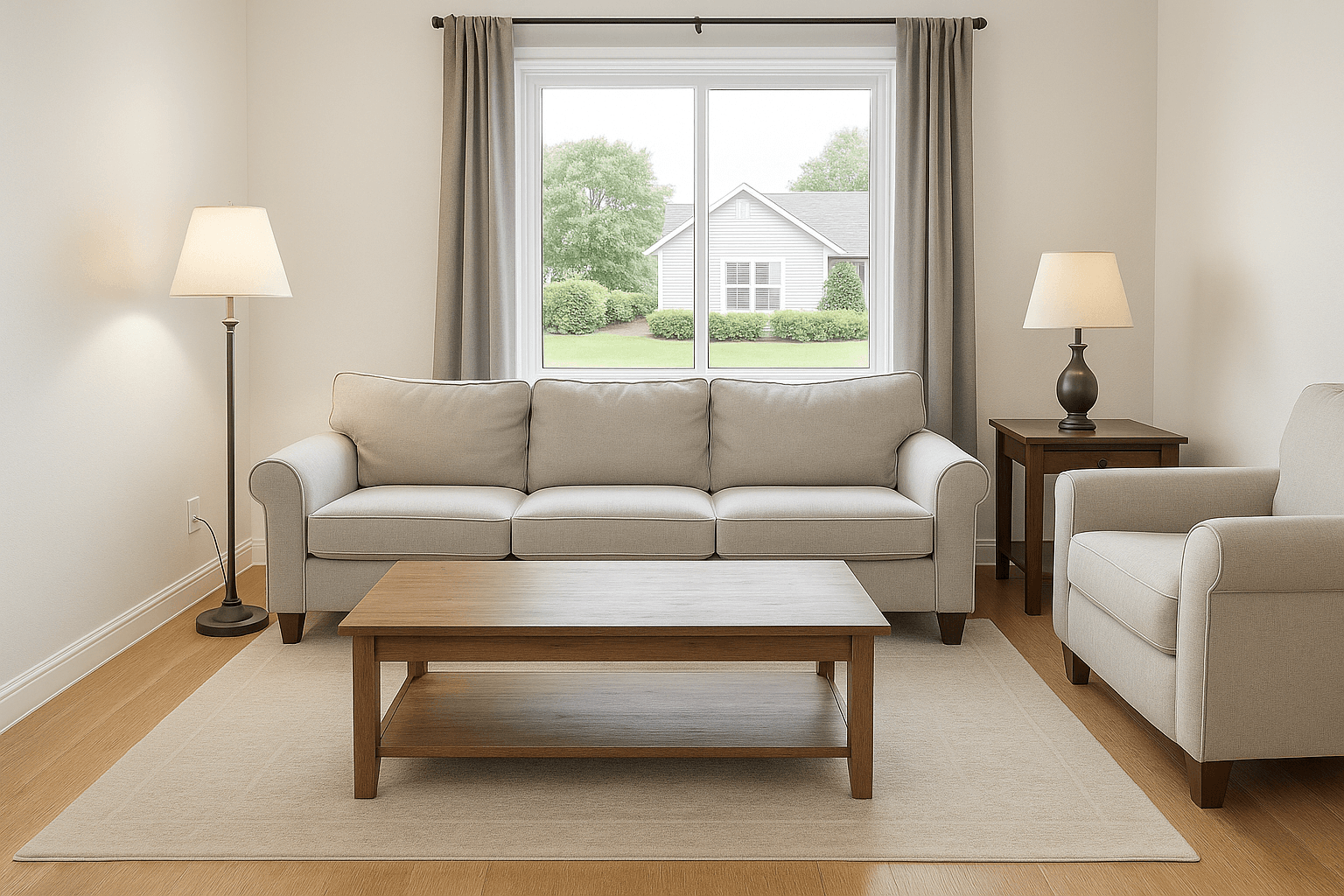
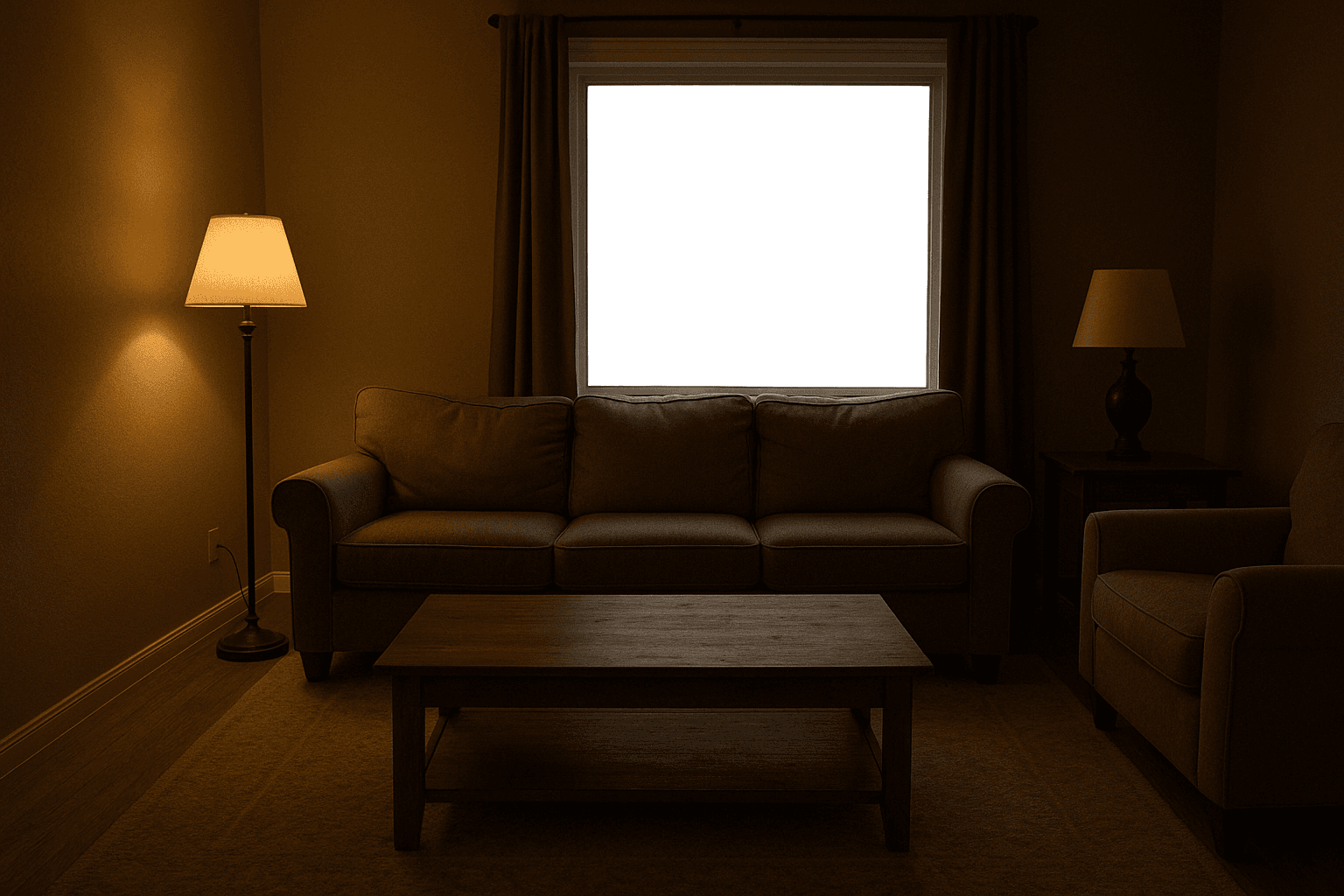
Drag the handle to compare.
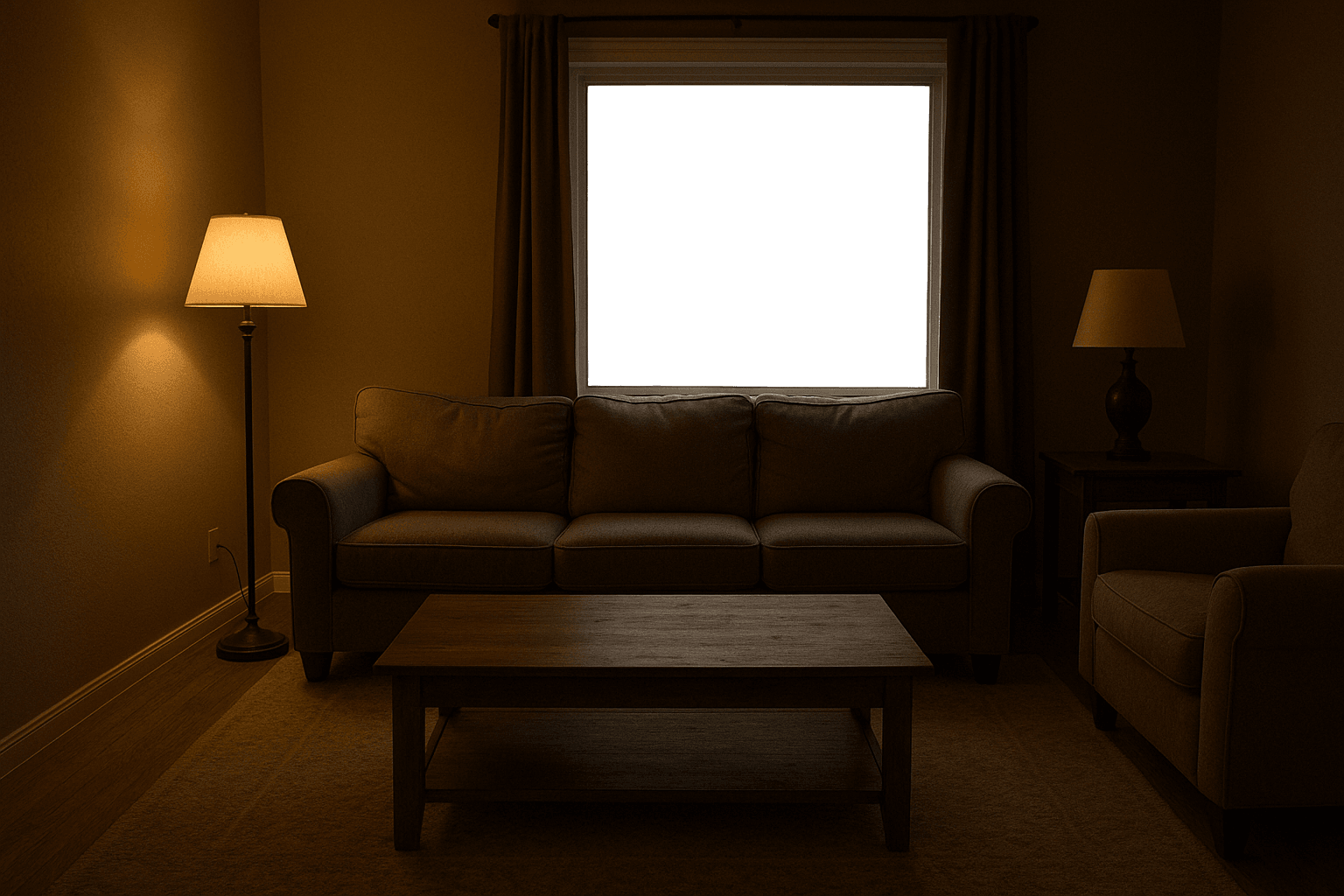
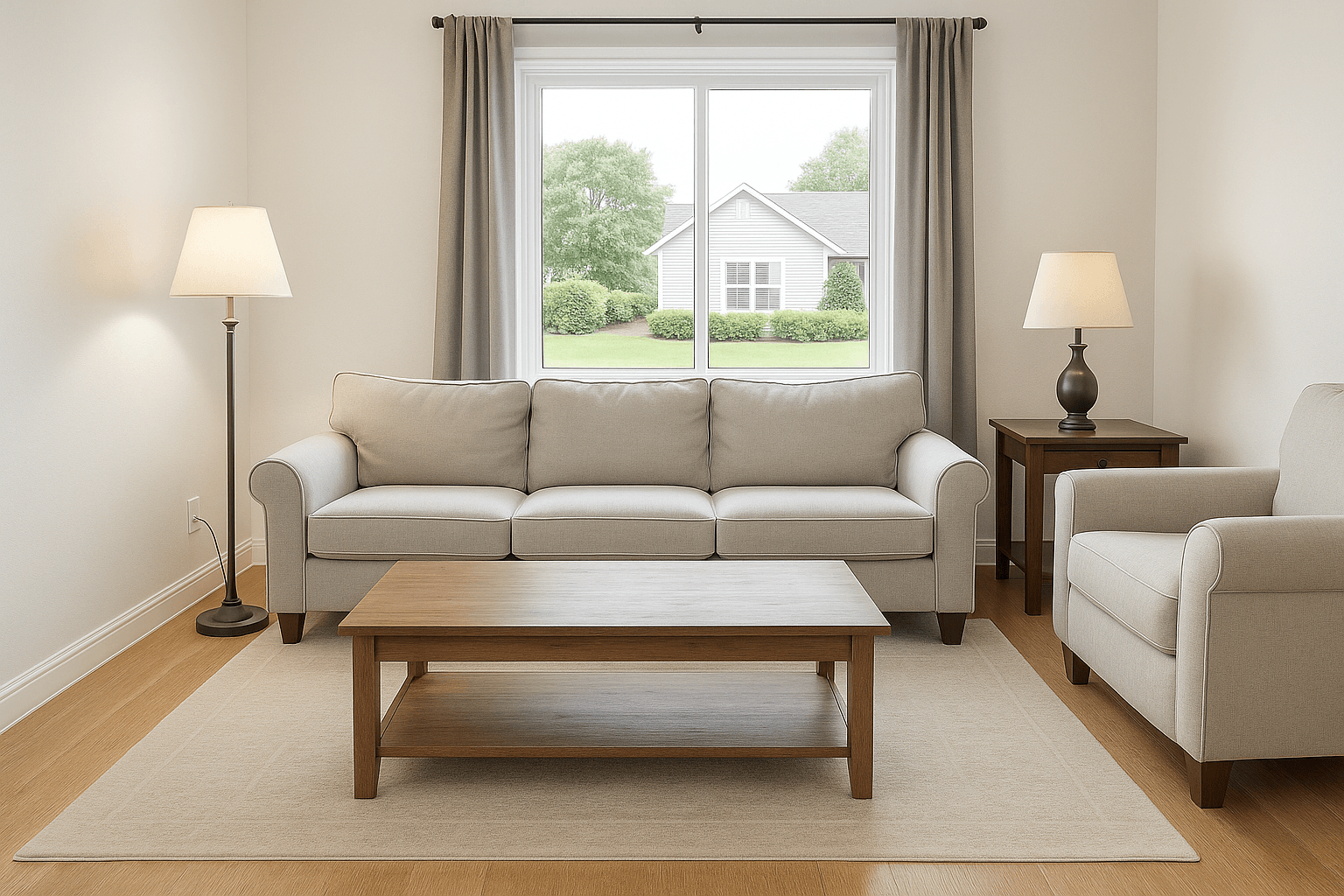
Studio, Lighting & Color
Watch the edit happen.
The passes
- Upload your shoot
- Balance & match
- The matched set, back
What Lighting & Color does.
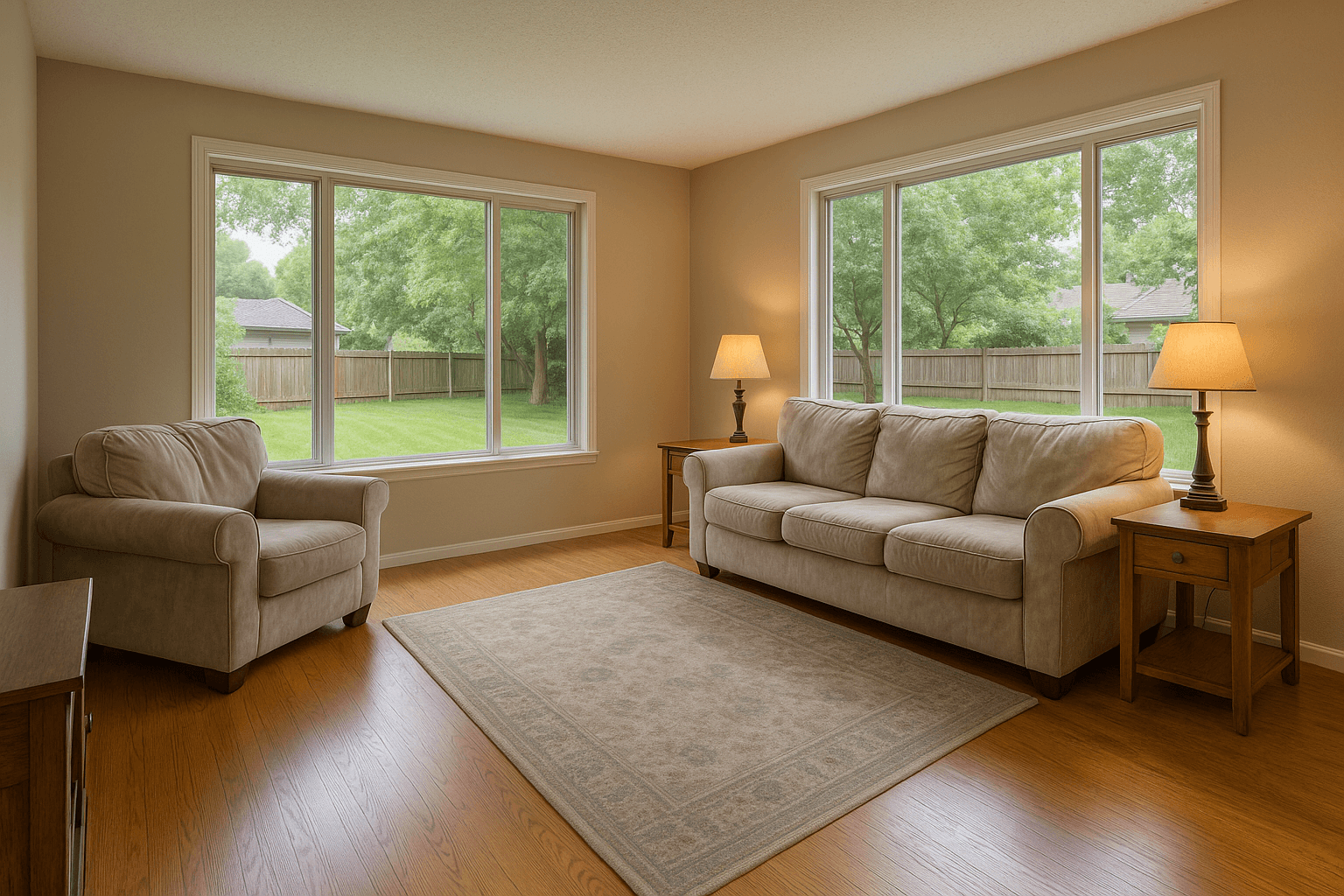
Mixed lighting is the default condition of interiors: warm lamps, cool windows, green-tinted LEDs, all in one frame. Left uncorrected, cabinets go yellow, walls go blue, and every room looks like it was shot in a different house.
Lighting and color correction normalizes white balance, exposure, and tint across the entire shoot, tuned for interior photography. It runs on every order, because it's the difference between photos and a gallery.
Metered per run.Stated before it runs.
An AI tool states its cost on the rail and on the tool before you run it, and the run counts against your AI usage.
One run
$0.40
per run of Lighting
The same number the tool prints before it runs. Every plan includes an AI usage allowance.
Every tool on the rail, free and metered.
See the toolsHow it works
On the rail, under your hand.
- Step 1: Upload your shootCorrection runs automatically on every order.
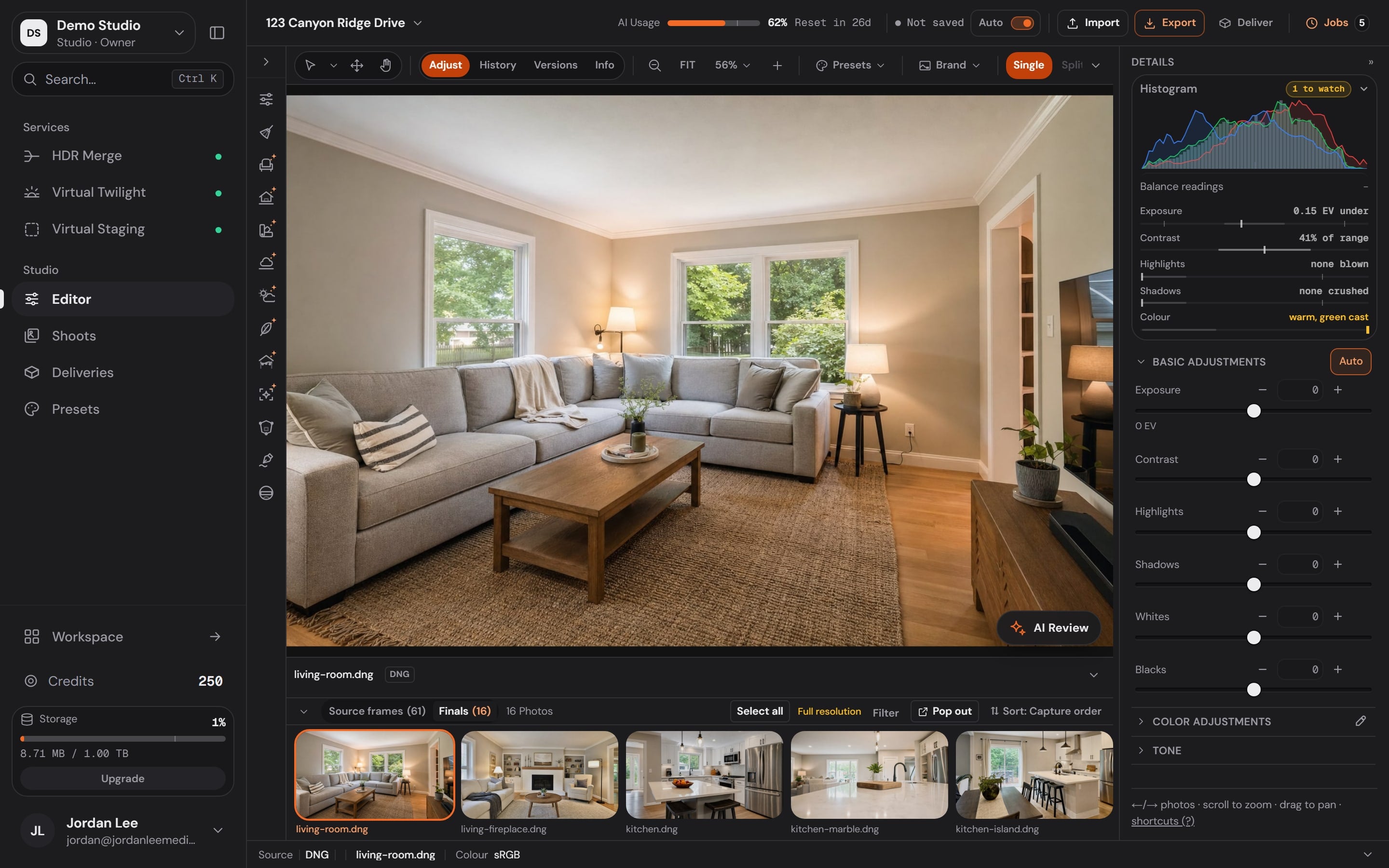
- Step 2: Balance & matchWhite balance, exposure, and tint normalized per frame and across the set.
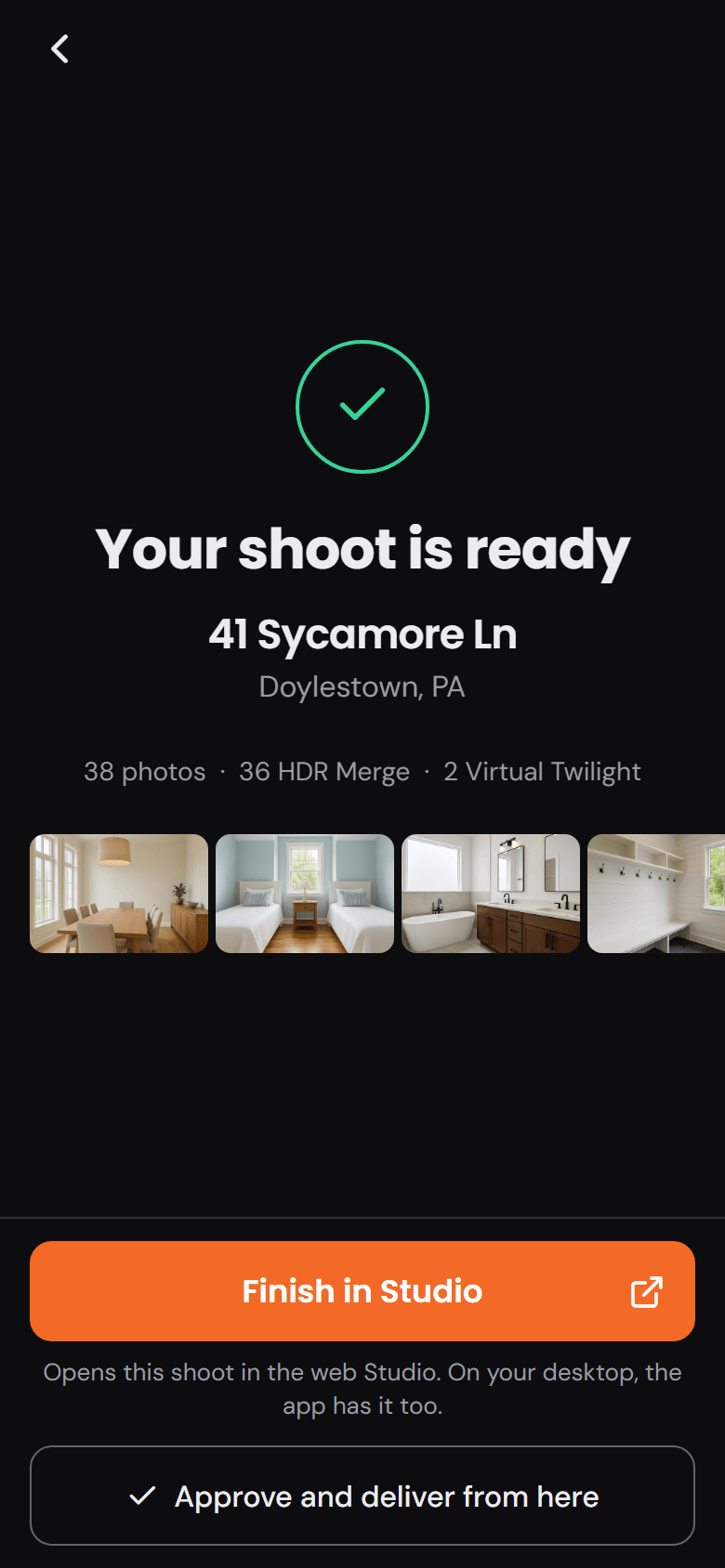
- Step 3: The matched set, backOne consistent, natural look throughout the whole gallery.
How it works
On the rail, under your hand.
- 1
Upload your shoot
StudioCorrection runs automatically on every order.
- 2
Balance & match
StudioWhite balance, exposure, and tint normalized per frame and across the set.
Marked: the tool rail.
- 3
The matched set, back
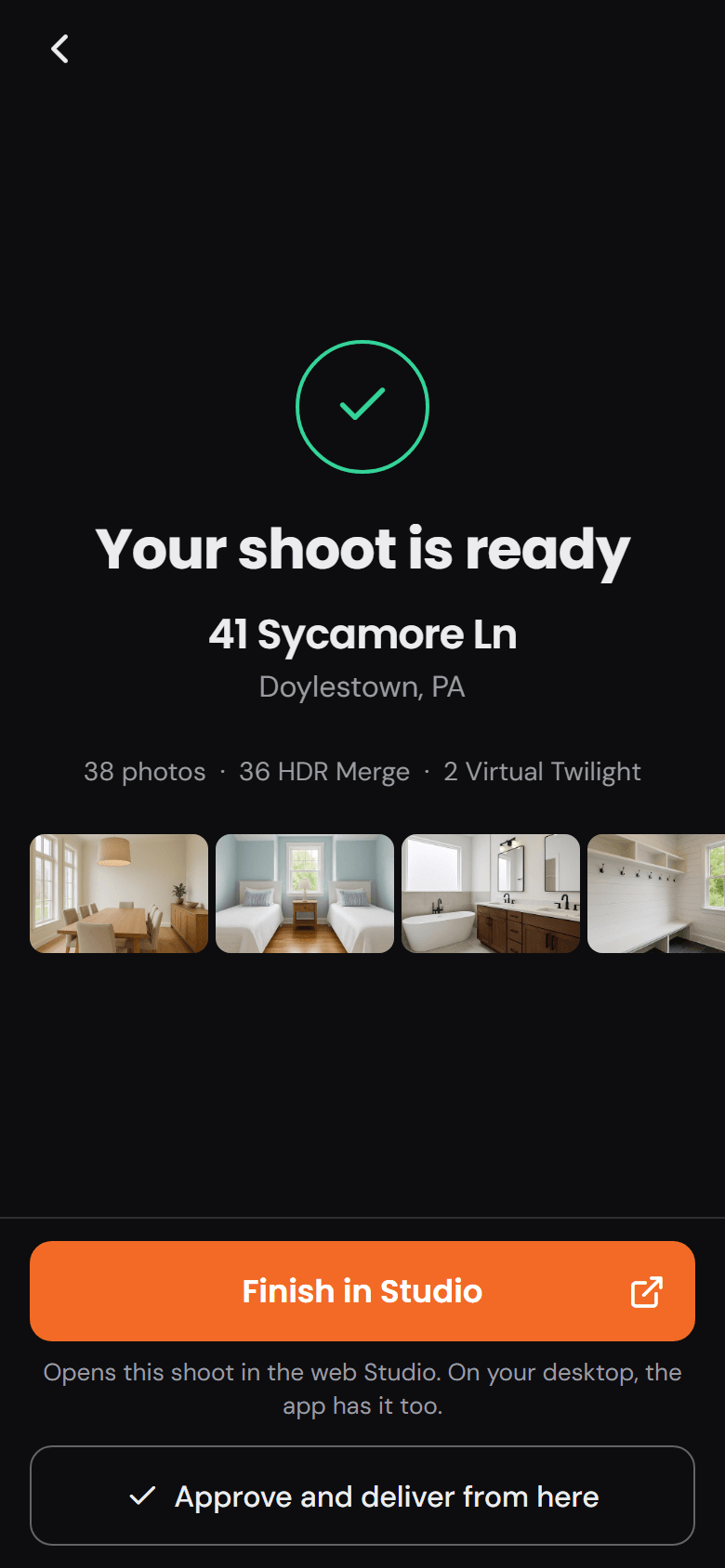
One consistent, natural look throughout the whole gallery.
Why it’s worth it.
- 81%
of recent buyers who searched online rated listing photos “very useful”, the highest of any website feature.
NAR, Home Buyers and Sellers Generational Trends (2026)- 78%
of sellers are more likely to hire an agent who offers high-resolution photography.
Zillow, Consumer Housing Trends Report for Agents (2025)
Trim and cabinets stay white
The surfaces buyers use to judge upkeep read clean instead of nicotine-yellow.
One look, whole gallery
Room-to-room consistency is what makes a listing read as professionally shot.
Mixed lighting, handled
Lamps, windows, and LEDs balanced within the same frame, which is the hardest ordinary problem in interior photos.
Zero extra cost
Included in every order and every plan. It's the baseline, not an add-on.
Questions
Good questions.
Is this the same as an Instagram filter?
The opposite. Filters impose a look; correction removes the color casts the camera captured so the rooms look like they do in person. The target is neutral and true-to-life.
Do I need it if I shoot brackets?
It's built into the HDR Merge pass. Bracketed orders get exposure blending and color correction together.
Can you match my personal editing style?
The pipeline targets a clean, natural standard rather than custom looks. Photographers who want a signature grade typically apply it on top of our corrected output.
Pairs well with.
Run Lighting & Color on your own listing.
Studio runs every tool on the rail. Create an account and put it to work on your next shoot.