Delivered underyour name, not ours.
Every shoot goes out through a gallery your client opens in your brand: your logo, your words, your photos, and your booking button at the end.
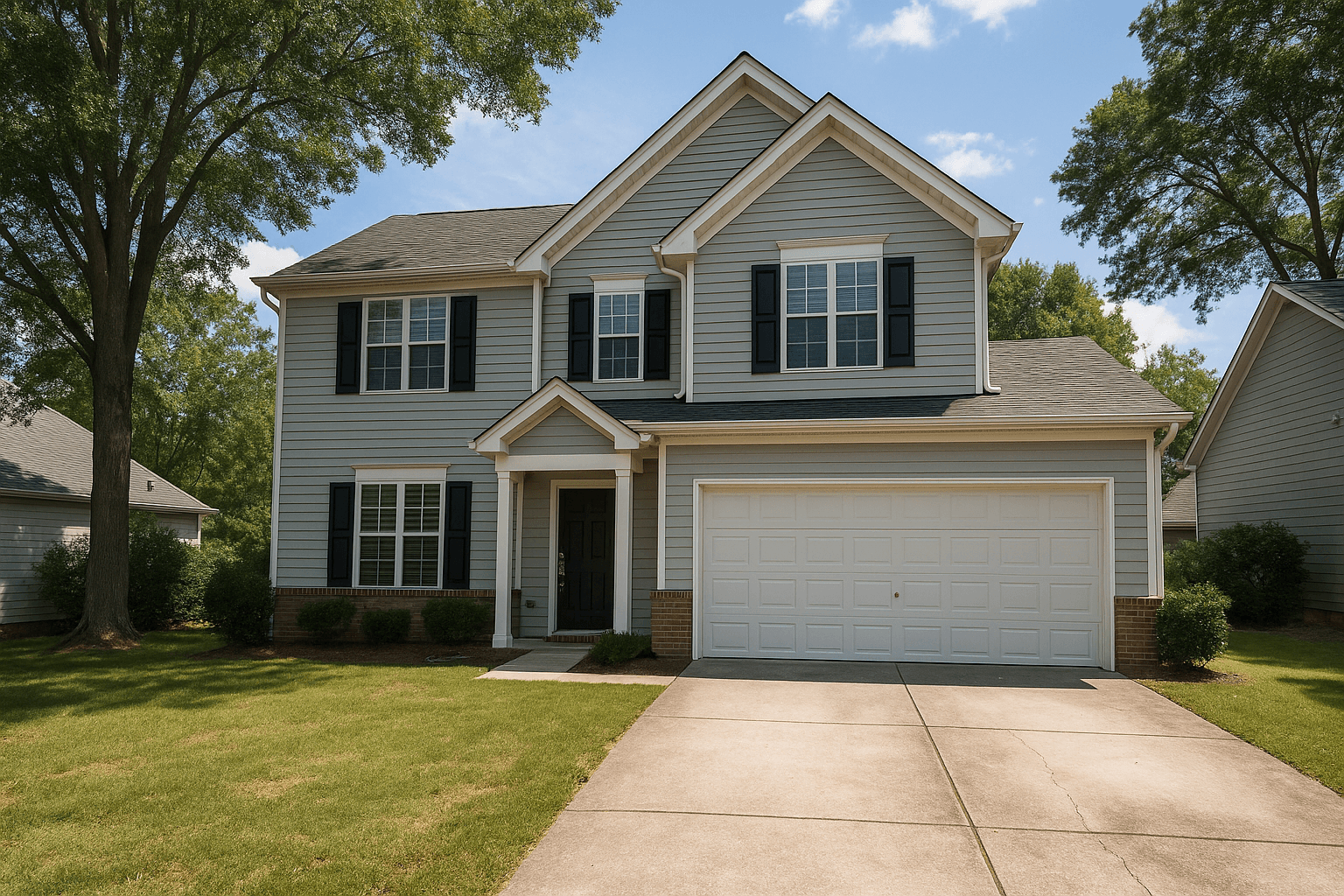

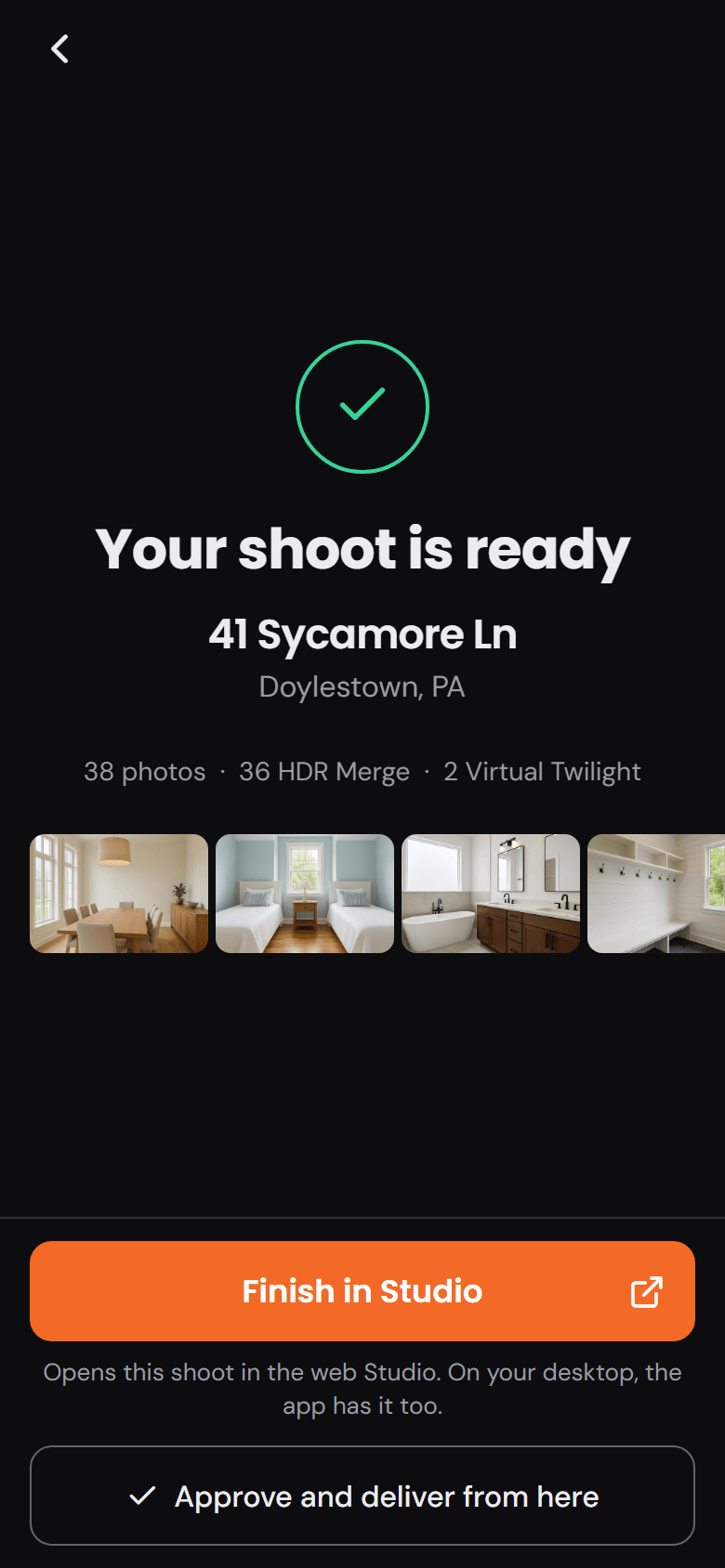
Approve on the phone or deliver from the Studio. The gallery goes out the same way either time.
What the client opens
One page.Six blocks, all yours.
The gallery a client receives is the one you designed. Walk it top to bottom.
- Header
- Cover
- Welcome
- Downloads
- Photos
- Rebooking
Your logo at the top, or your whole site around it.
The gallery opens under the portal's own header, or inside your storefront with its header and footer, so the client never leaves your look.
The shoot's own first photograph is the cover.
Full under a wash, split beside the welcome, or minimal and typographic. You set the focal point and whether it runs compact or tall.
Your heading and your note.
A welcome in your words, left or centered, and a footer note at the bottom of the page. Both are yours to write.
The whole set in one click. The originals listed beneath.
The photo count, a Download all button that delivers a ZIP of the finished frames, and each original with its own link. The button's label is yours.
Every finished frame, in the order you set.
A grid, a filmstrip or a stack, two to four columns wide, with tiles at the photo's own shape, landscape or square.
The last thing they see is a way to book you again.
A rebooking band or card in your words, with a button to your storefront's booking page. It shows only once that storefront is live, so it always has somewhere to go.


Your photos are ready
Your note goes here, in your words. Thank them, say what is in the set, say when the link stops working.
A footer note closes the page, in your words too.
9 photos, originals included
Download all(ZIP)
- Original 1Download
- Original 2Download
- Original 3Download
- and every other original in the set

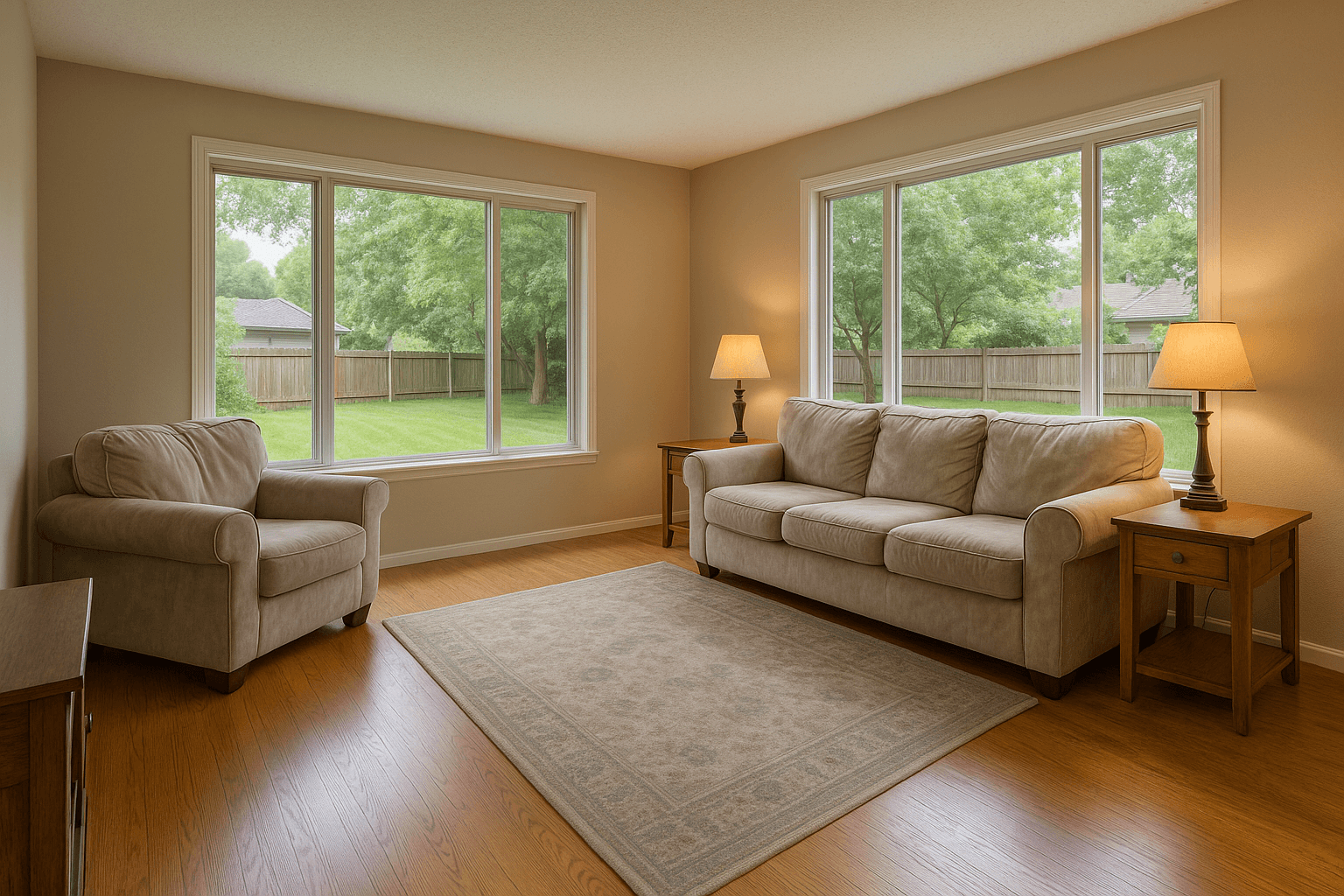
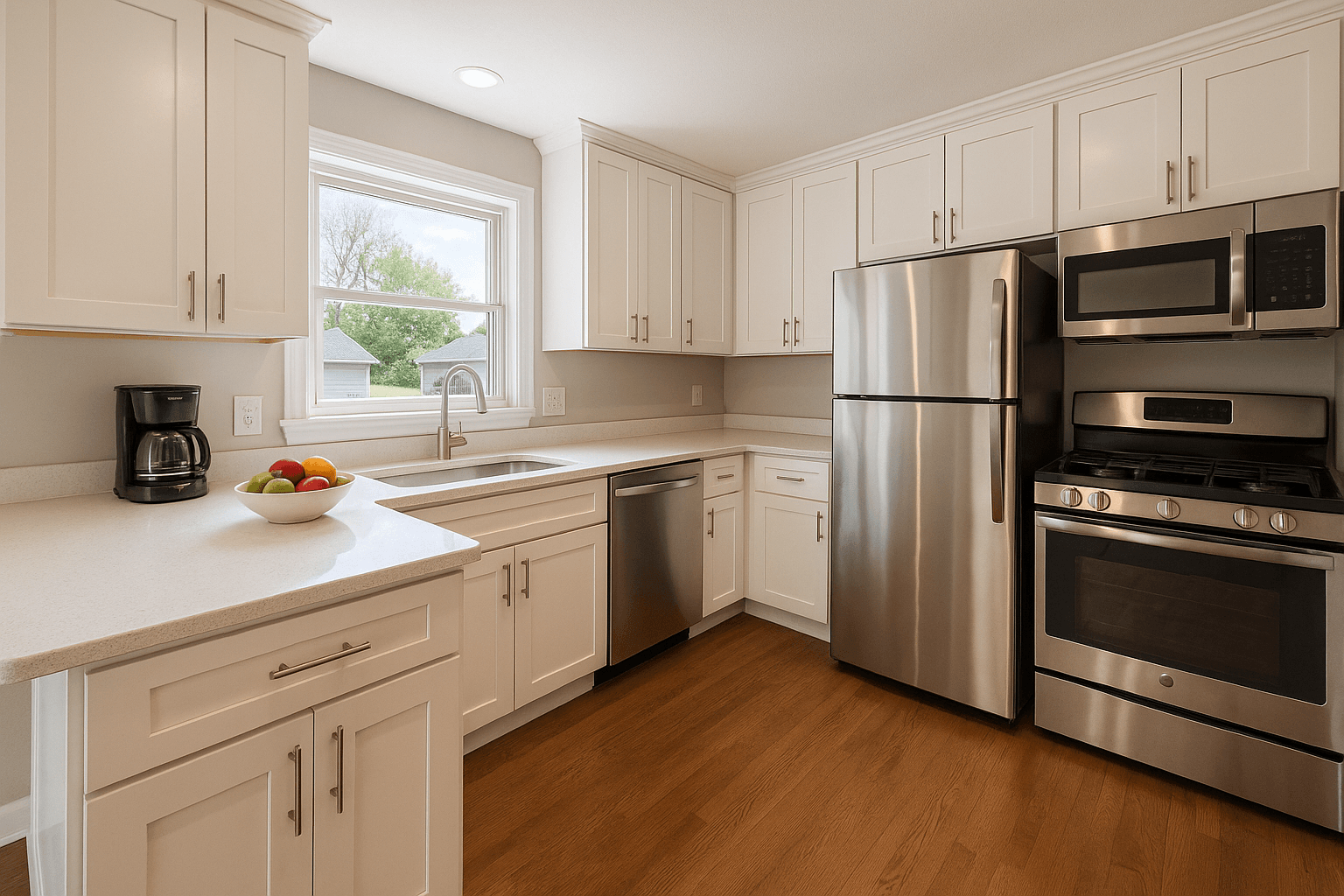
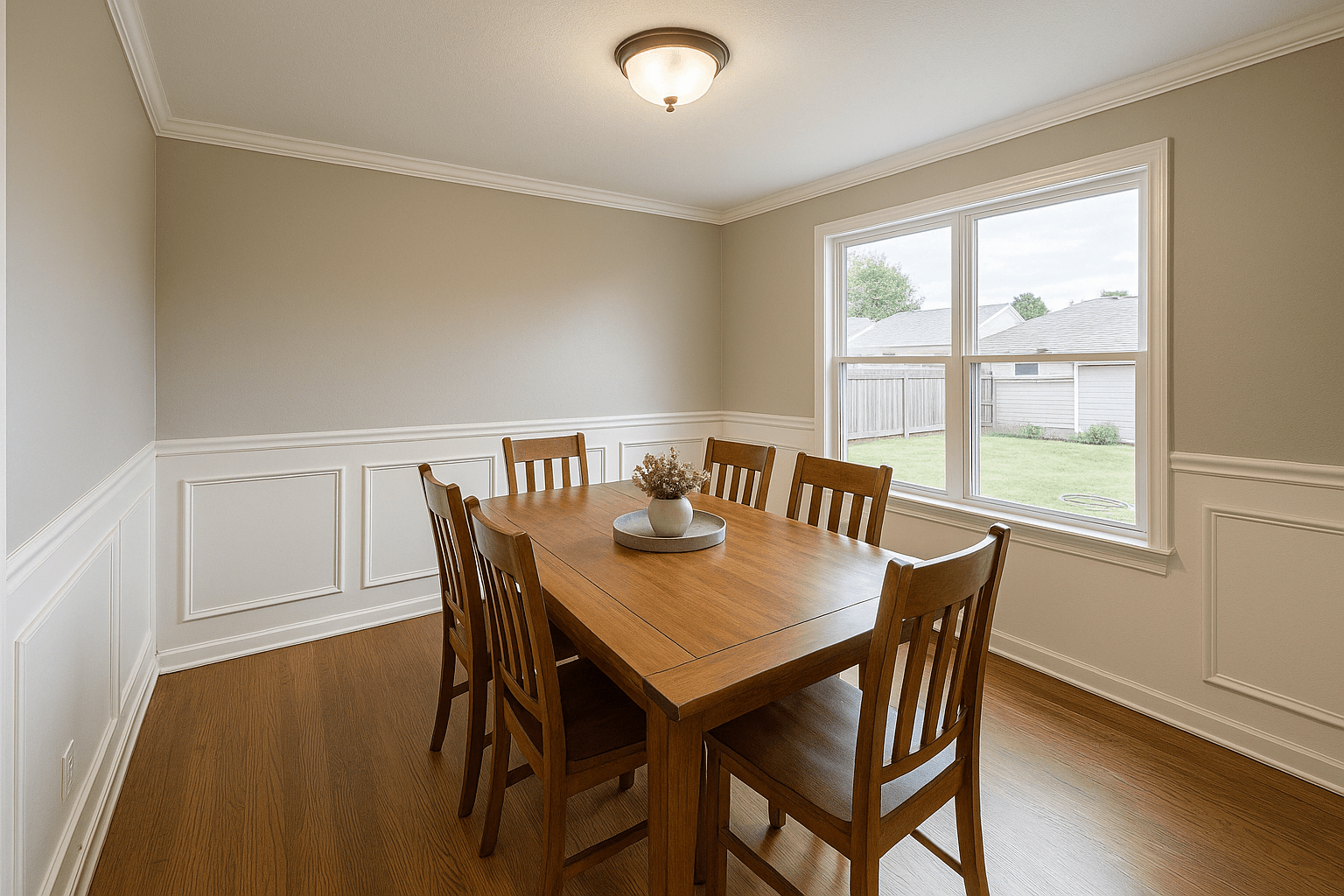
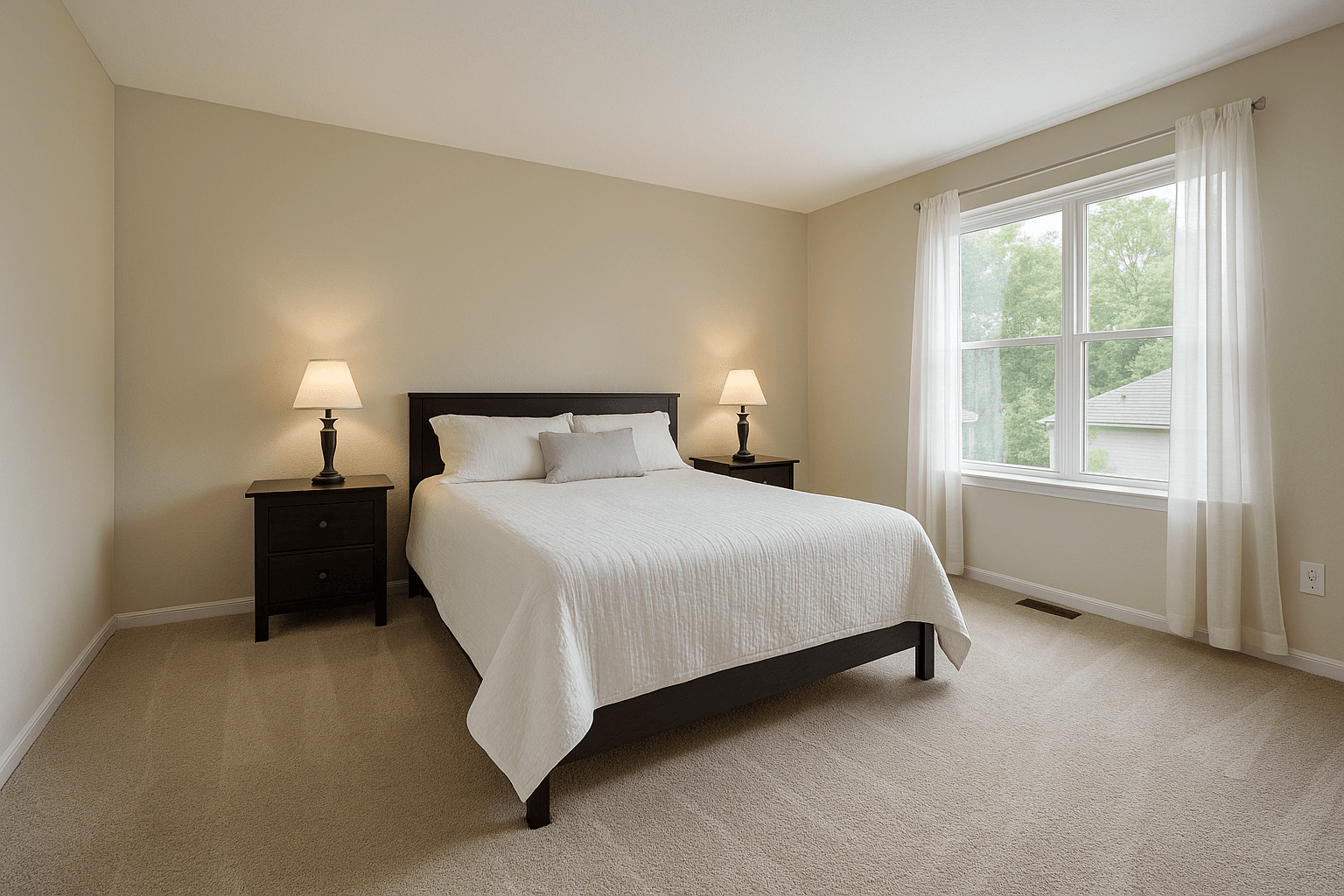
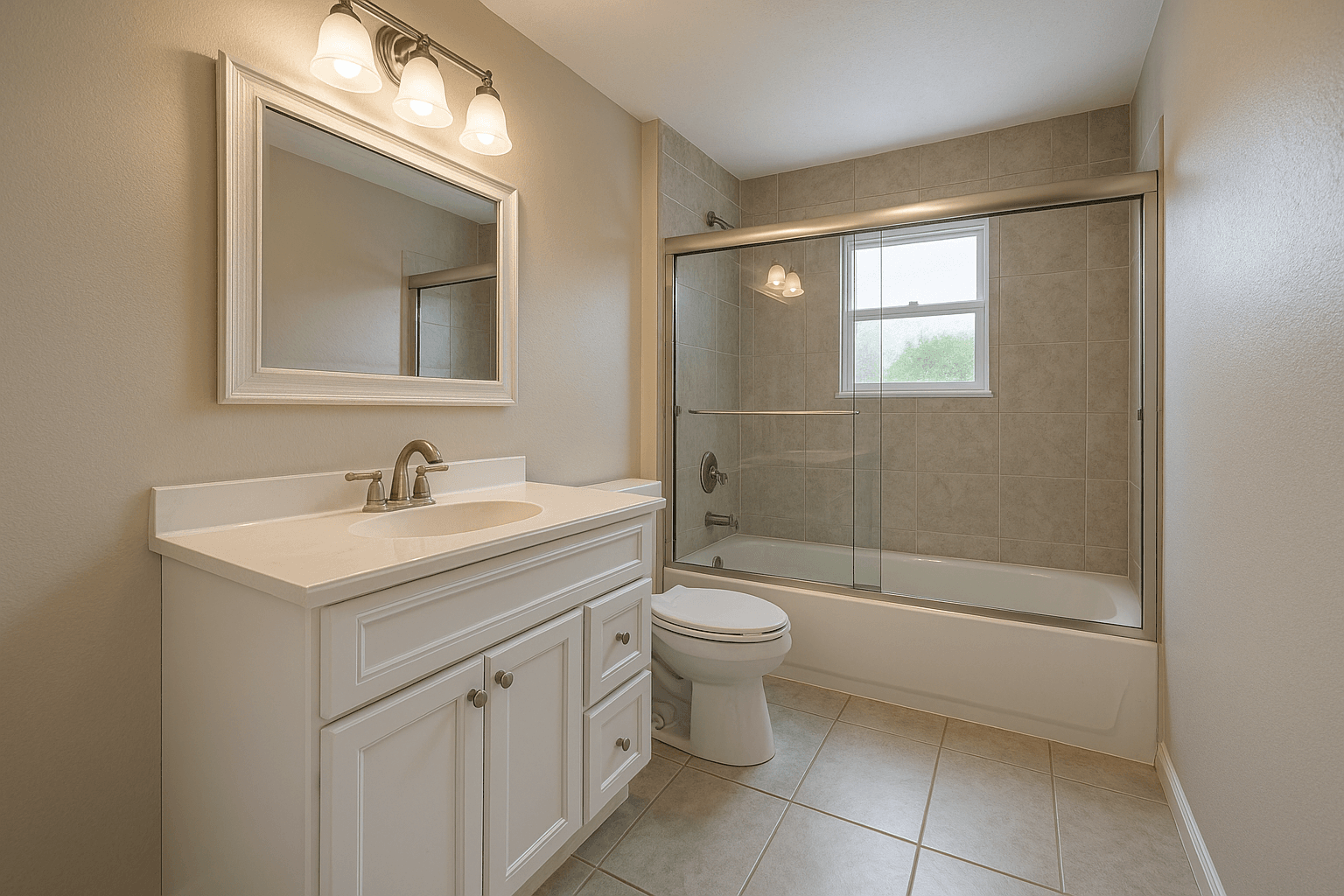
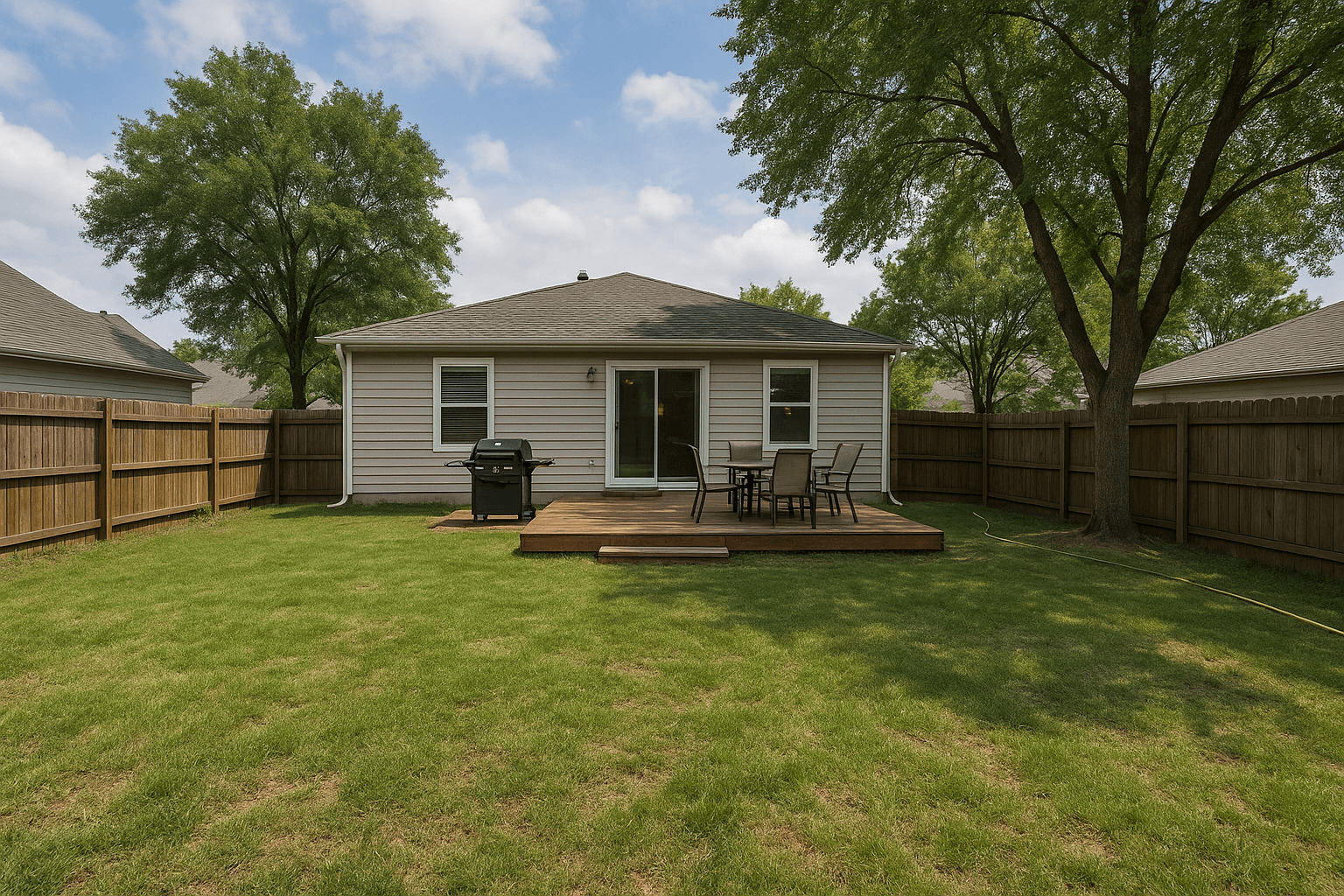
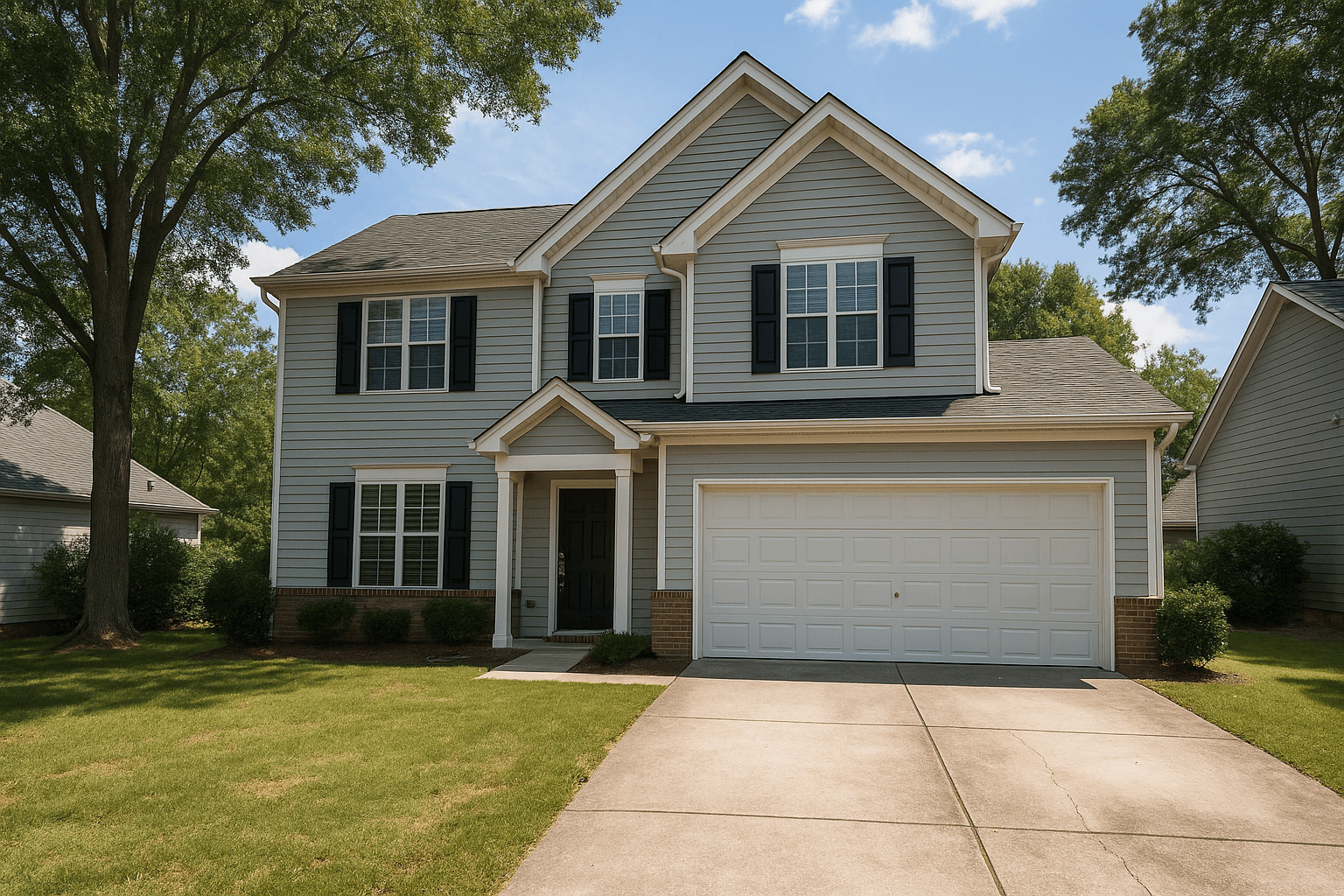
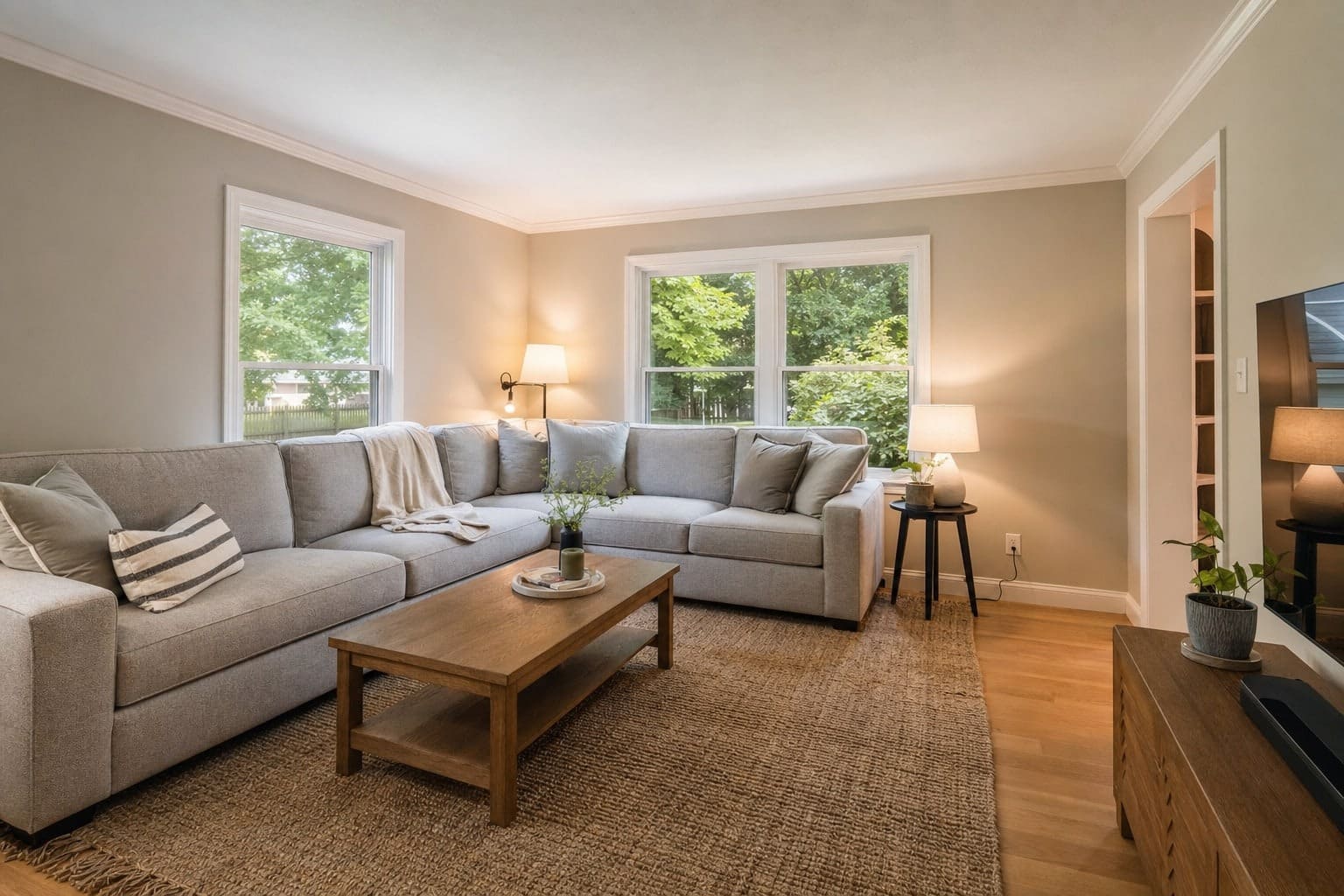
The button reads Book another shoot until you change it.
1 of 6: Header
Your logo at the top, or your whole site around it.
The gallery opens under the portal's own header, or inside your storefront with its header and footer, so the client never leaves your look.
2 of 6: Cover
The shoot's own first photograph is the cover.
Full under a wash, split beside the welcome, or minimal and typographic. You set the focal point and whether it runs compact or tall.
Your photos are ready
Your note goes here, in your words. Thank them, say what is in the set, say when the link stops working.
A footer note closes the page, in your words too.
3 of 6: Welcome
Your heading and your note.
A welcome in your words, left or centered, and a footer note at the bottom of the page. Both are yours to write.
9 photos, originals included
Download all(ZIP)
- Original 1Download
- Original 2Download
- Original 3Download
- and every other original in the set
4 of 6: Downloads
The whole set in one click. The originals listed beneath.
The photo count, a Download all button that delivers a ZIP of the finished frames, and each original with its own link. The button's label is yours.
5 of 6: Photos
Every finished frame, in the order you set.
A grid, a filmstrip or a stack, two to four columns wide, with tiles at the photo's own shape, landscape or square.
The button reads Book another shoot until you change it.
6 of 6: Rebooking
The last thing they see is a way to book you again.
A rebooking band or card in your words, with a button to your storefront's booking page. It shows only once that storefront is live, so it always has somewhere to go.
Designed where your storefront is.
The gallery is a page of your storefront, built in the same builder with the same theme. Use the site’s styles, or give the gallery its own, and preview it over a sample shoot before a client ever opens one.
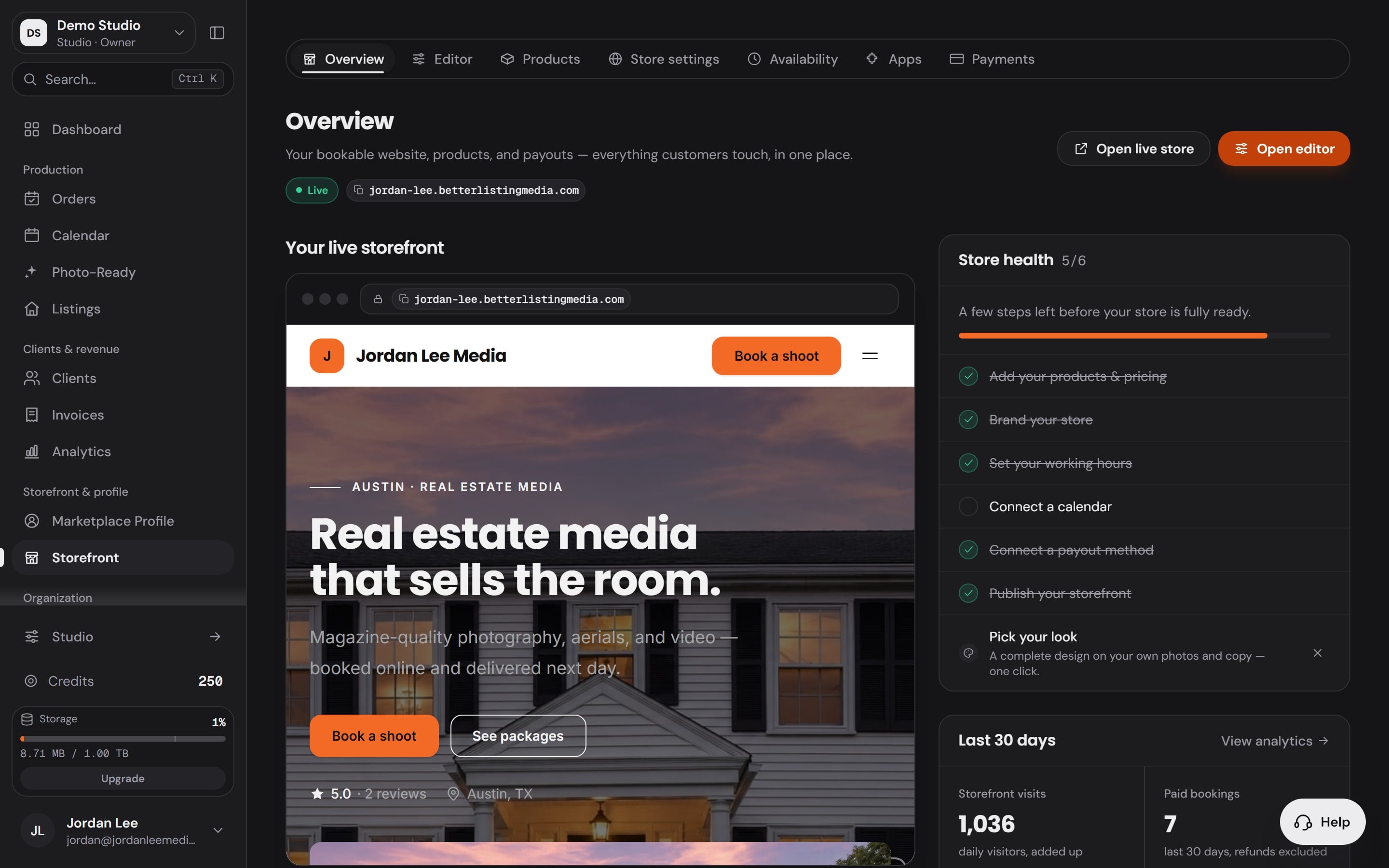
Paid plans unlock the design controls. Every plan sends the designed default, signed with your studio’s name.
See the storefrontThe email
The email is yours too.
Pick a layout, write the subject, the greeting, the note and the sign-off, choose the lead photo, and put your logo and your colour on it. Any shoot can change its own.
Email, the moment you deliver
Sends itself when the shoot is delivered, or waits for you to press Send. Signed with your studio's name, replies go to you.
A text, when the client agreed to texts
A short message with the link, from your studio, with consent on file before the first one goes out.
Resend without breaking the first link
Each send mints its own gallery link, so the link in the first email keeps working after the second.
A test to yourself first
Send the design to your own address before a client sees it, rendered by the same code as the real send.
Editorial
A large lead photo, the address set as the headline, then your note and a grid.
Gallery
Photos first: the lead photo and a grid of four, with a short note under them.
Minimal
A personal note, signed by you, with a row of small previews.
Write with the shoot’s own facts
- {client_first_name}
- {address}
- {photo_count}
- {photographer_name}
- {studio_name}
- {link_expiry}
{client_first_name} becomes your client’s first name, {link_expiry} the date the link stops working, 30 days after the send.
Show or hide each part
- Lead photo
- One photo across the top (Editorial and Gallery).
- Address block
- The street as the headline, with the photo count and the date.
- Your card
- Your logo, name, email and phone at the end.
- Your links
- Your social pages under your card.
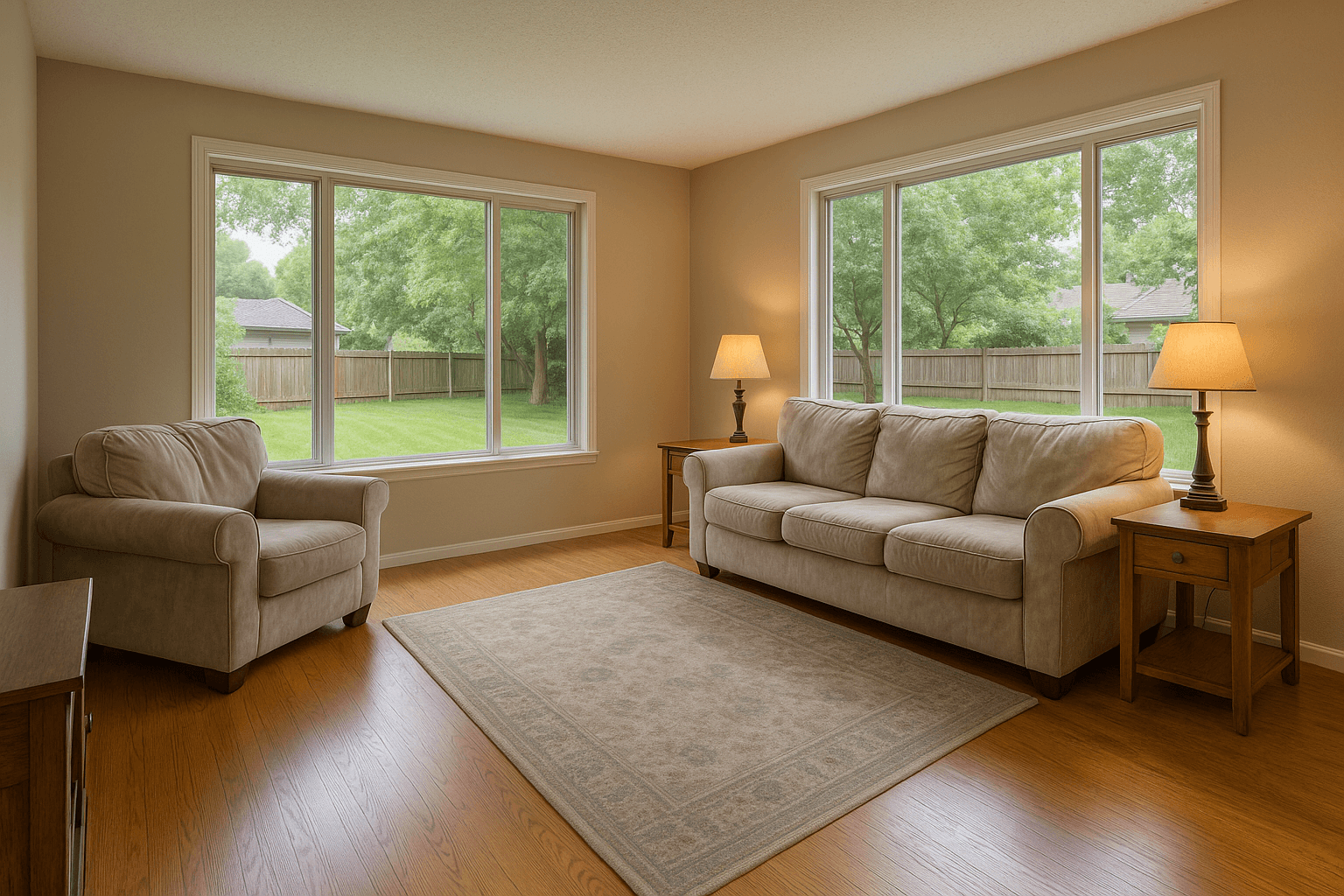
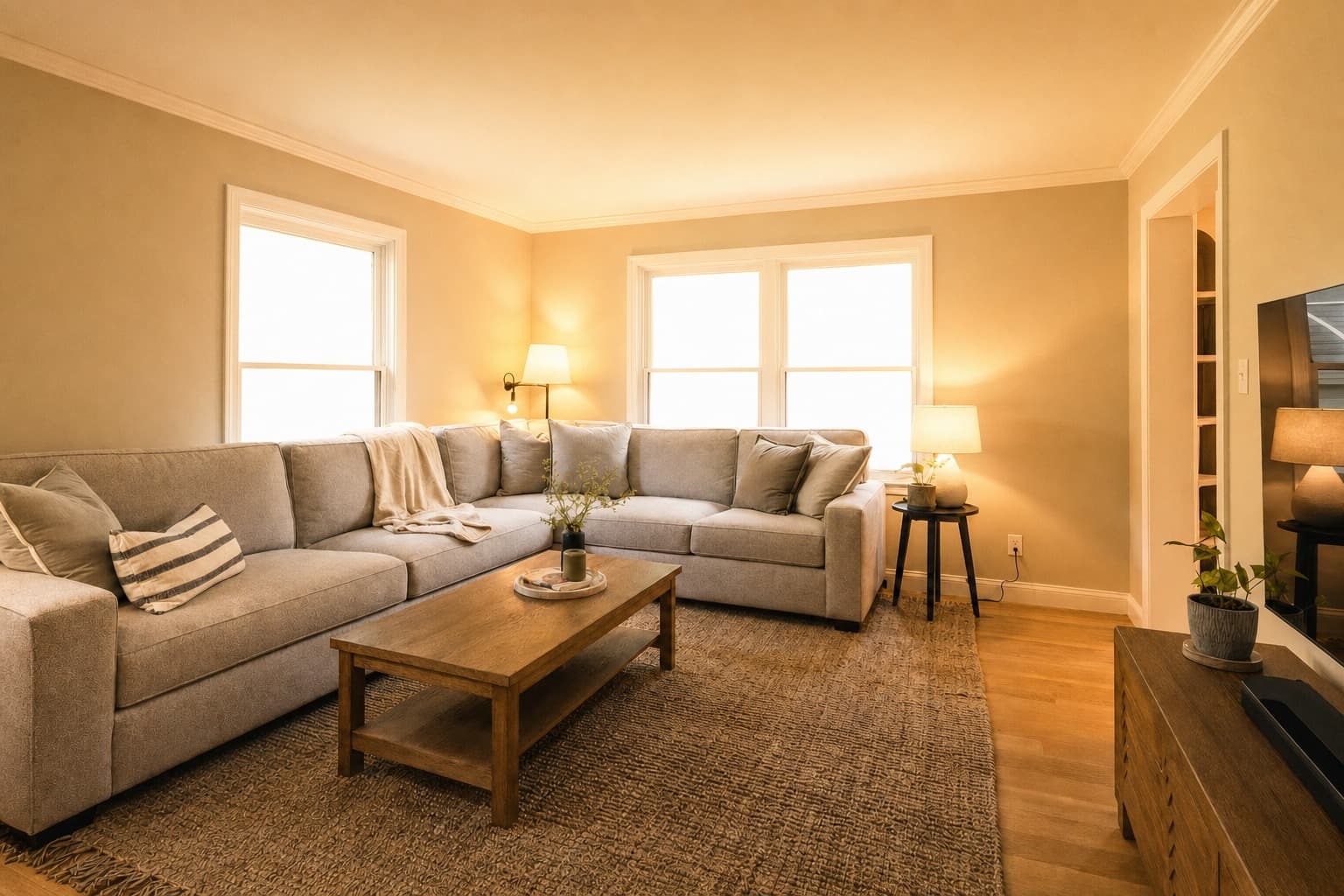
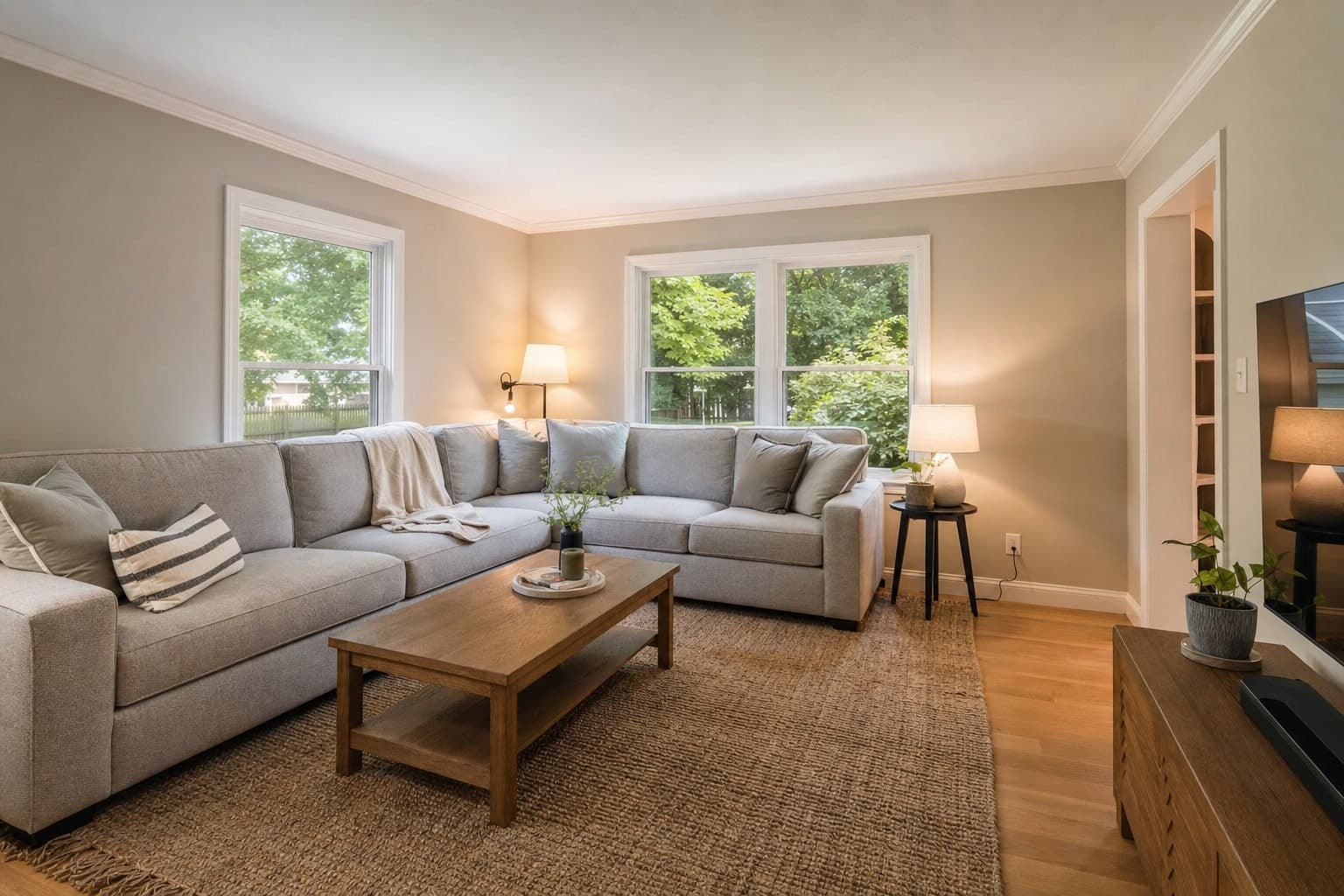
The finals,and the originals.
Drag the handle. The client gets both: the full-size finished frames in one ZIP, and every original listed beneath them.
- 30days
- Every gallery link works for 30 days from the send, and the email says the date.
- 1link per send
- A resend mints a new link and leaves the first one working.
- 2versions of every photo
- The finished frame in the ZIP, and the original with its own link beneath it.
Questions
Asked beforethe first send.
How is this different from a file-transfer link?
A file link delivers files under someone else's logo. The gallery delivers your studio: your header, a cover from the shoot's own first photo, your welcome, the downloads, every finished frame in the order you set, and a button to book you again. It is a page of your storefront, in your theme.
Can the gallery look different from my storefront?
Yes. By default it uses your site's styles, so everything matches without effort. Switch that off in the builder and the gallery carries its own theme edits.
How long does a gallery link last?
Every link works for 30 days from the send, and the email states the date. A resend mints a new link and leaves the first one working. After that, the client meets your Link expired page, with a booking button when your storefront is live.
What does my client download?
The finished frames at full size, all at once as a ZIP, and each original with its own link beneath them.
Do I have to send every gallery by hand?
No. The email sends itself the moment you deliver, or waits for you to press Send, and a text can go with it when the client has agreed to texts. Any shoot can change its own settings.
Can I change the email for one shoot?
Yes. The workspace holds your design, and any shoot can change its layout, lead photo, subject, greeting and message without touching the rest.
The rest of the Workspace
The next gallery goes out under your name.
Set the gallery up once in the Better Listing Media Workspace. Your storefront, your booking page and your galleries already share one brand.