
Dashboard
Your day at a glance.
Your next shoots, the galleries waiting on you and what clients have paid, the moment you sign in.
Workspace
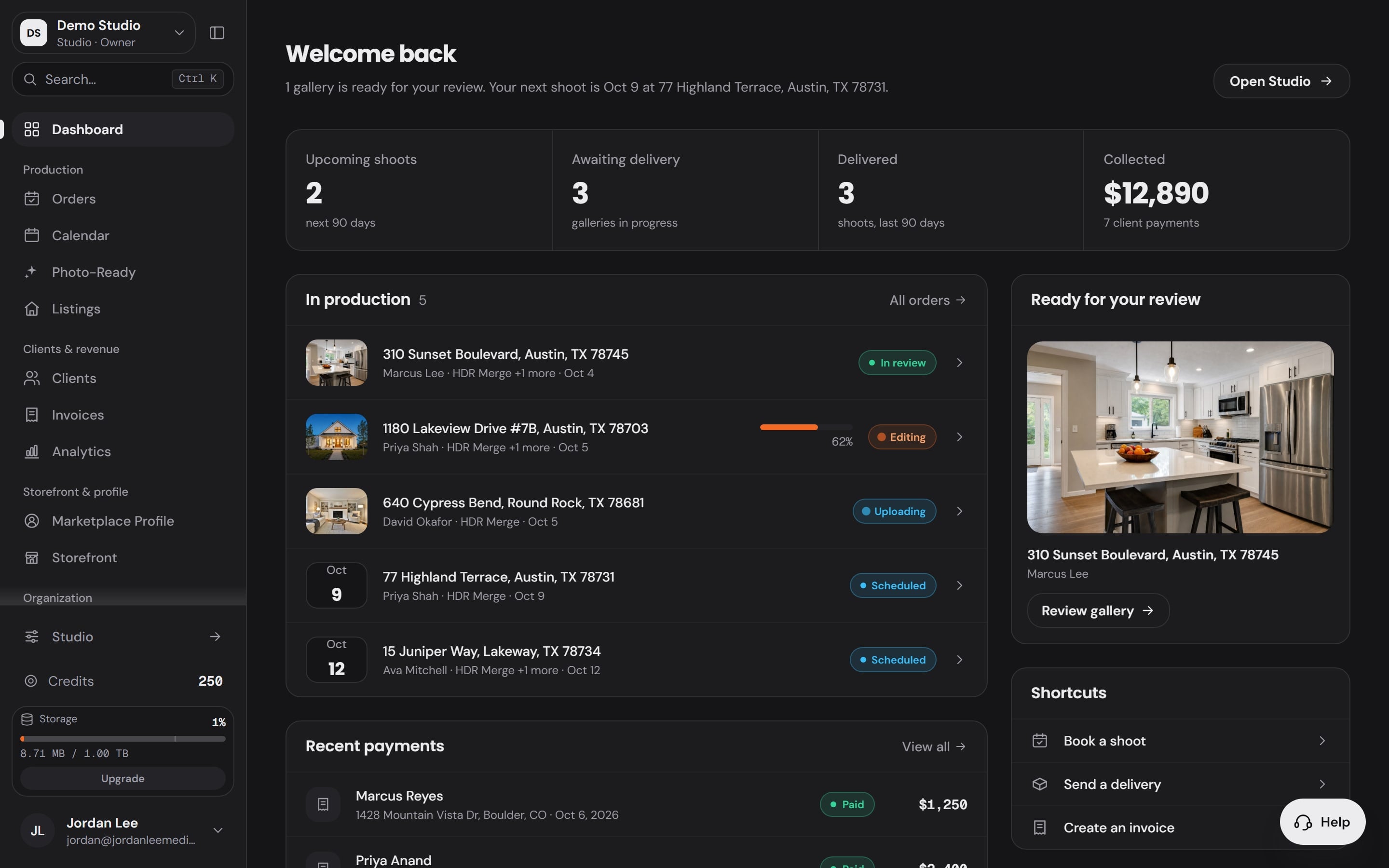
Collected
$12,890
7 client payments
Real estate media. Simplified.
Create. Manage. Grow.
Every tool, Service and app that ships today, counted once, with the price you pay before anything runs.
115
editing functions in the Studio
33
tools on one rail, 17 of them free to use
3
AI Services, priced per image
12
Workspace apps for the business
$0.60
per HDR image, pay as you go
How a job moves
From your storefront to your Studio to paid, without leaving your account.
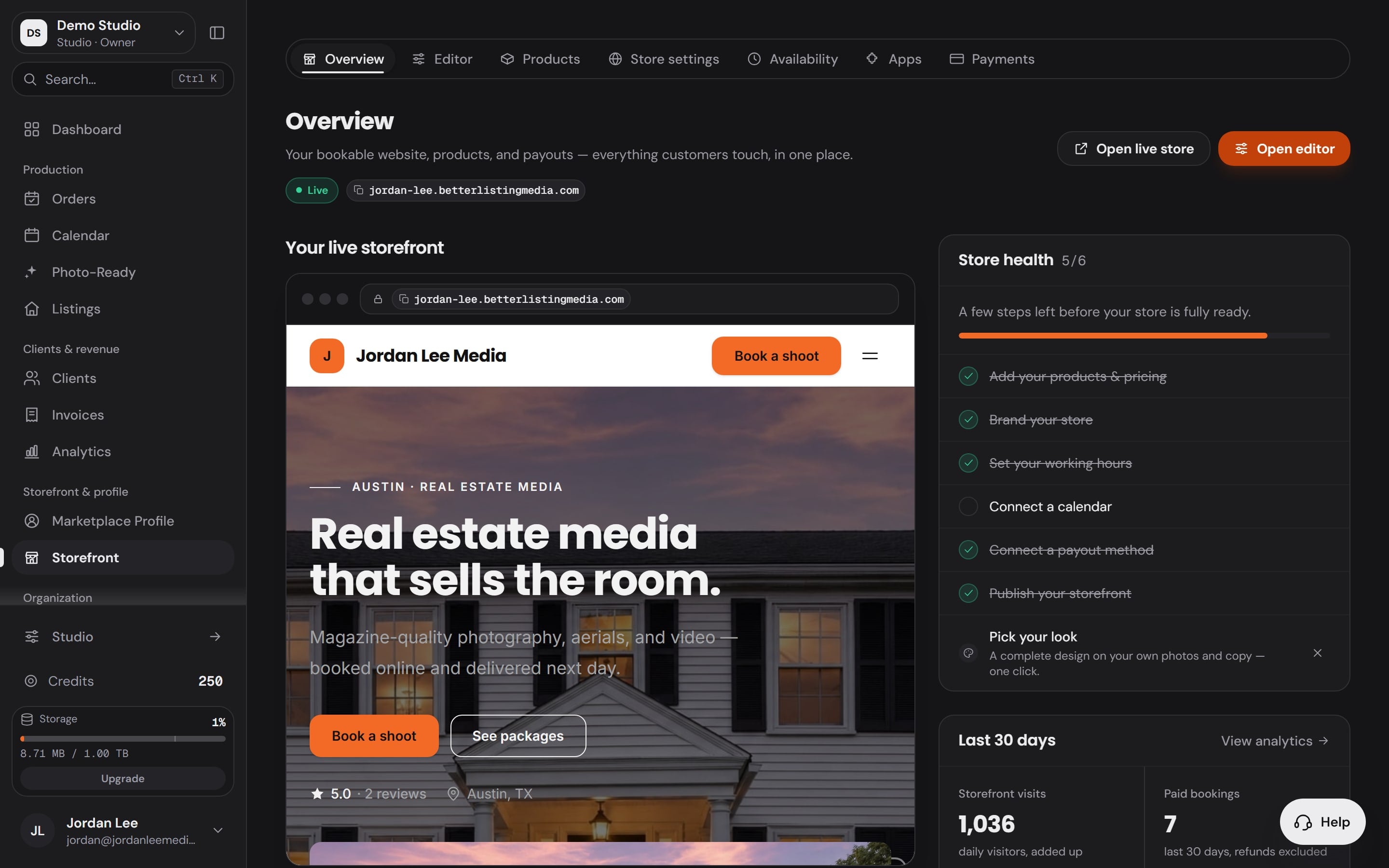
Your storefront takes the job and the order opens itself.
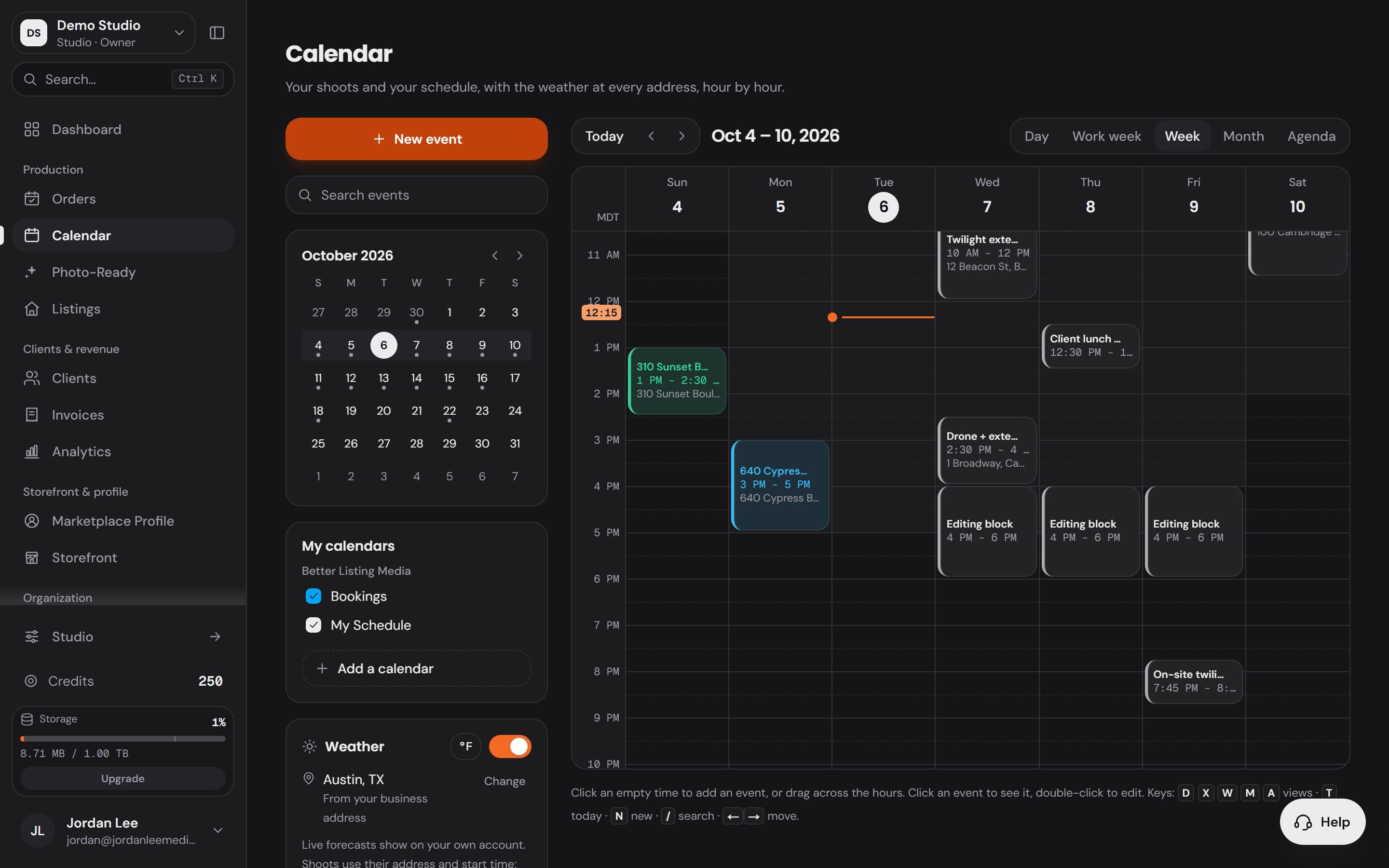
The shoot lands on your calendar the moment the client confirms.
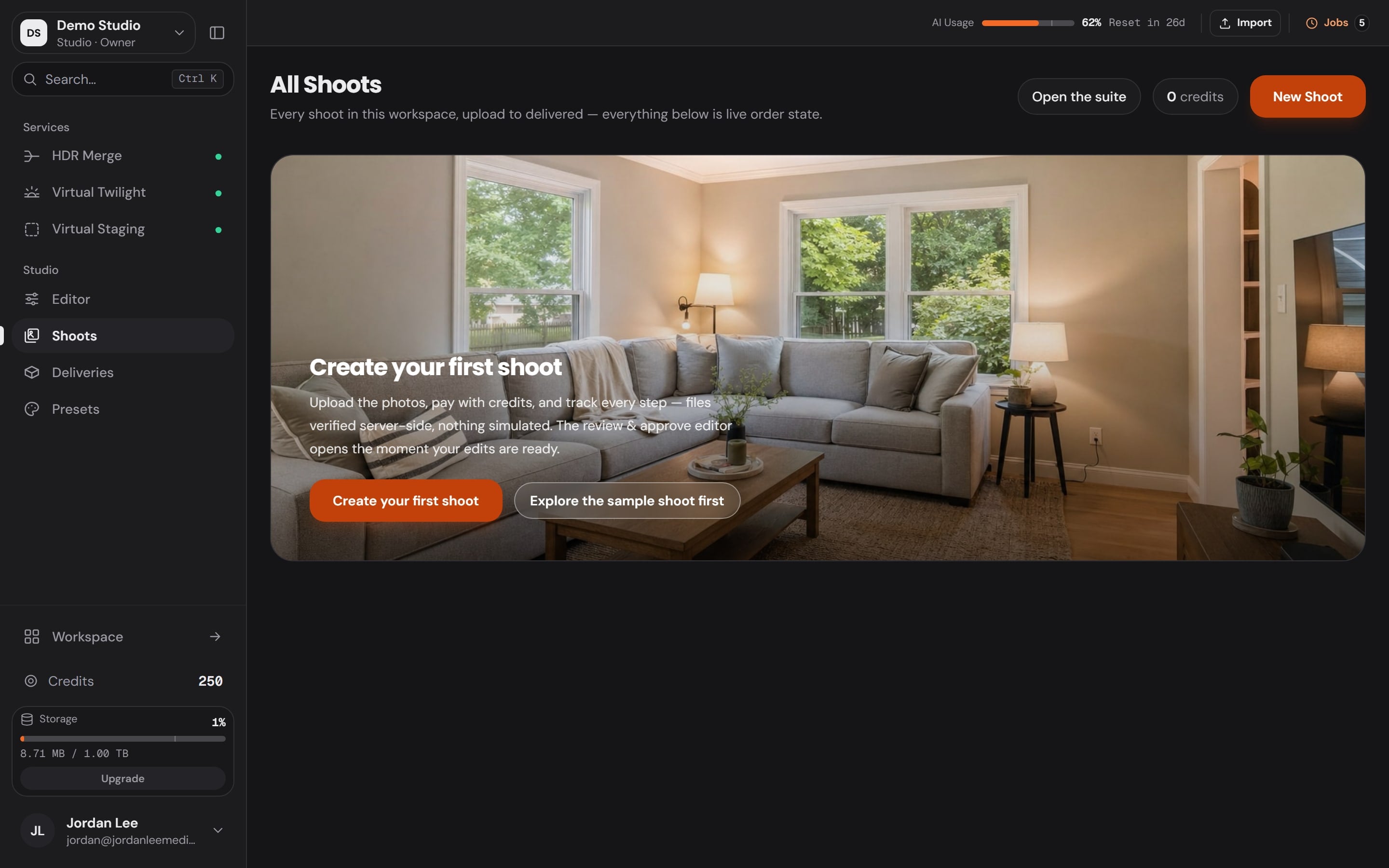
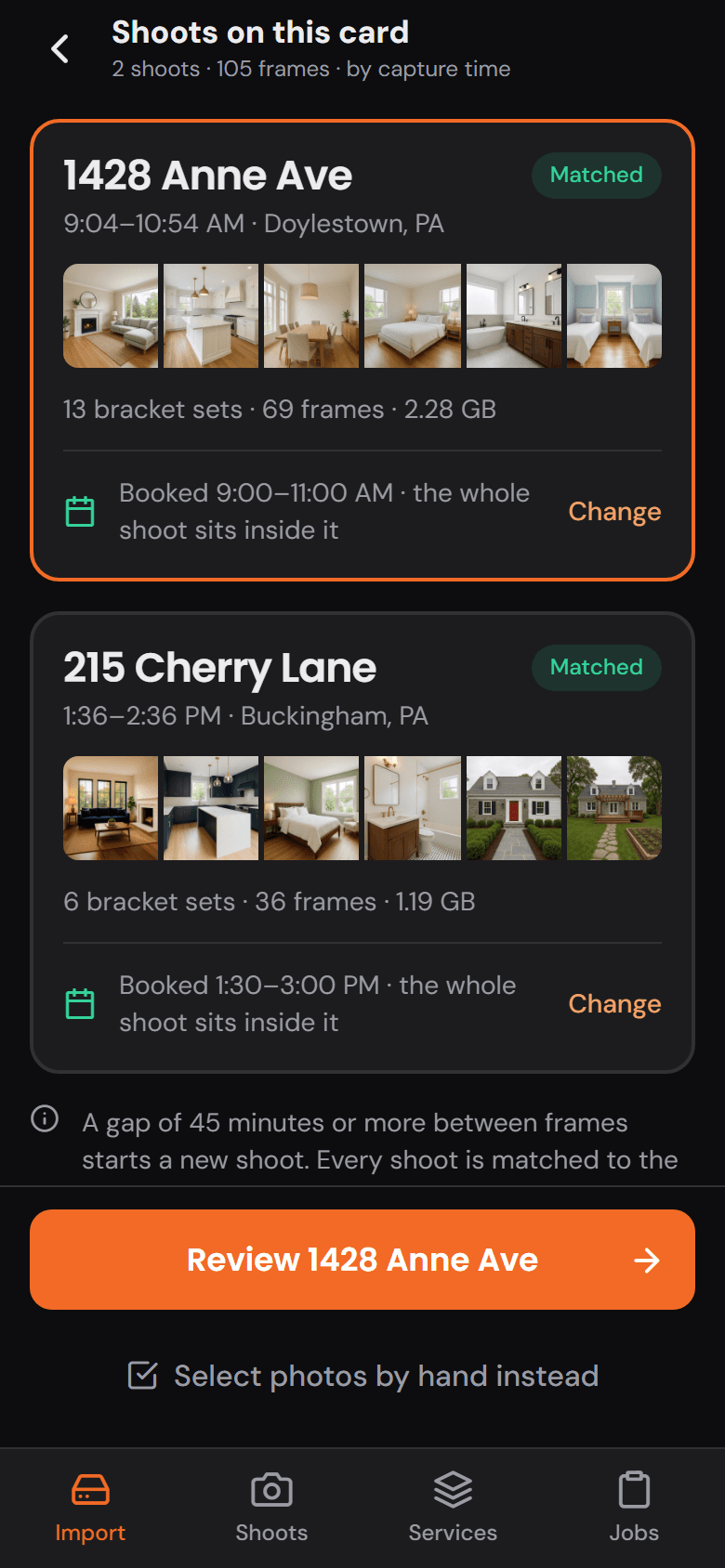
Plug in the card and the frames land in a new shoot, matched to the booking.
The Studio opens the shoot with every tool on one rail.
The finished gallery goes out under your brand, not ours.
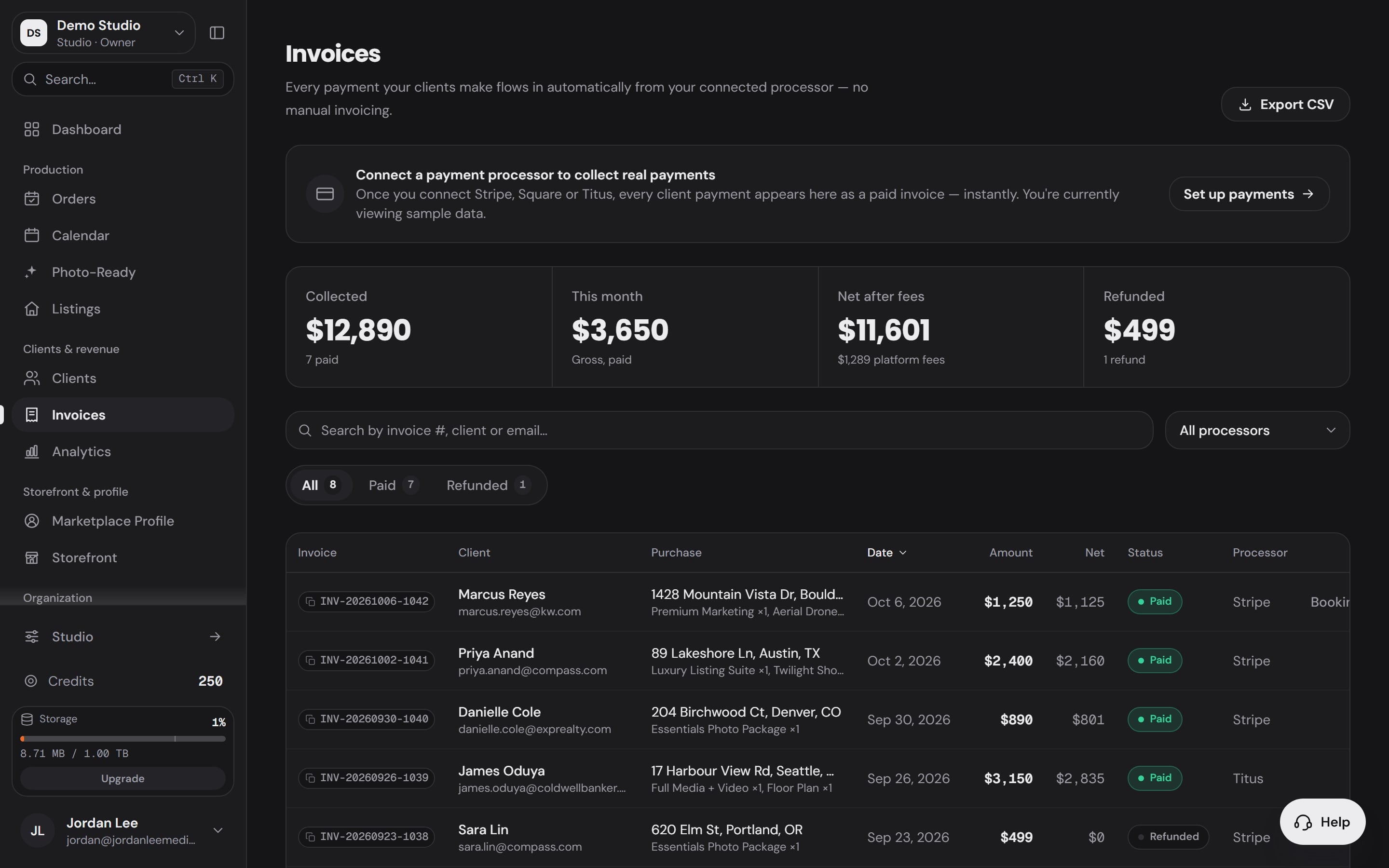
The invoice clears to you directly, through your own processor.

Booked
Workspace · OrdersYour storefront takes the job and the order opens itself.
Scheduled
Workspace · CalendarThe shoot lands on your calendar the moment the client confirms.
Imported
Studio · ShootsPlug in the card and the frames land in a new shoot, matched to the booking.
Edited
Studio · EditorThe Studio opens the shoot with every tool on one rail.
Delivered
Workspace · StorefrontThe finished gallery goes out under your brand, not ours.
Paid
Workspace · InvoicesThe invoice clears to you directly, through your own processor.
AI Services
Pick the frames, choose the Service, see the price, send it. The finished image comes back into the same shoot.
Every Service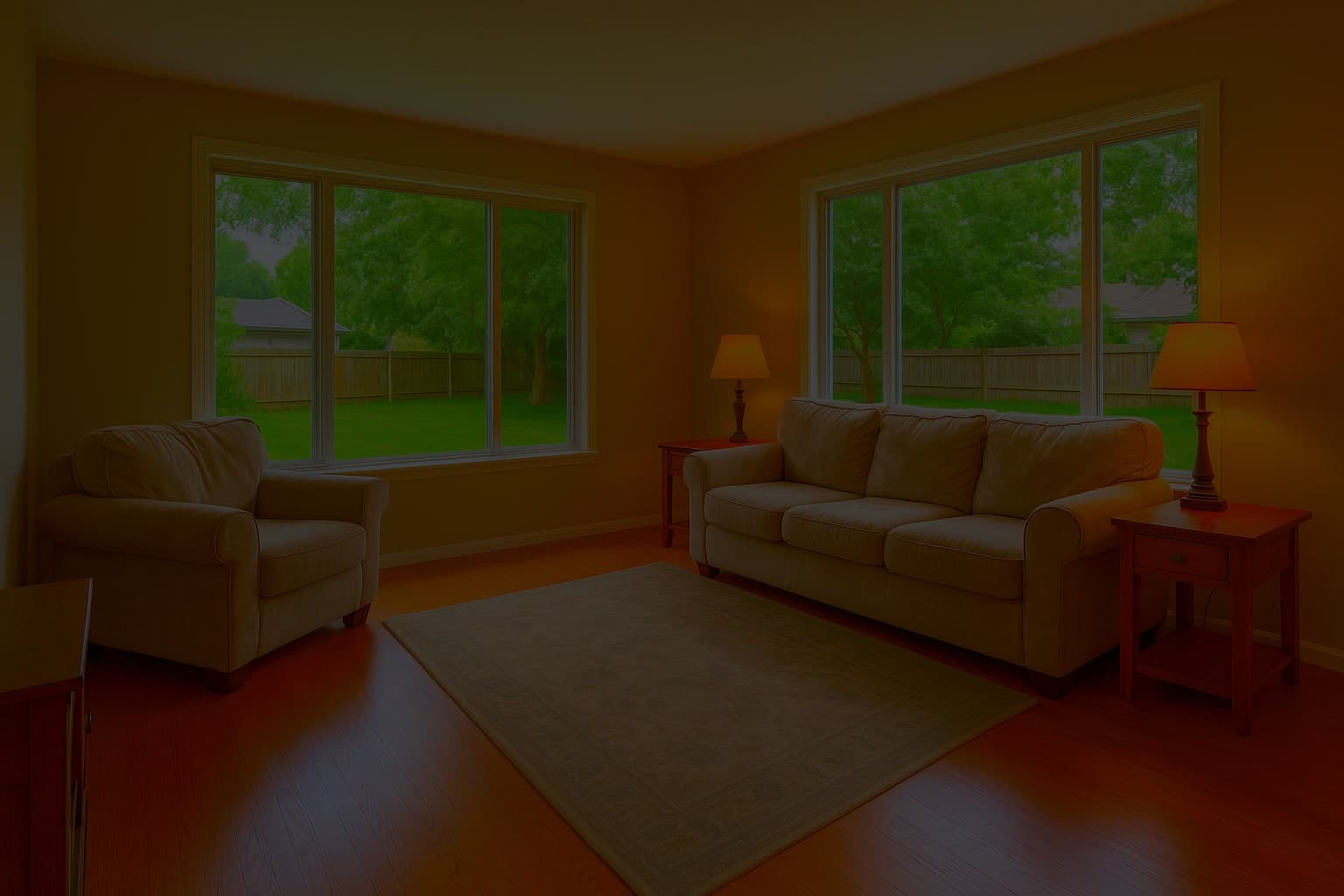
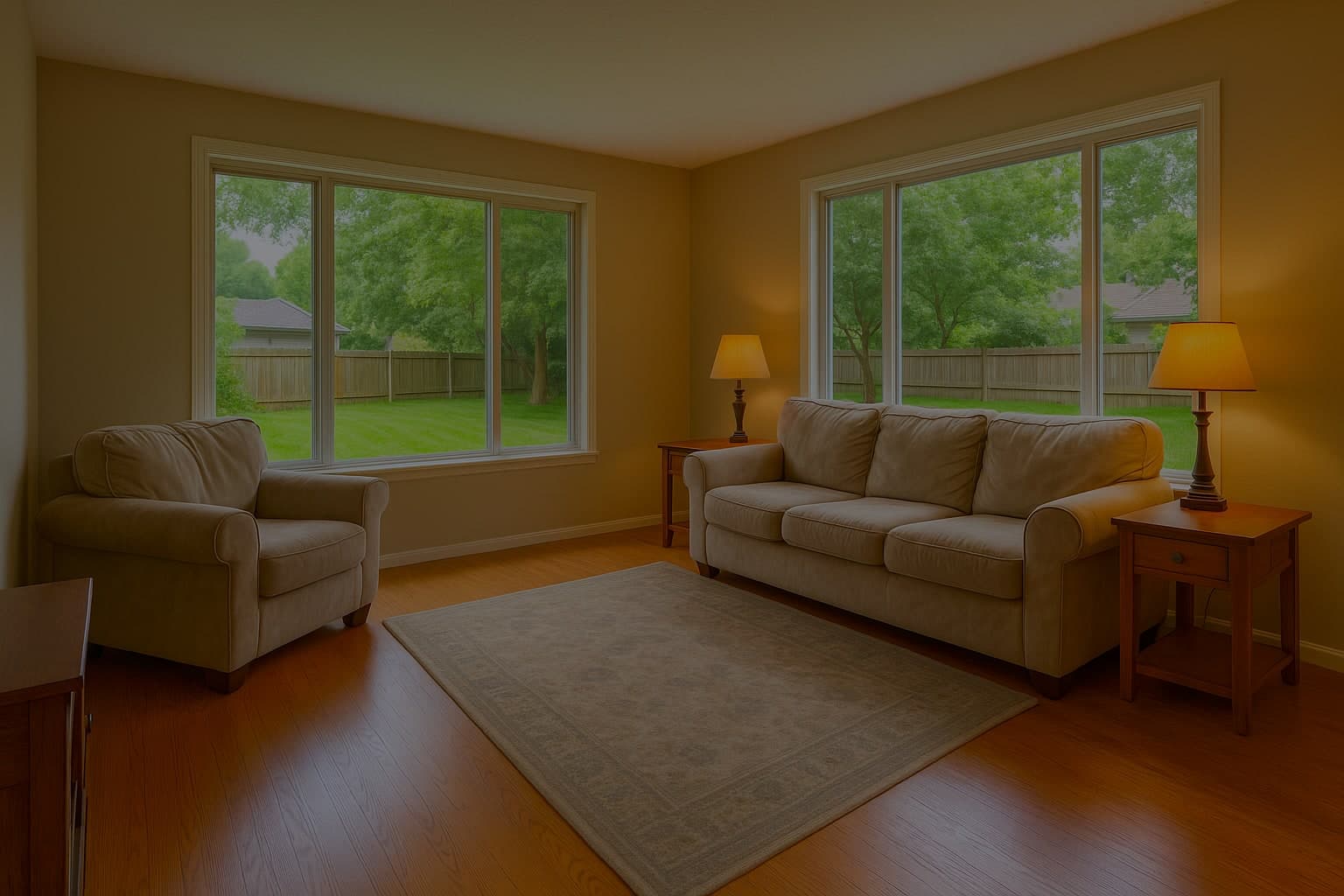
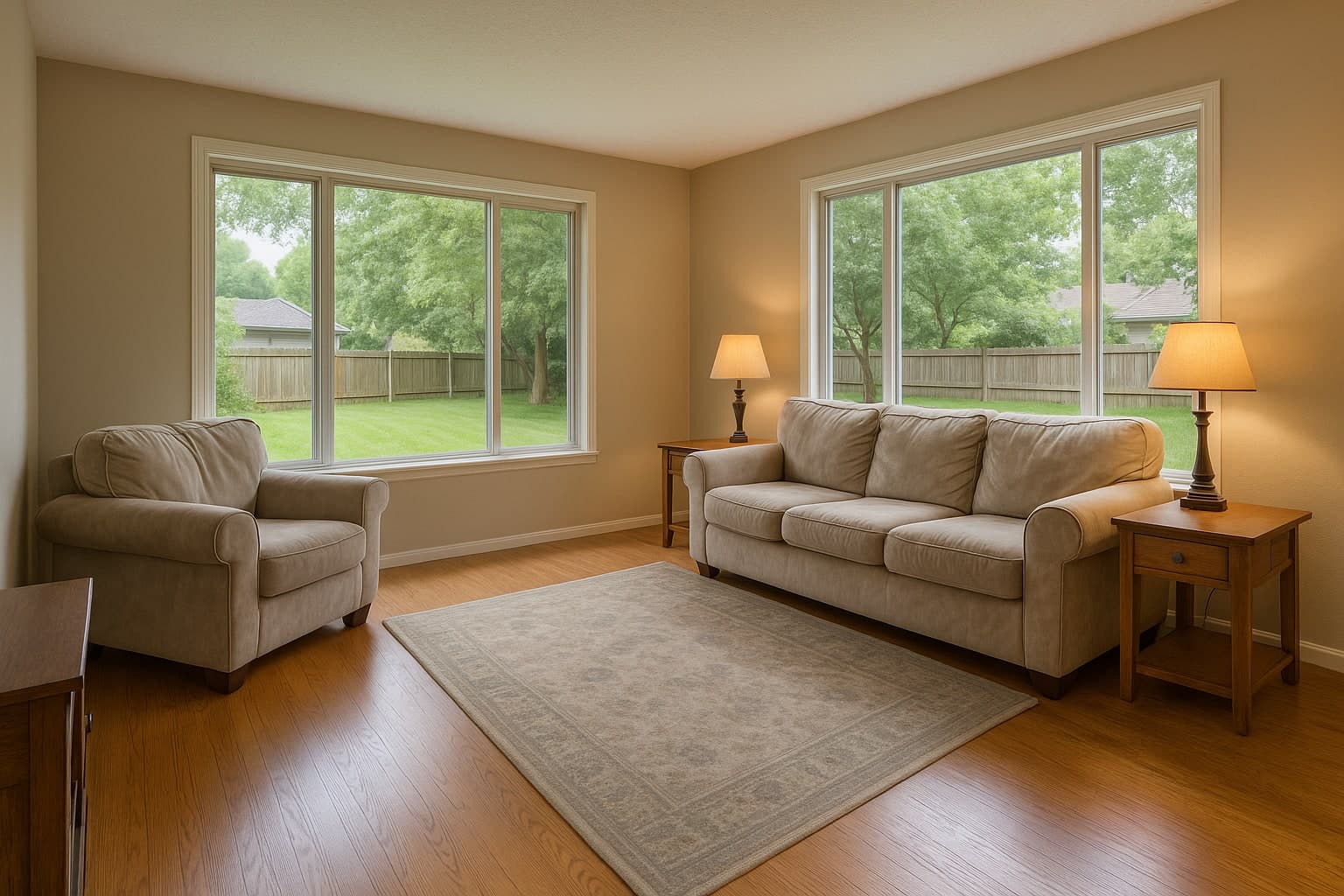

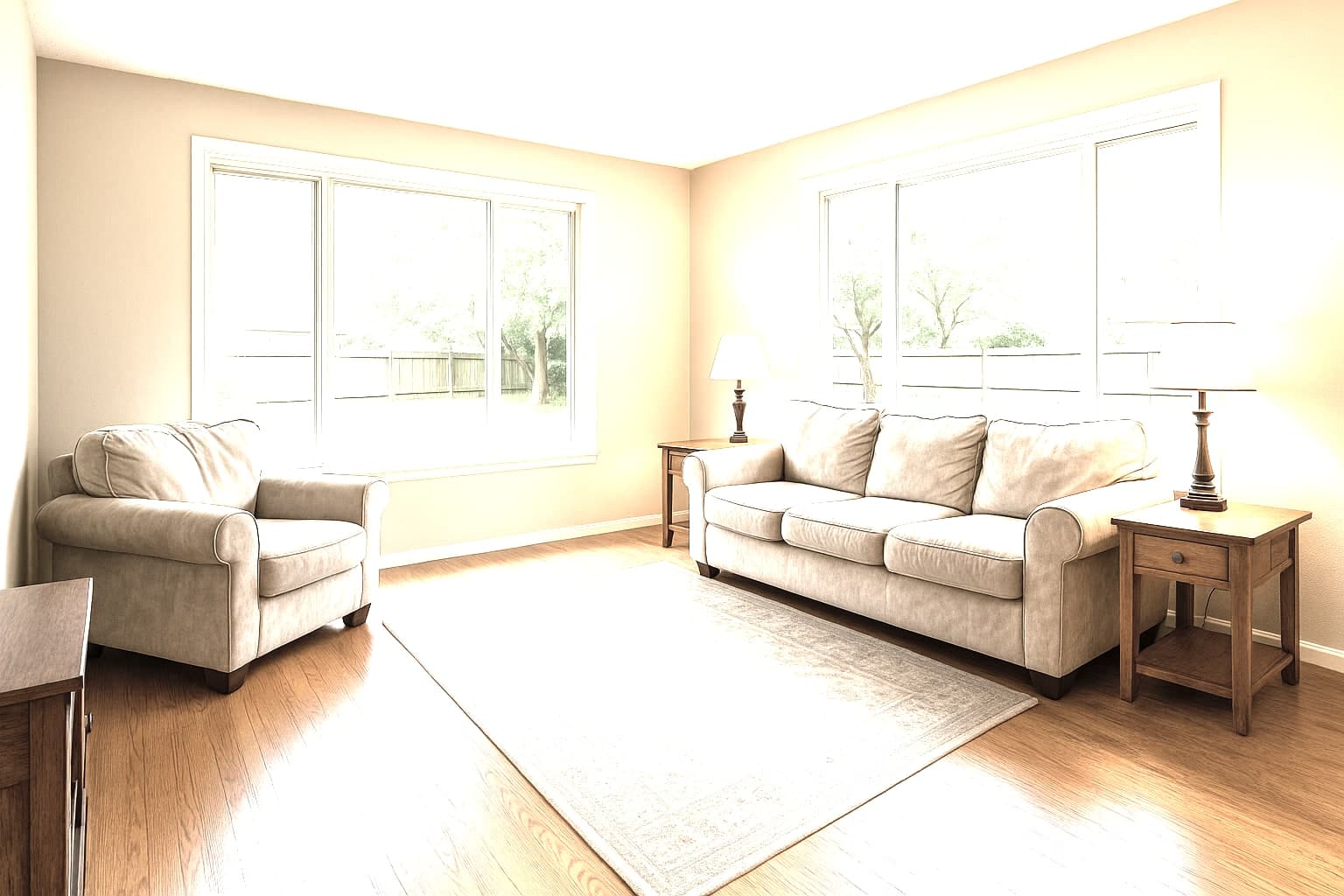
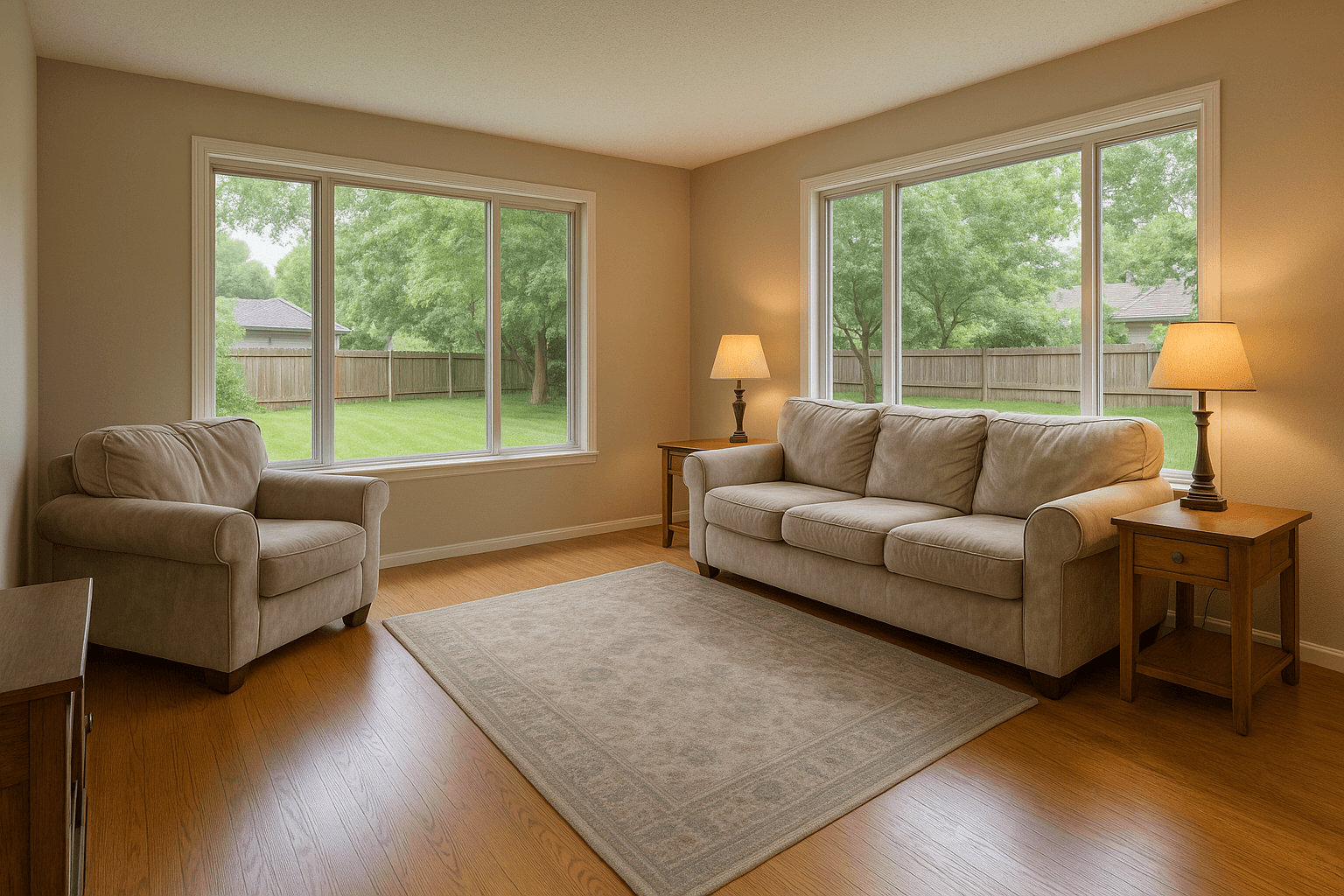

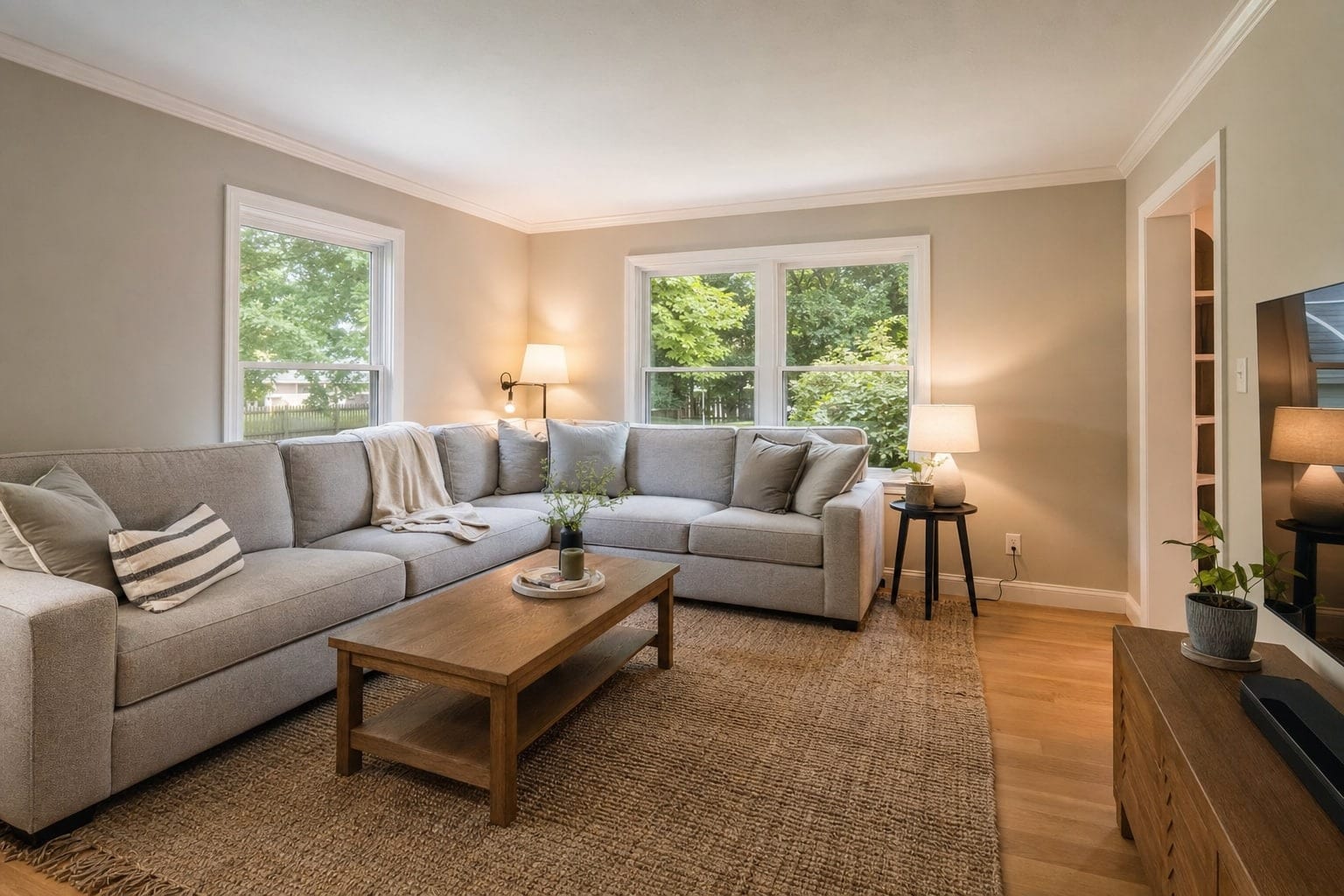
Your bracketed exposures merged into one bright, natural frame, with the view through the windows.
Drag to compare
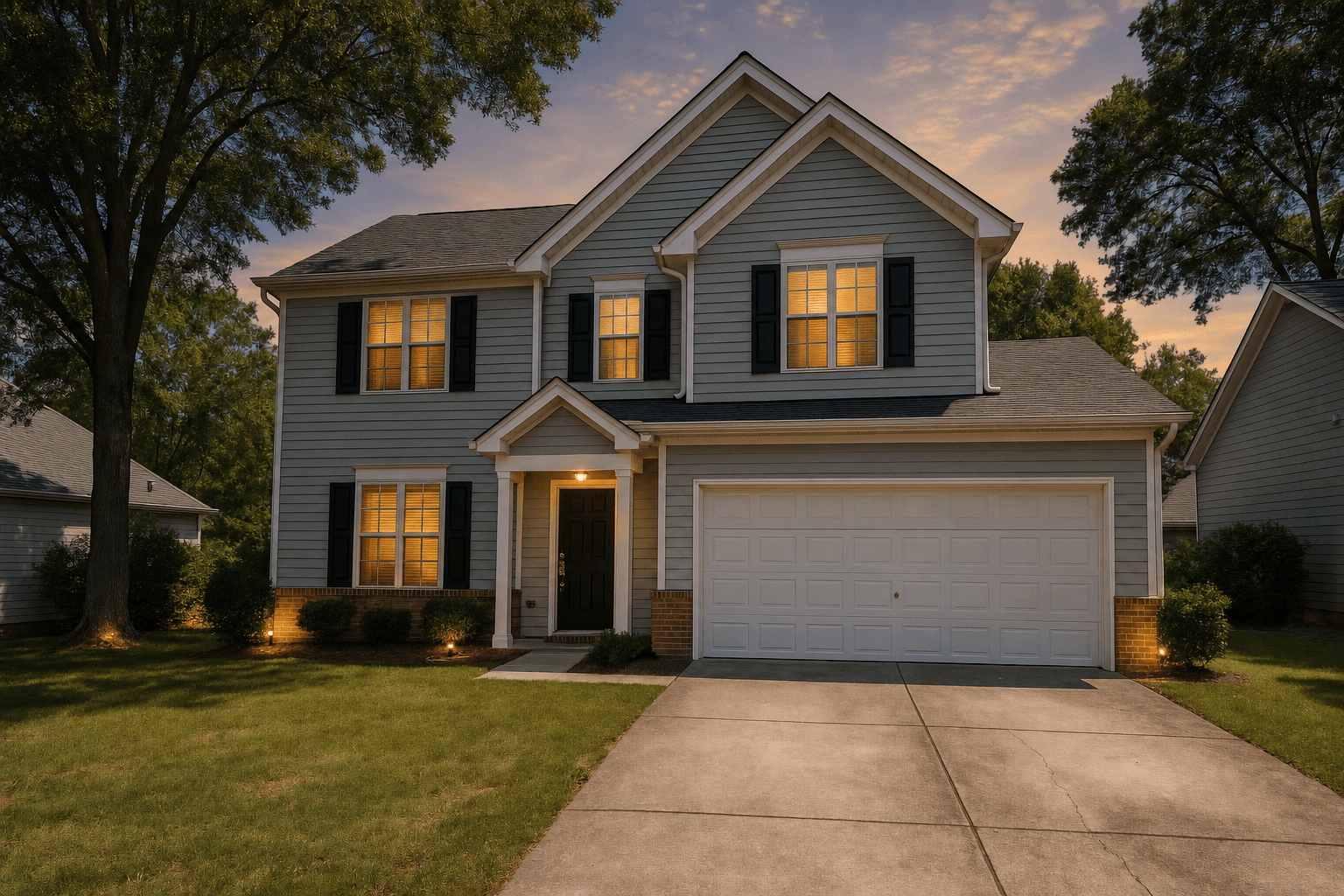
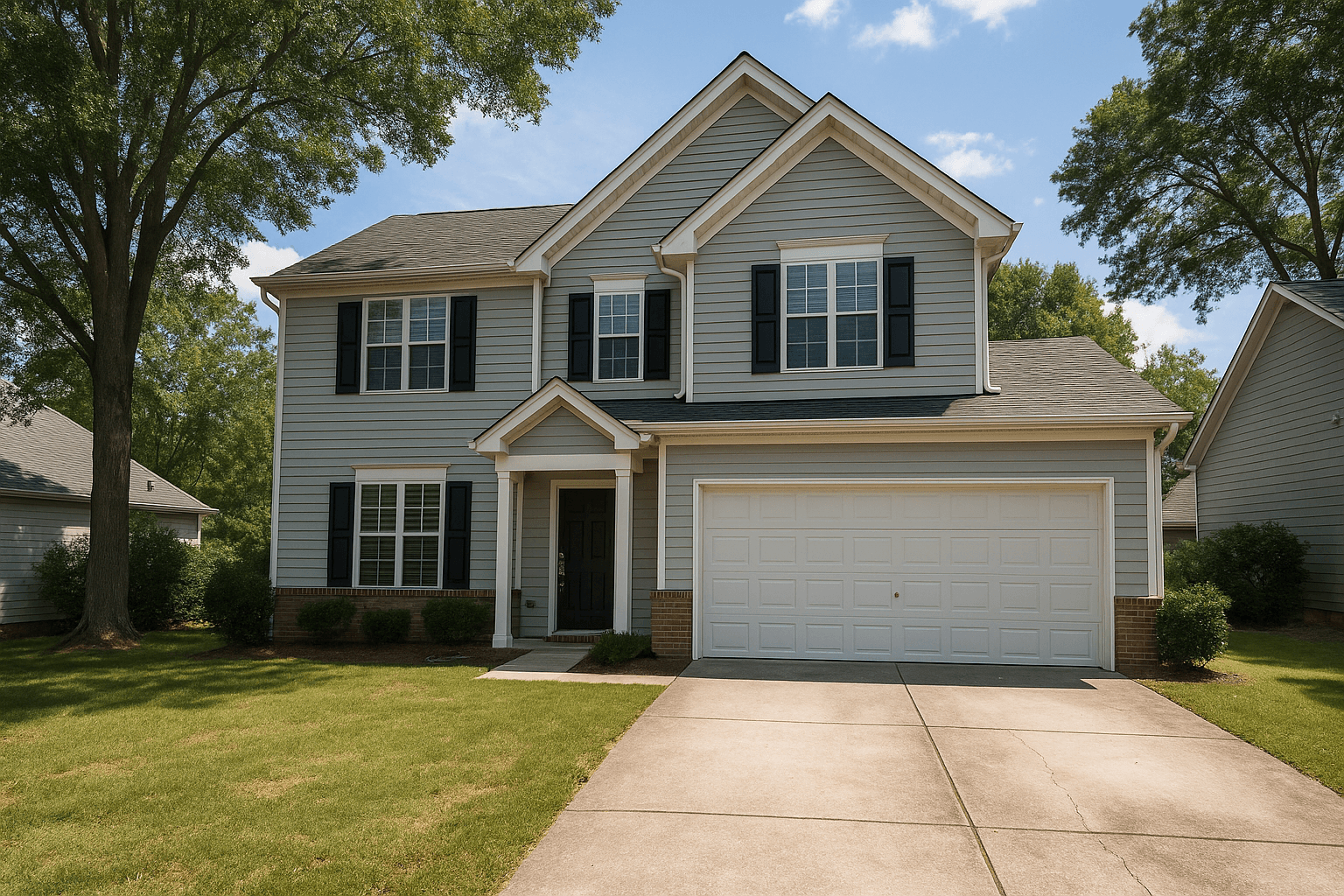
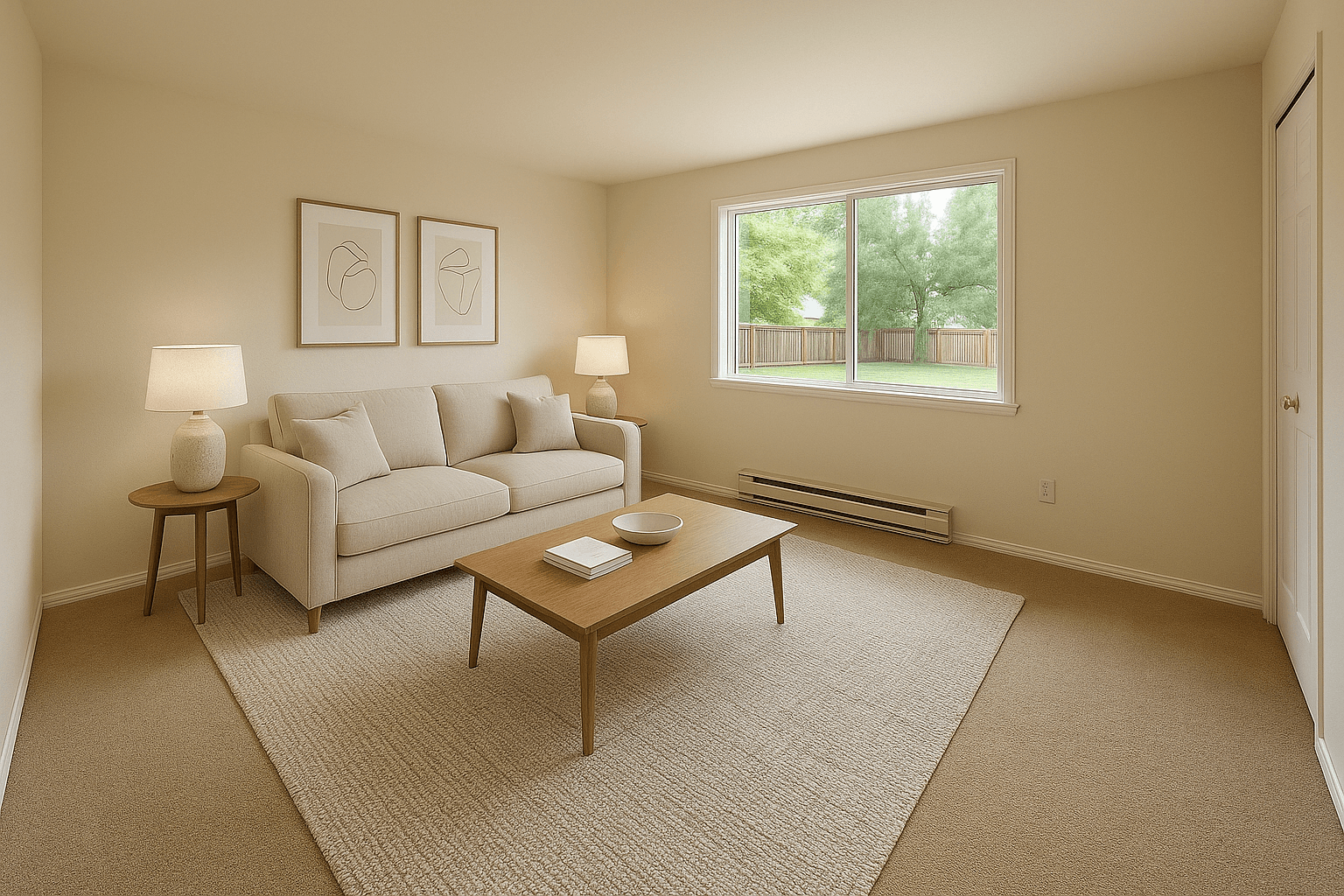
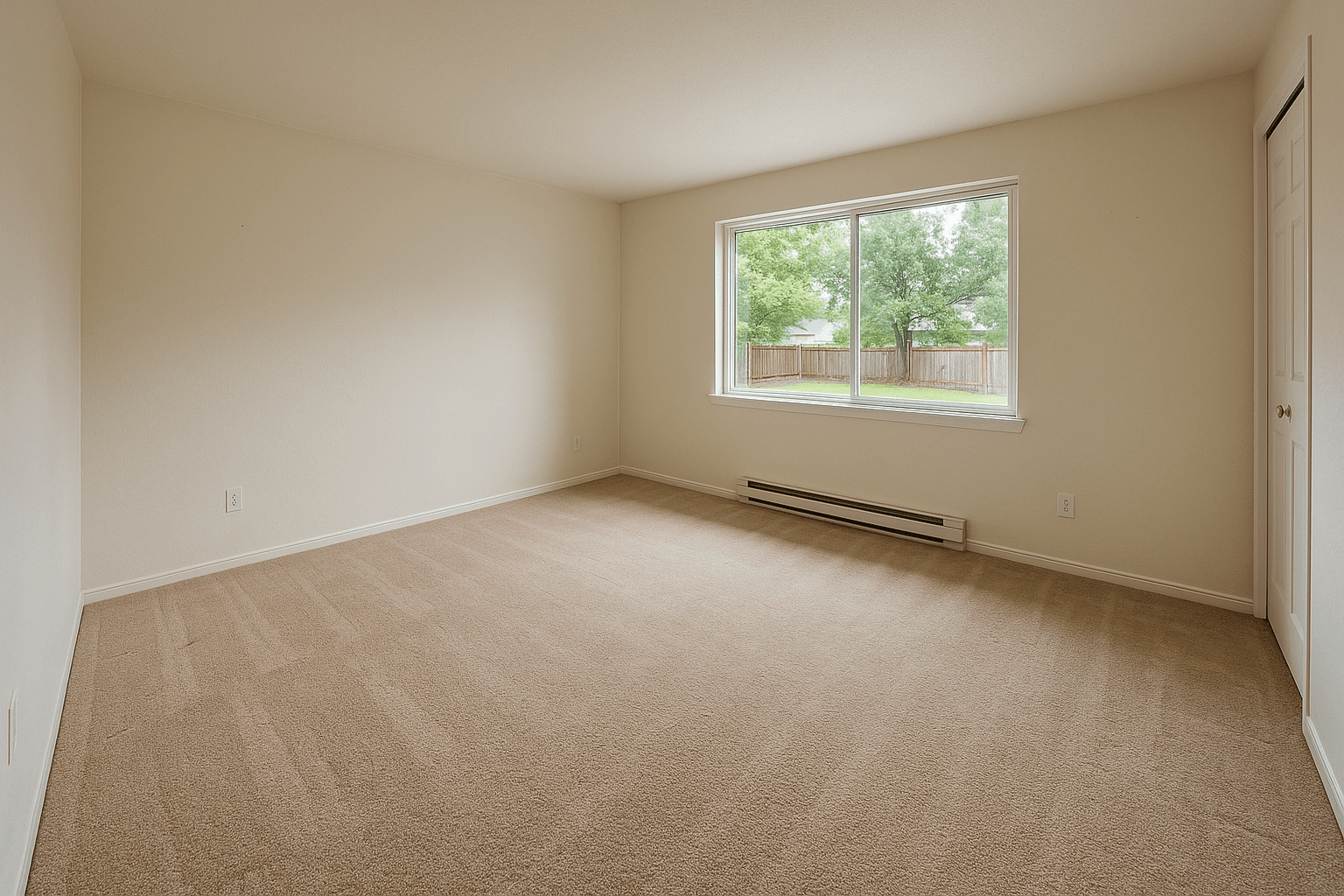
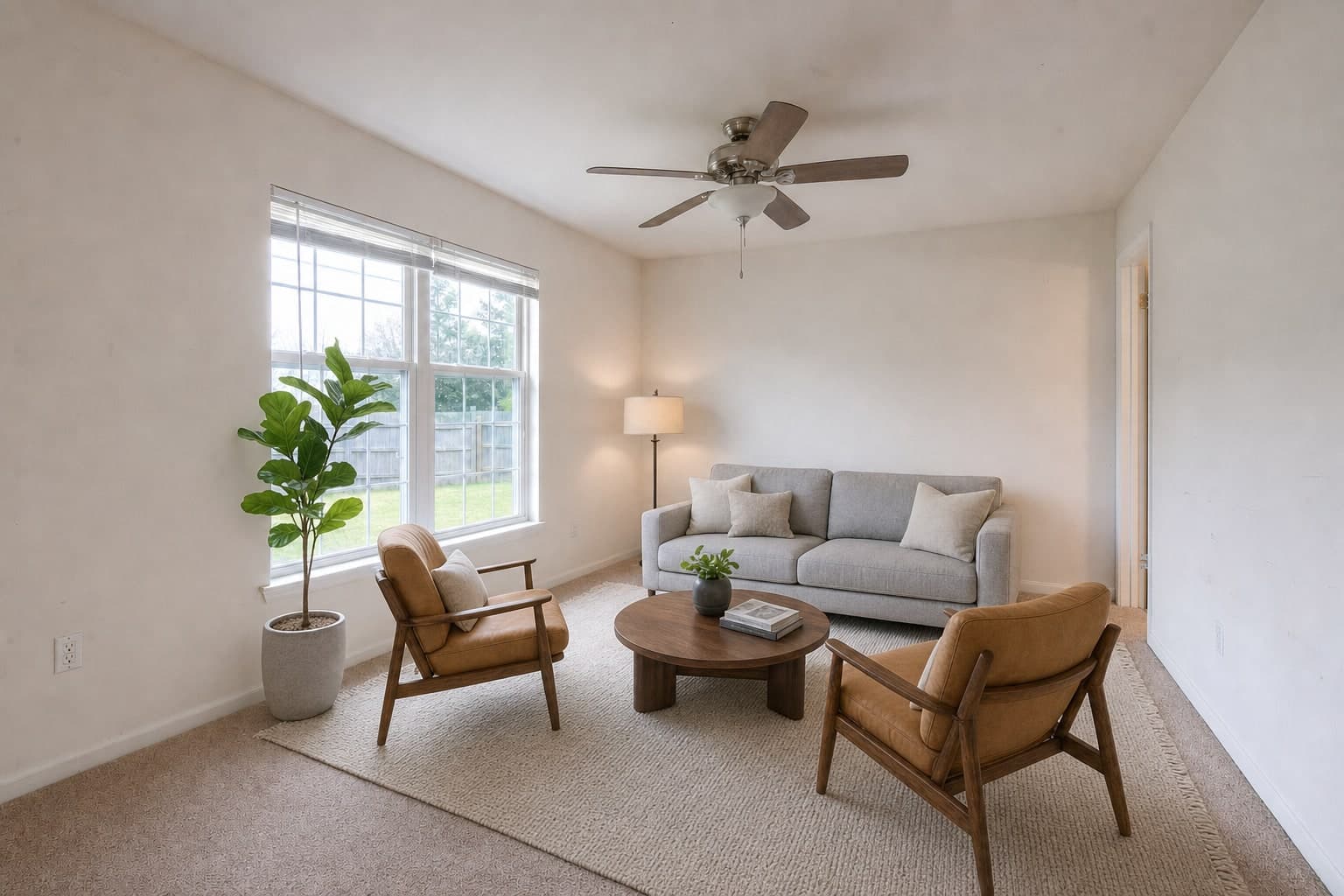
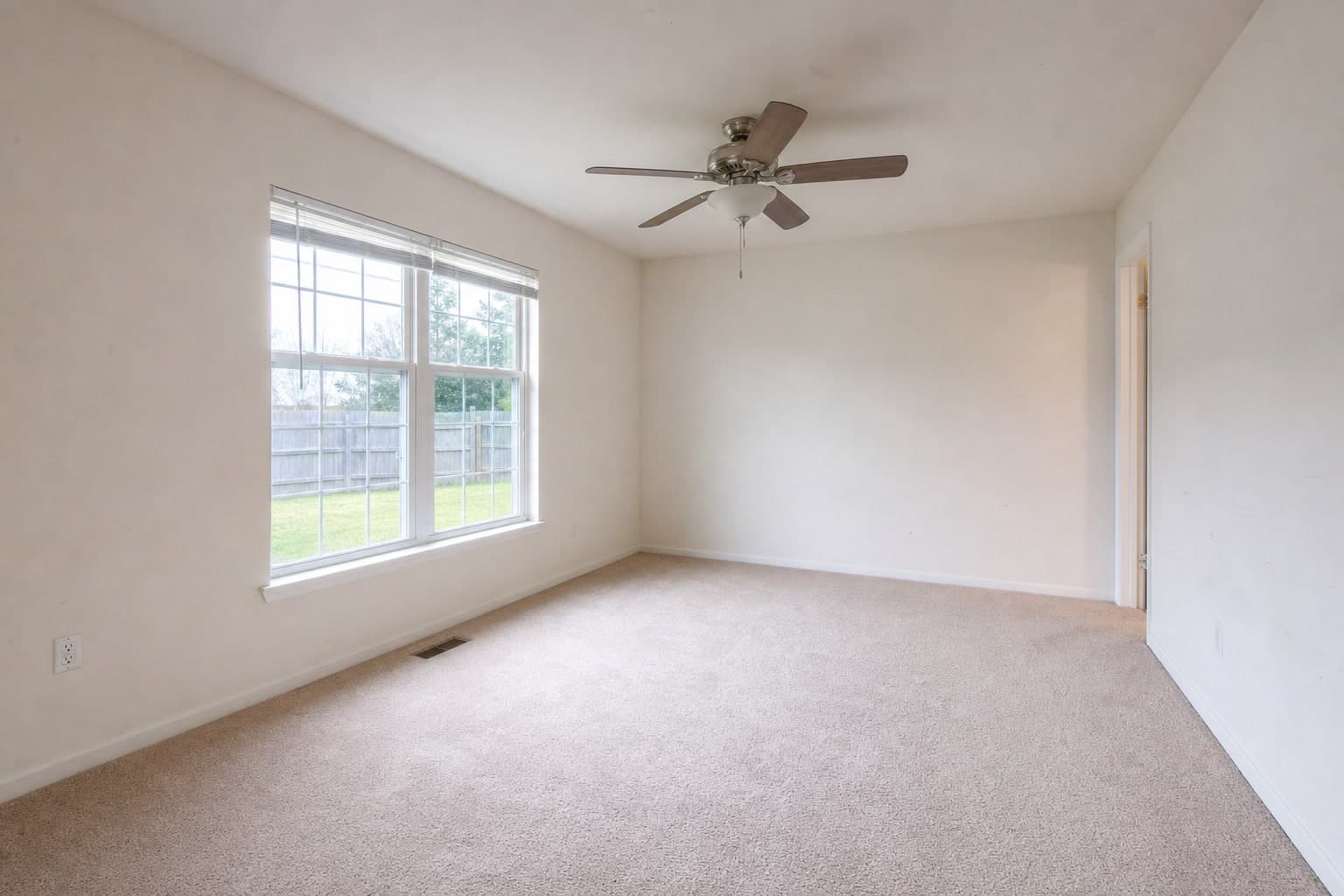
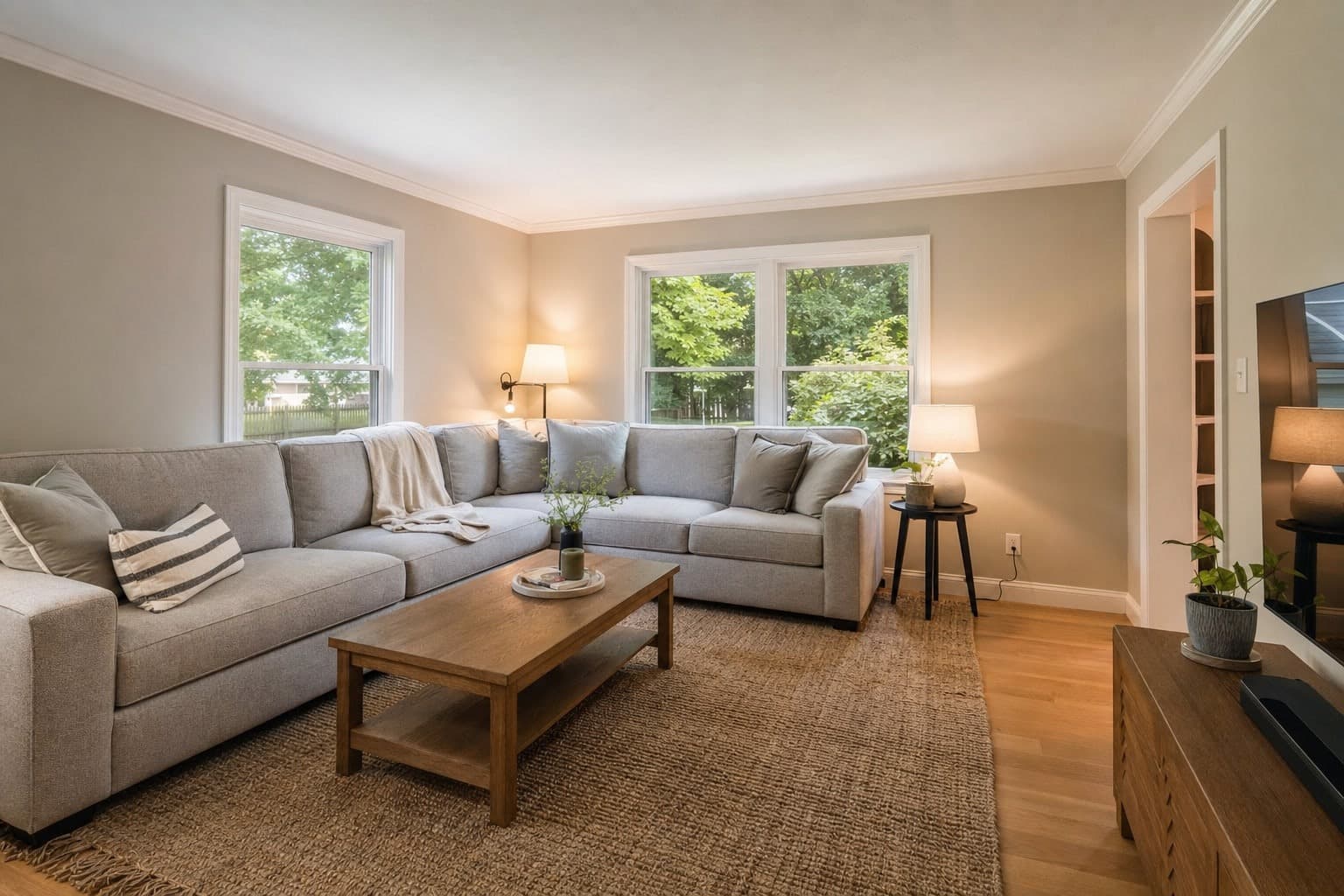
Real tools from the Studio on real listing photos. Each frame shows the photo as shot and after one tool.

Adjustments
Basic Adjustments Exposure and Color Adjustments Temperature


FireplaceAI
Relight
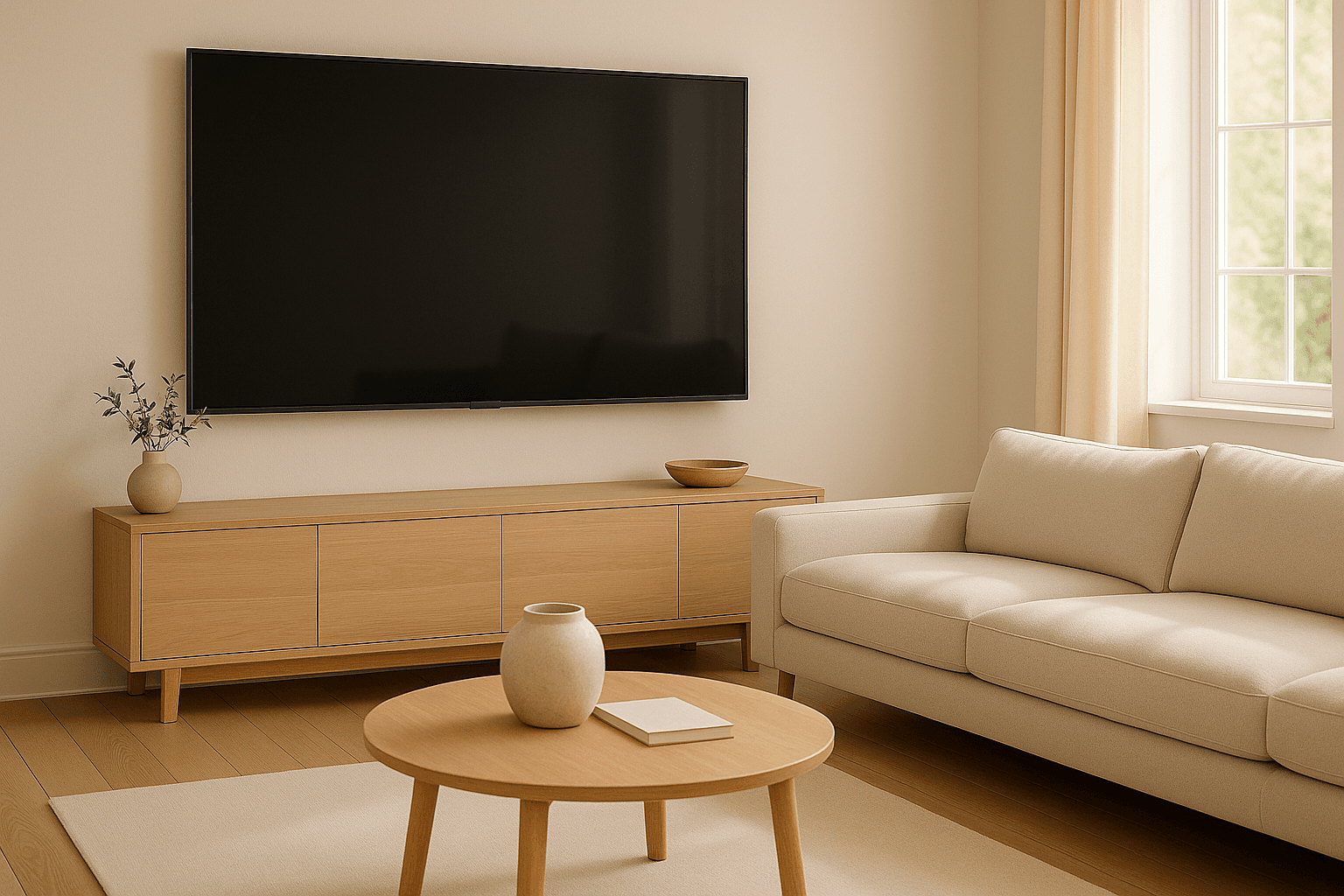
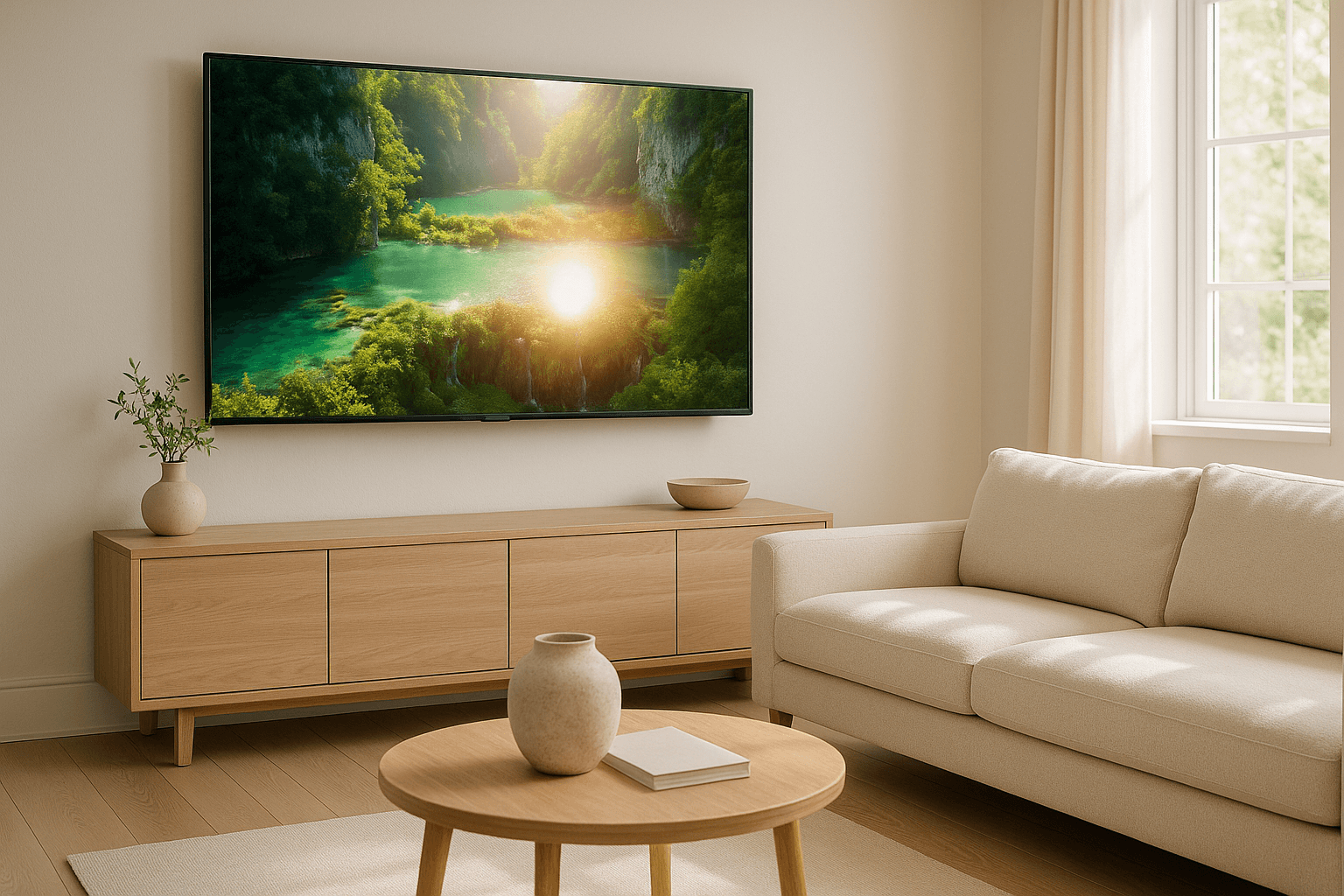
ScreensAI
Screen Cleanup

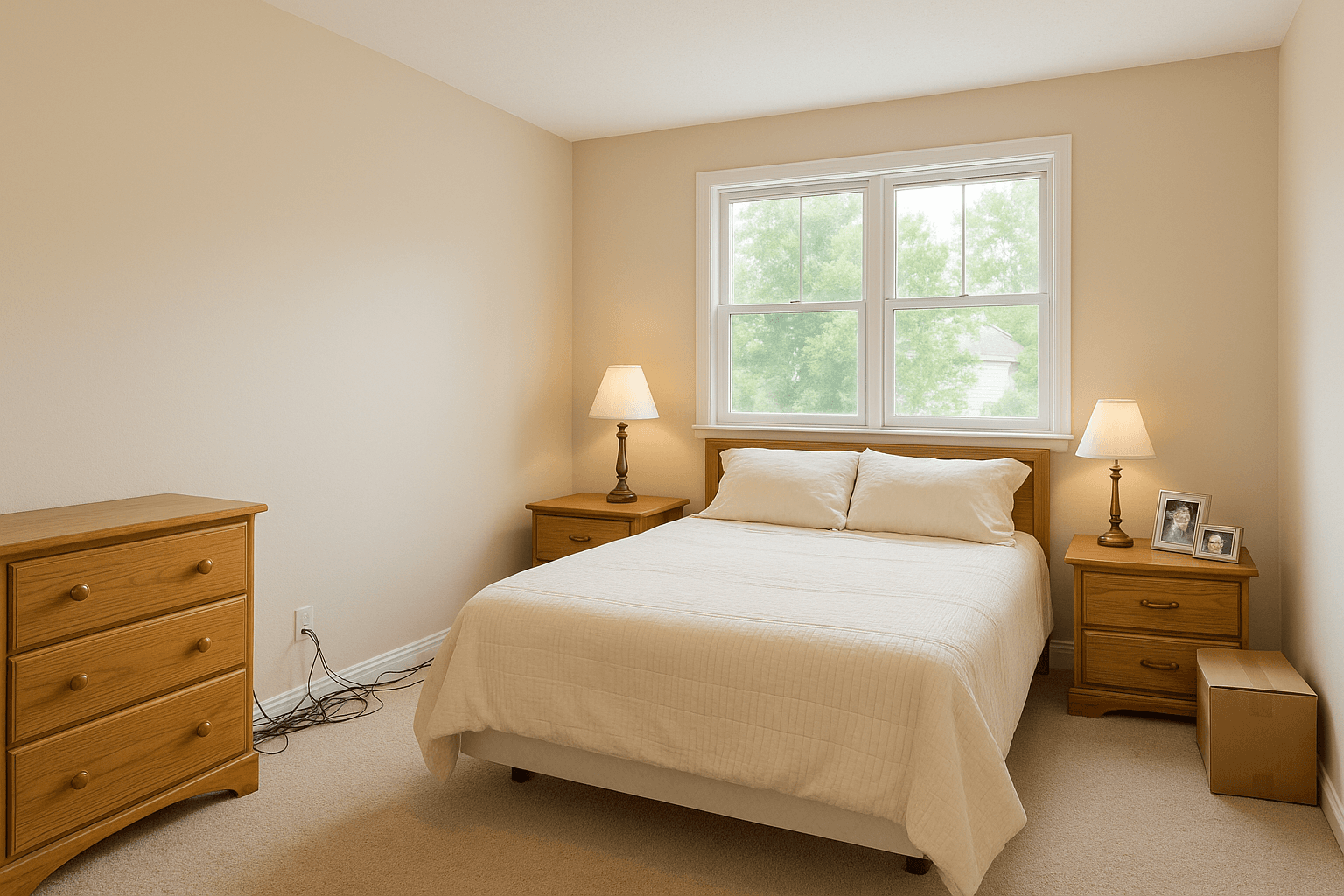
Magic EraserAI
Object Removal


DeclutterAI
Detect Clutter

SkyAI
Light Clouds

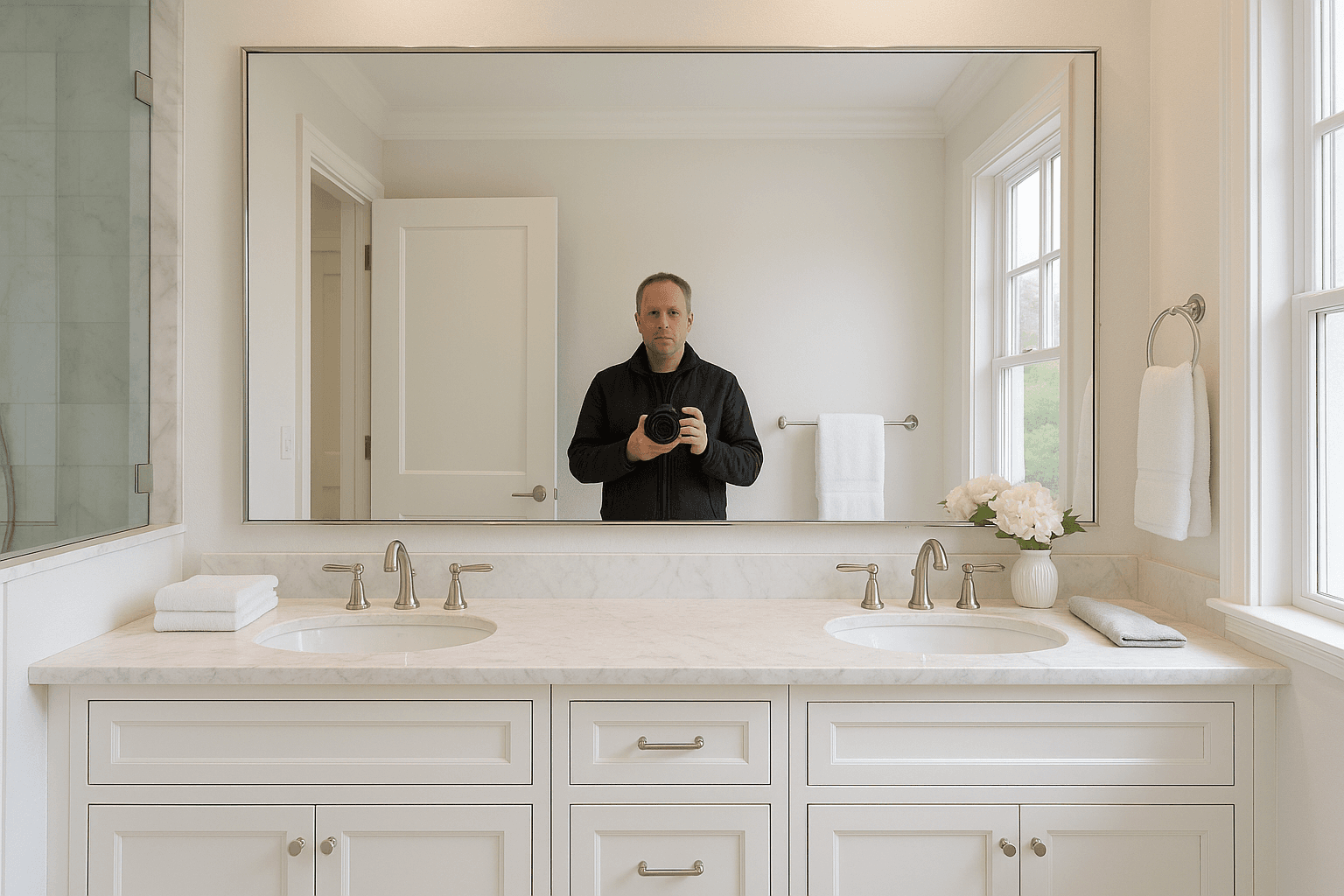
ReflectionsAI
Human Reflections
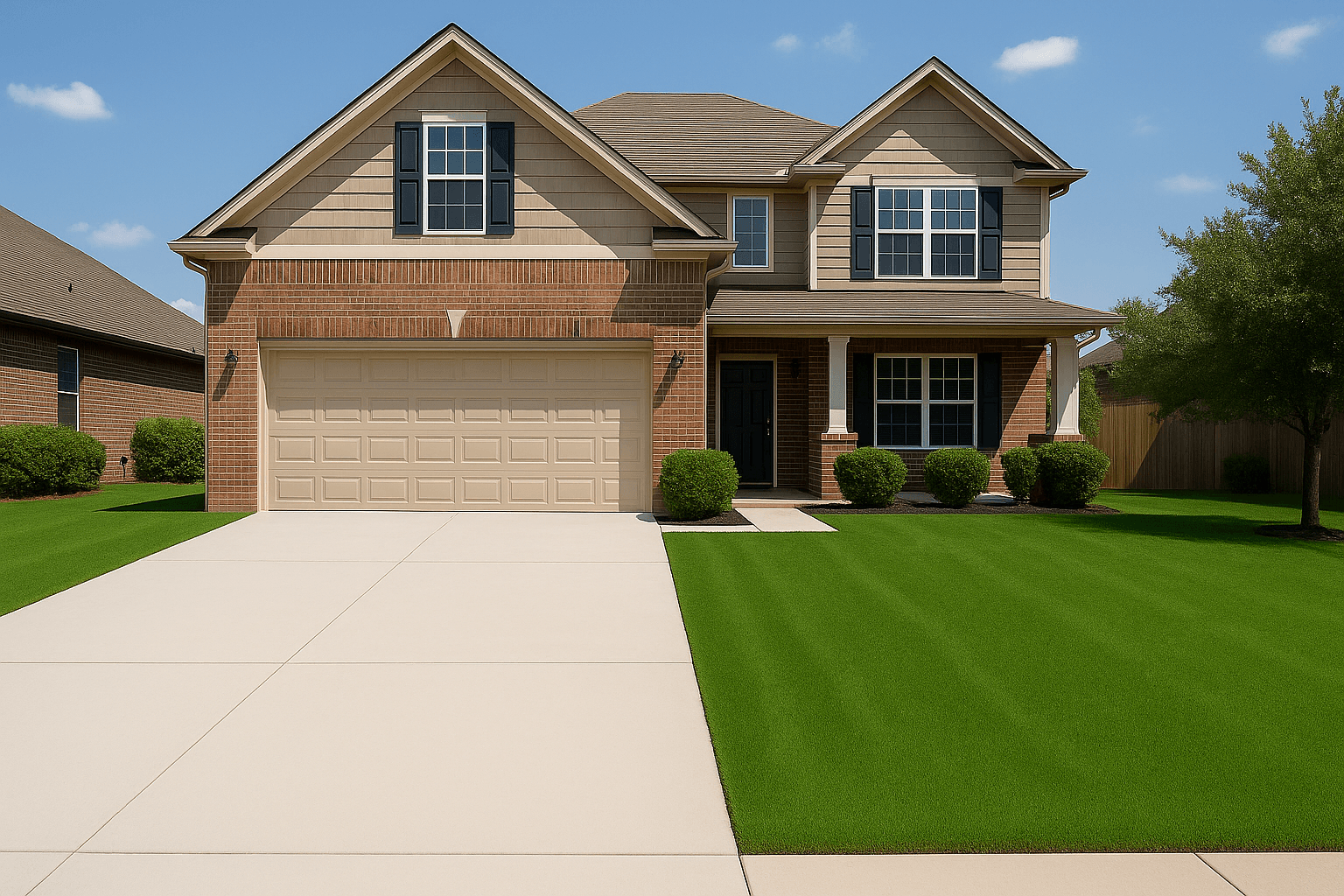
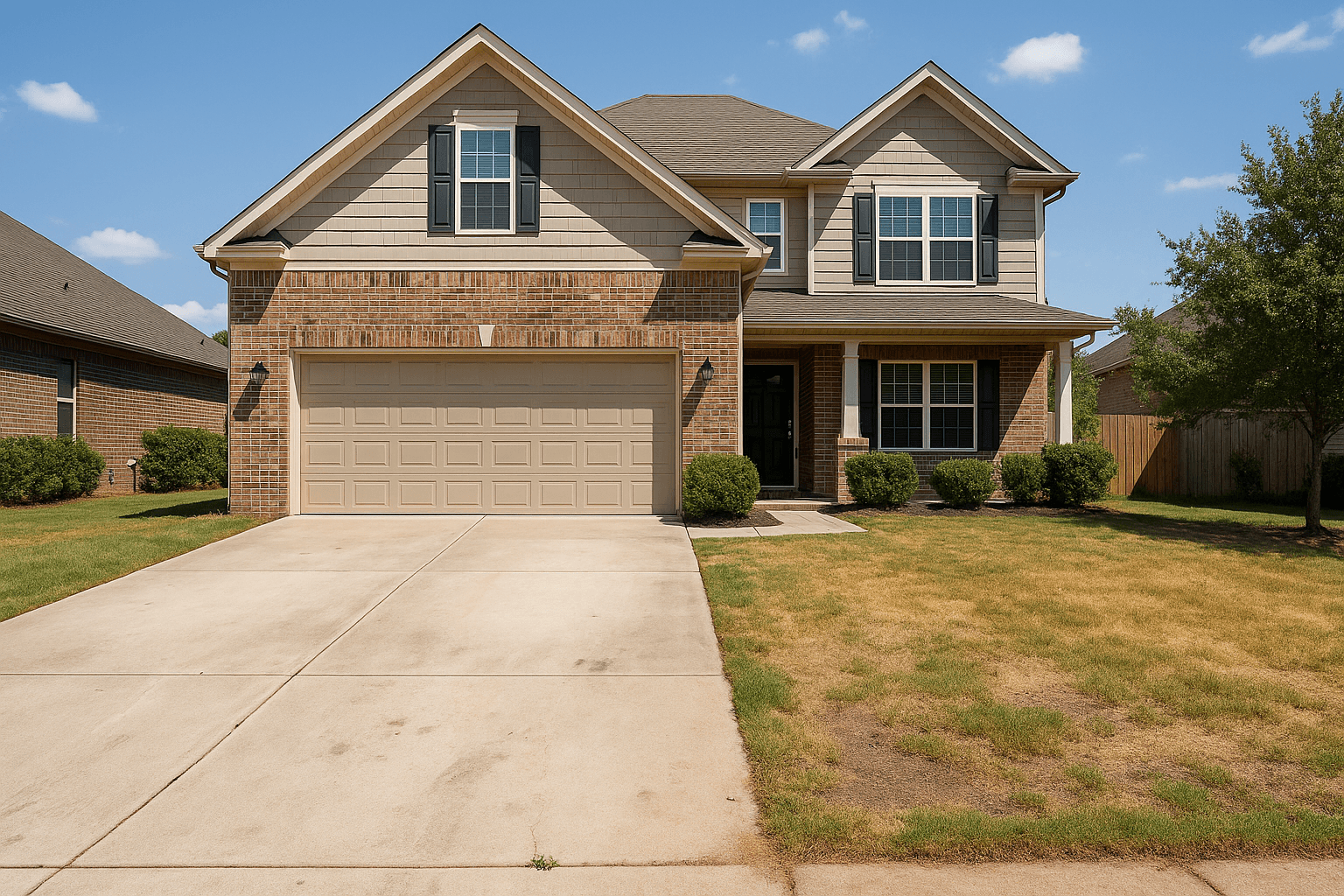
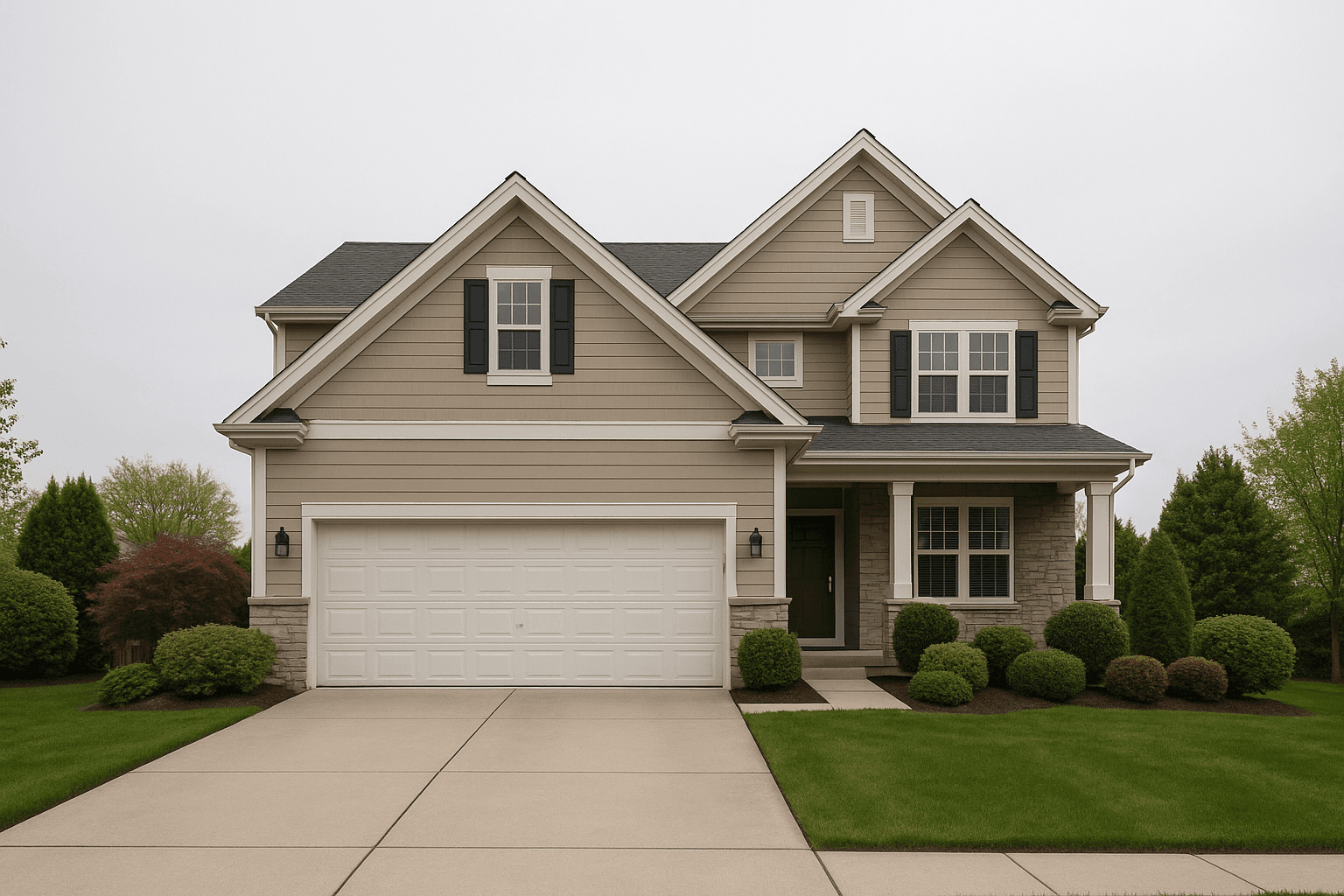
ExteriorAI
Lawn Enhance and Driveway Clean
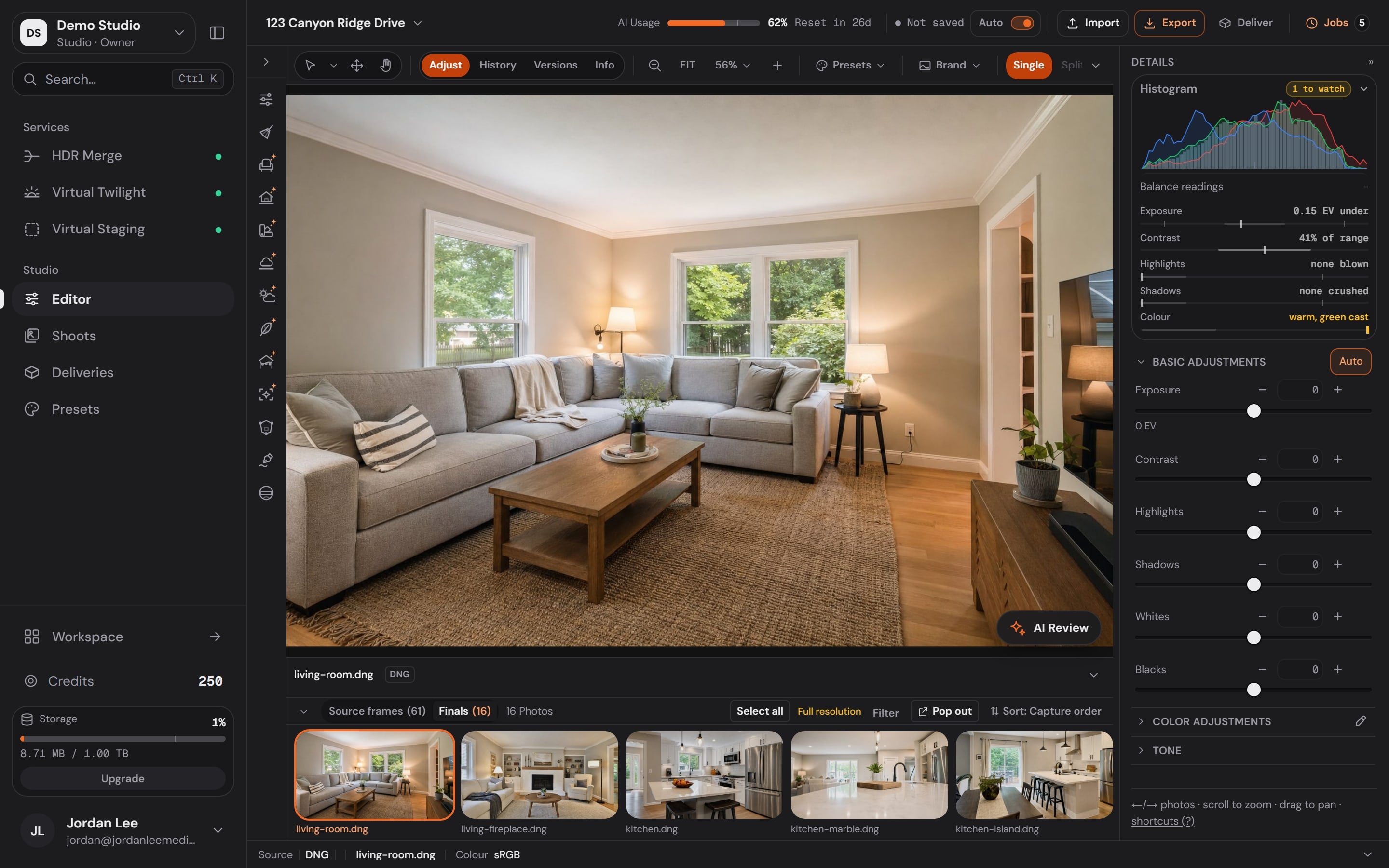
The Studio
Every tool you need to finish a listing, on the desktop. Quick fixes work in any browser.
The rail
One rail, grouped the way you work.
7 groups: Correct, Remove, Recolour, Light & glass, Scene, Generate, Deliver.
The Services dock
Order a Service without leaving the photo.
HDR Merge, Virtual Twilight, Virtual Staging: the price shows before anything runs.
Versions
Versions keep every edit a step you can walk back.
Adjust, History and Versions sit on every frame, nothing destructive.
The rail
7 groups: Correct, Remove, Recolour, Light & glass, Scene, Generate, Deliver.
The Services dock
HDR Merge, Virtual Twilight, Virtual Staging: the price shows before anything runs.
Versions
Adjust, History and Versions sit on every frame, nothing destructive.
The tool rail
Correct, retouch, recolour, relight and stage without leaving the photo you are working on.
Correct
Remove
Recolour
Light & glass
Scene
Generate
Deliver
Canvas bar
Panels
Every tool here is in the Studio today. A chip marked states its cost before it runs. The rest are free to use.
Every slider, picker and one-click action in the Studio, in 13 categories, grouped the way photographers think, each with a line on what it does.
Adjustments
42
functions in 8 tools
Set exposure, contrast, highlights, shadows, whites and blacks.
Set exposure, contrast, highlights, shadows, whites and blacks.
Set exposure, contrast, highlights, shadows, whites and blacks.
Set exposure, contrast, highlights, shadows, whites and blacks.
Set exposure, contrast, highlights, shadows, whites and blacks.
Set exposure, contrast, highlights, shadows, whites and blacks.
Correct white balance and fine-tune colour, by range or with a picker.
Correct white balance and fine-tune colour, by range or with a picker.
Correct white balance and fine-tune colour, by range or with a picker.
Correct white balance and fine-tune colour, by range or with a picker.
Correct white balance and fine-tune colour, by range or with a picker.
Correct white balance and fine-tune colour, by range or with a picker.
Crop, rotate, flip and straighten to any aspect ratio.
Crop, rotate, flip and straighten to any aspect ratio.
Crop, rotate, flip and straighten to any aspect ratio.
Crop, rotate, flip and straighten to any aspect ratio.
Crop, rotate, flip and straighten to any aspect ratio.
Crop, rotate, flip and straighten to any aspect ratio.
Fix converging verticals and level the horizon, automatically or by hand.
Fix converging verticals and level the horizon, automatically or by hand.
Fix converging verticals and level the horizon, automatically or by hand.
Fix converging verticals and level the horizon, automatically or by hand.
Fix converging verticals and level the horizon, automatically or by hand.
Fix converging verticals and level the horizon, automatically or by hand.
Fix converging verticals and level the horizon, automatically or by hand.
Fix converging verticals and level the horizon, automatically or by hand.
Remove lens distortion, colour fringing and corner shading.
Remove lens distortion, colour fringing and corner shading.
Remove lens distortion, colour fringing and corner shading.
Remove lens distortion, colour fringing and corner shading.
Remove lens distortion, colour fringing and corner shading.
Sharpen, reduce noise and add clarity or texture.
Sharpen, reduce noise and add clarity or texture.
Sharpen, reduce noise and add clarity or texture.
Sharpen, reduce noise and add clarity or texture.
Sharpen, reduce noise and add clarity or texture.
Shape the tone curve, overall or per colour channel.
Shape the tone curve, overall or per colour channel.
Shape the tone curve, overall or per colour channel.
Shape the tone curve, overall or per colour channel.
Add a finishing vignette or film grain.
Add a finishing vignette or film grain.
AI marks the 55 AI functions. The other 60 run instantly on your computer, free.
Workspace
Bookings, your calendar, clients, payments, invoices, analytics and your team, in the same account as your photos.
Dashboard
Your next shoots, the galleries waiting on you and what clients have paid, the moment you sign in.
Collected
$12,890
7 client payments
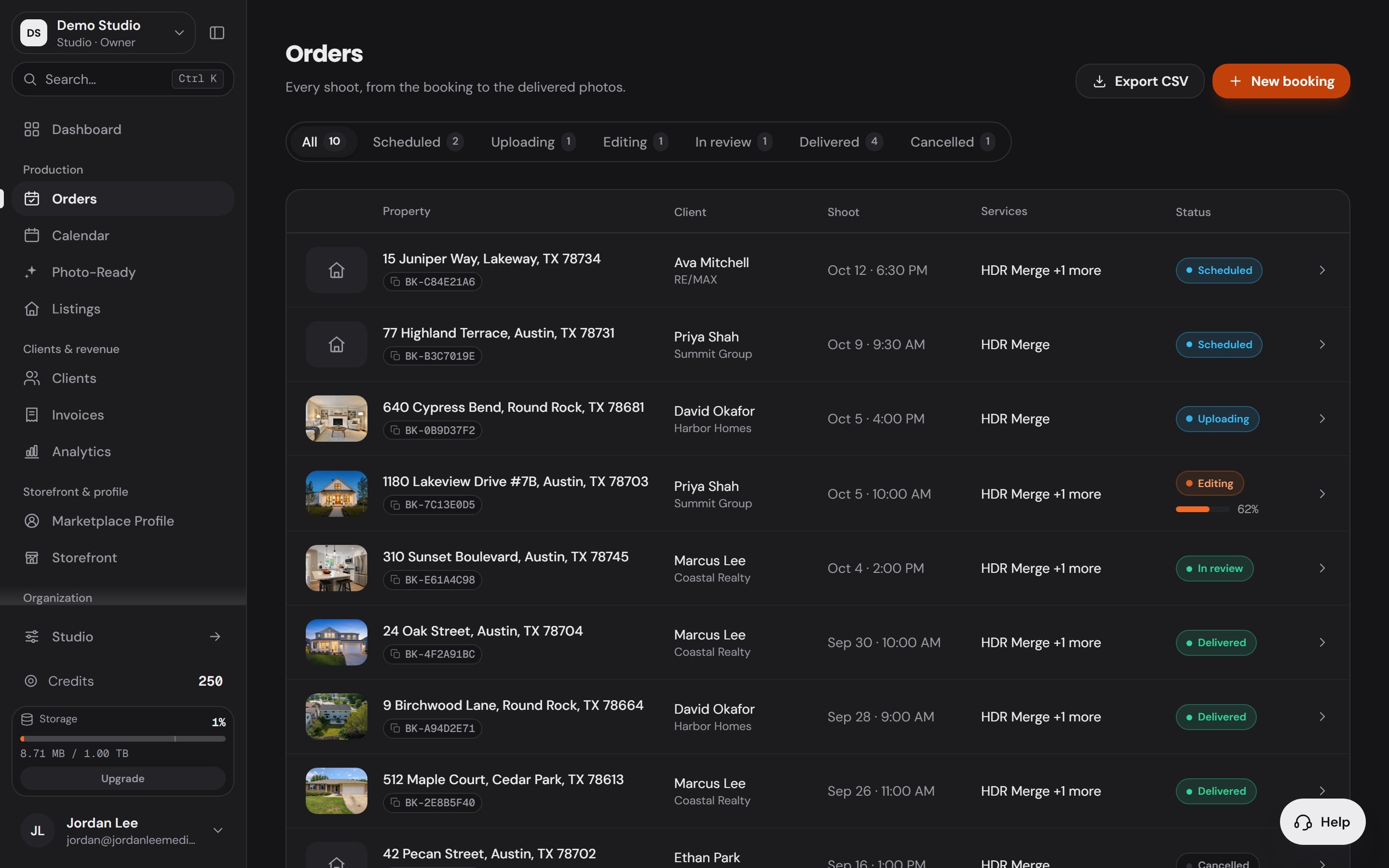
Orders
Each shoot with its client, date, Services and status, from booked to delivered.
Orders
10
Scheduled, editing, in review and delivered
Calendar
Bookings land on your week with the address and the time, beside your own events and the forecast.
Friday, 7:45 PM
On-site twilight
Next to the week's editing blocks
Clients
Each agent's brokerage, their shoots, what you billed and when you shoot for them next.

Billed through your storefront
$4.1k
Across 6 clients
Payments
Clients pay through your own Stripe or Square. The money goes straight to you, never through us.
0%Booking fee on every Workspace plan.
Take a deposit at booking and collect the rest later.

A sample booking
Before your processor's own fee.
Invoices
Payments from your processor arrive as paid invoices, with the shoot each one paid for.
This month
$3,650
Paid through your processor
Analytics
Client payments, editing spend, turnaround and who visits your storefront, from your own records.

Storefront visits
1,036
Last 30 days
Team
Invite editors, assistants and office managers. Give each person a role, or build your own.

Built-in roles
Photo Ready 360
Send the seller a prep link. They send a few phone photos and get a checklist back before photo day.
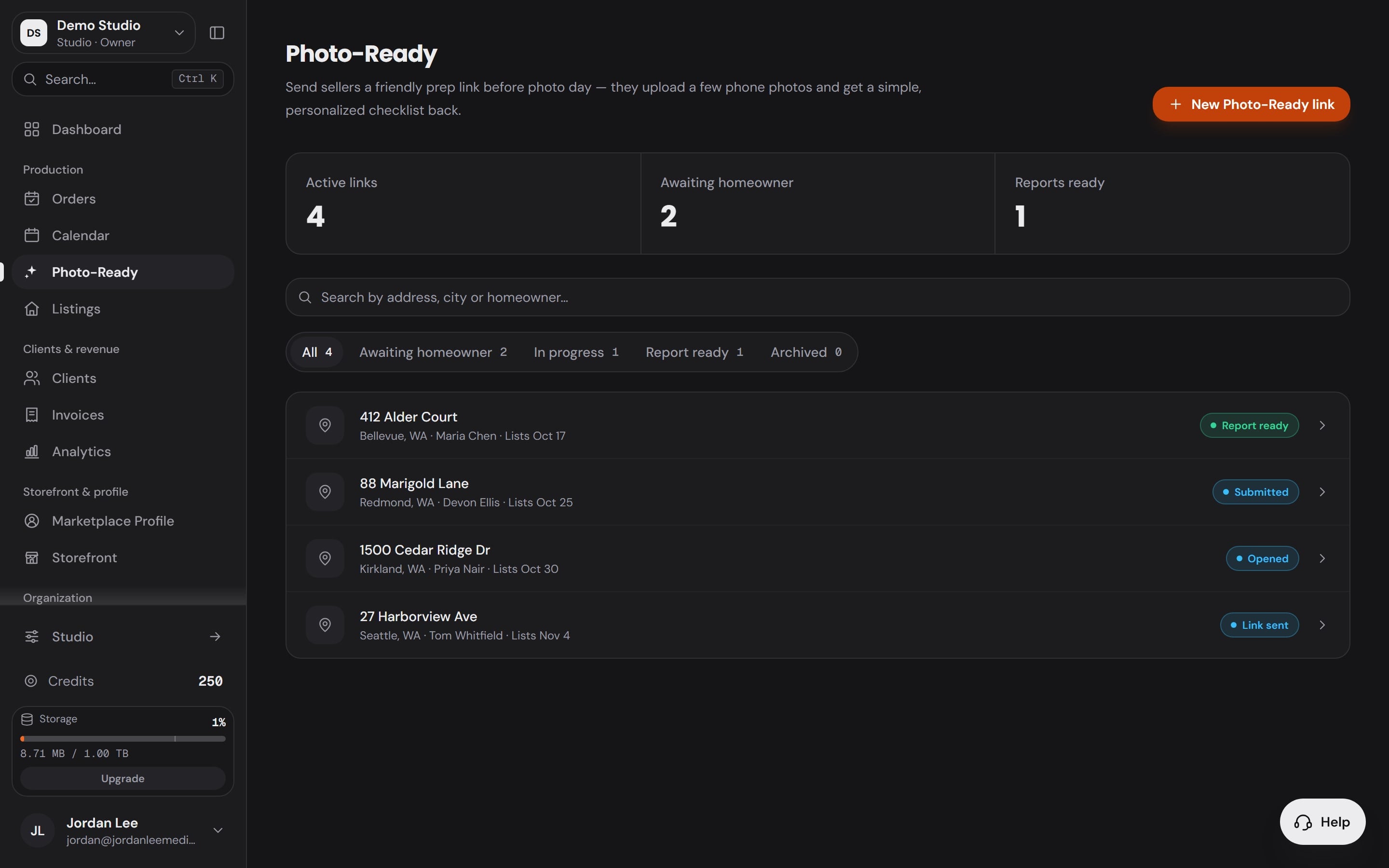
Each seller's prep
Listings
Pending shoots and delivered photos for every address, searchable by client.

Photos delivered
193
Across 10 listings
The storefront


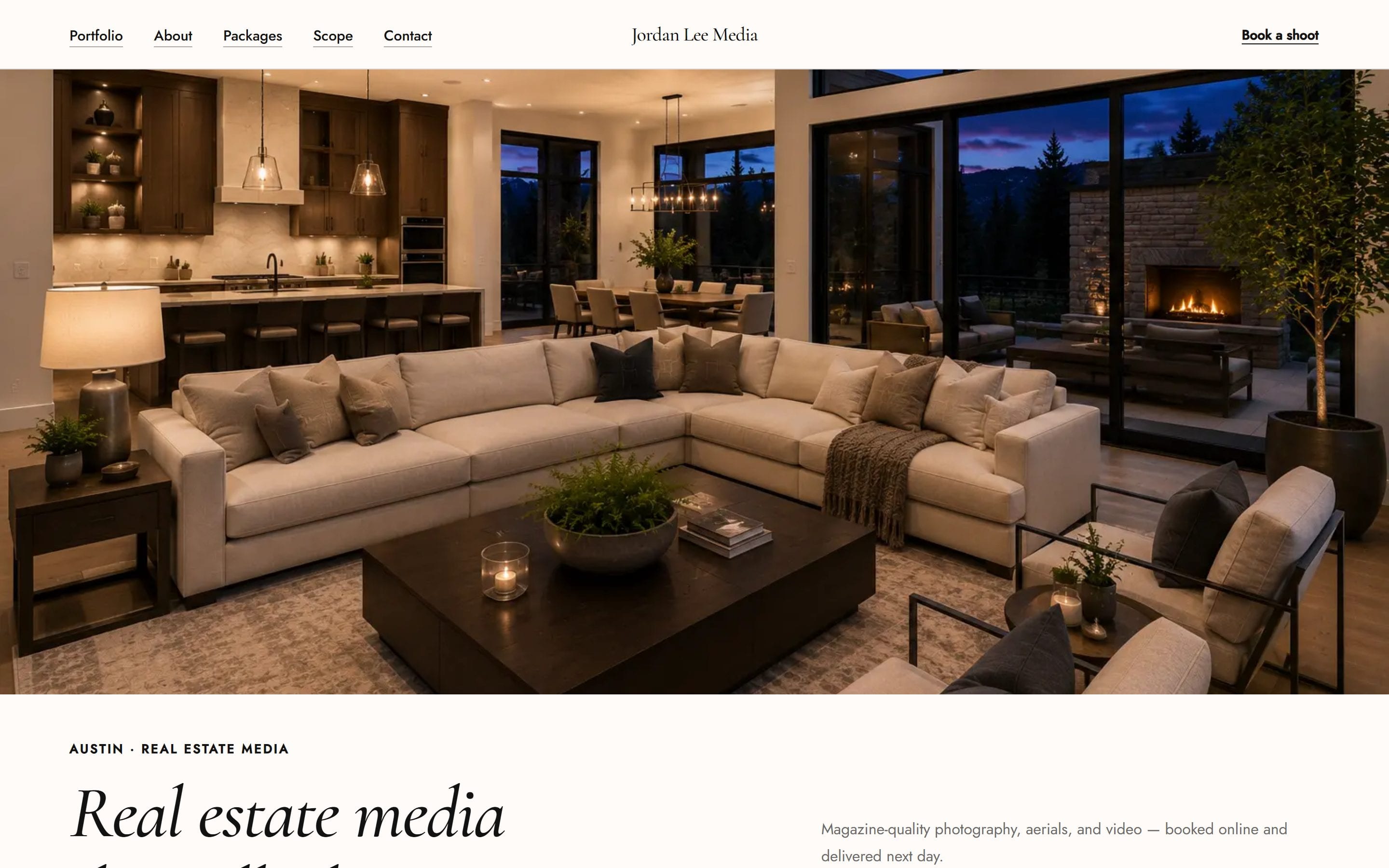
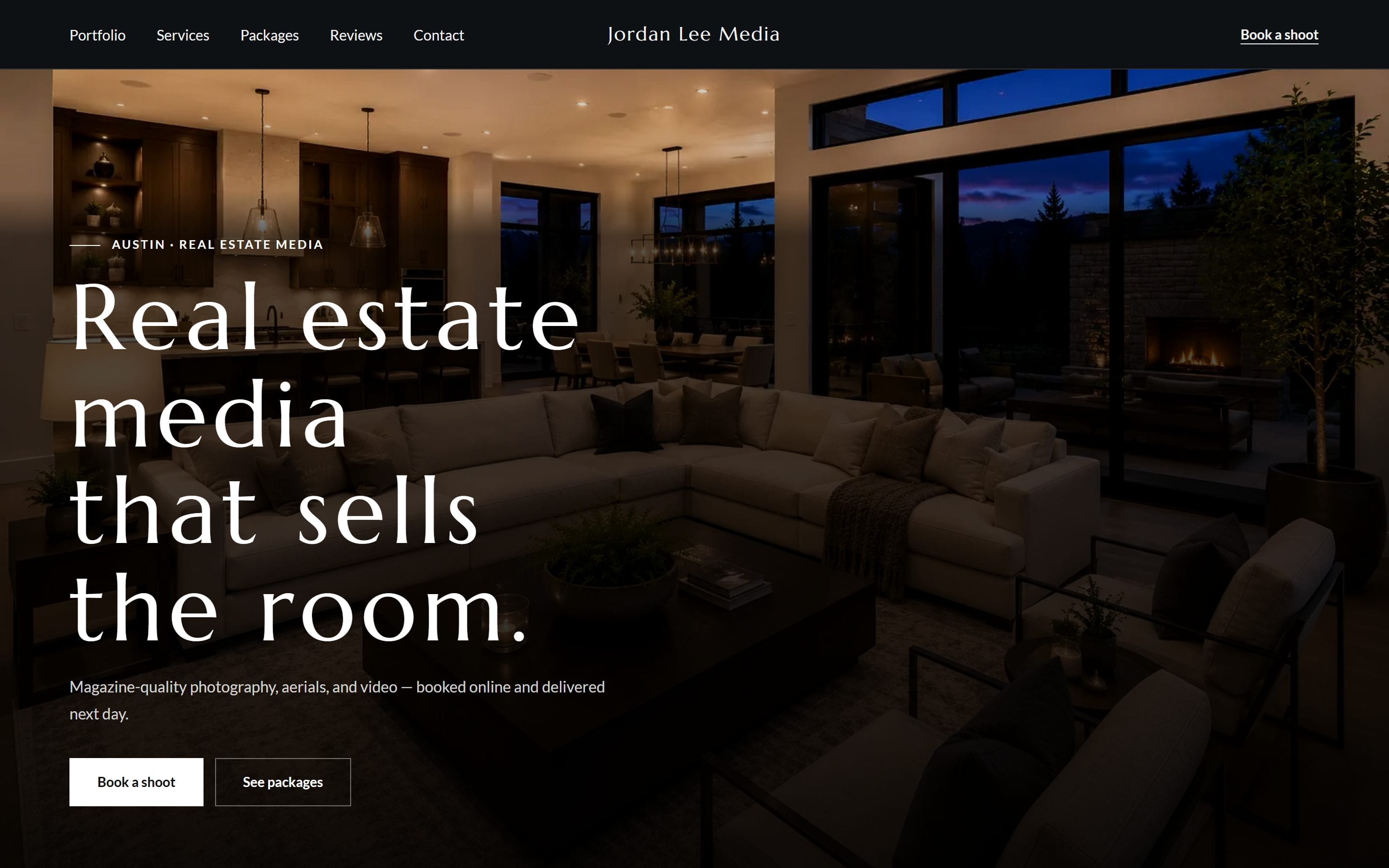
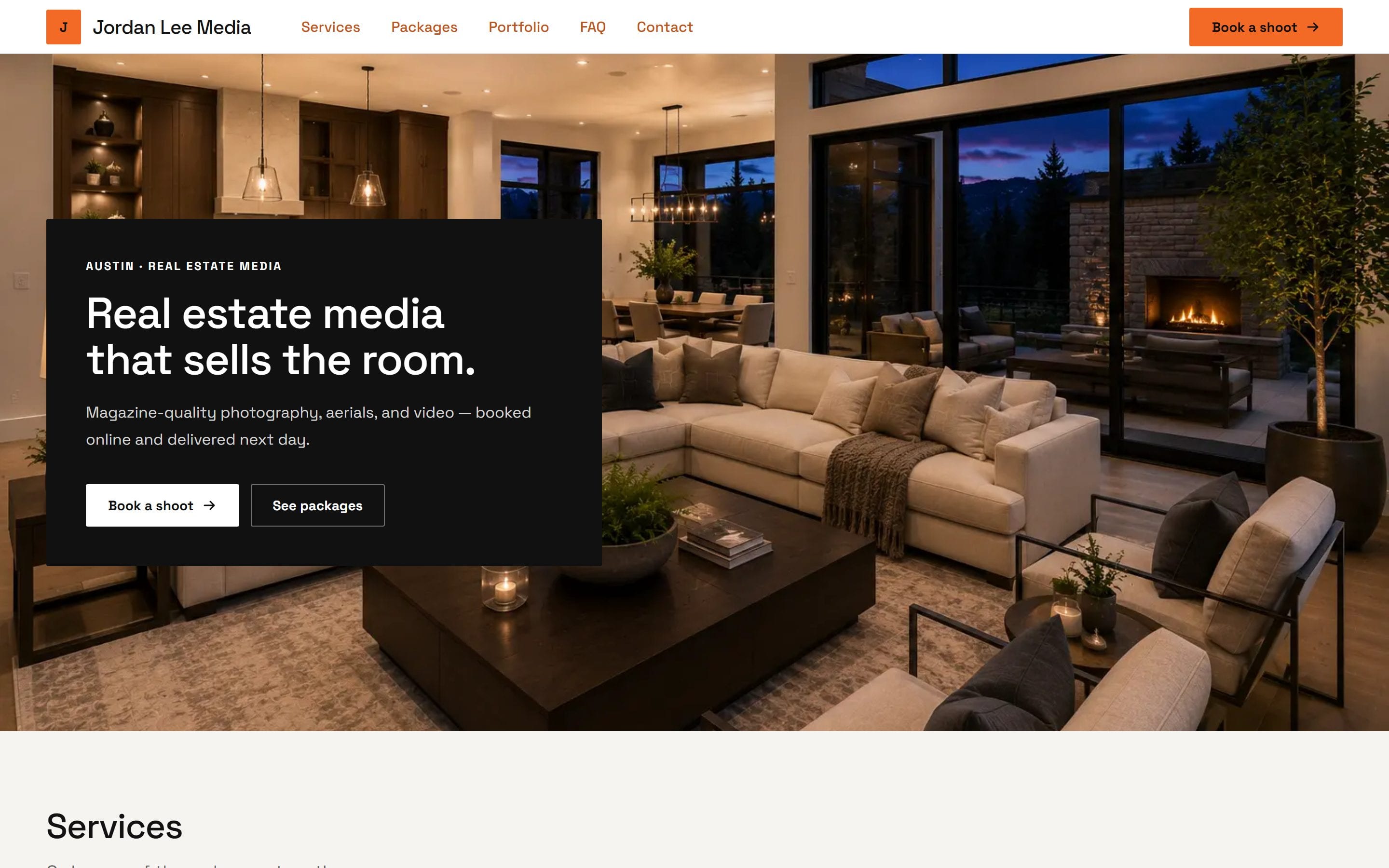
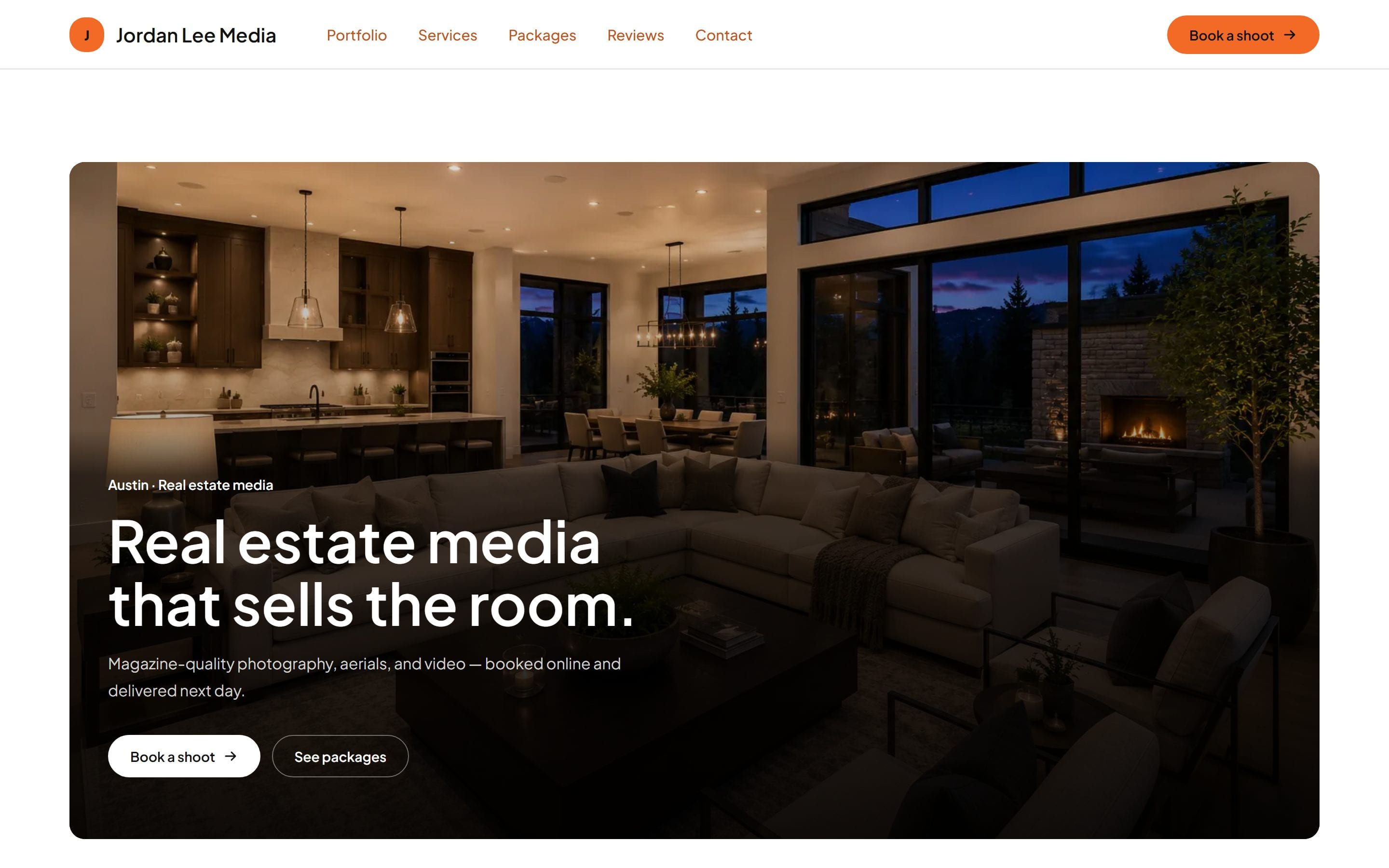
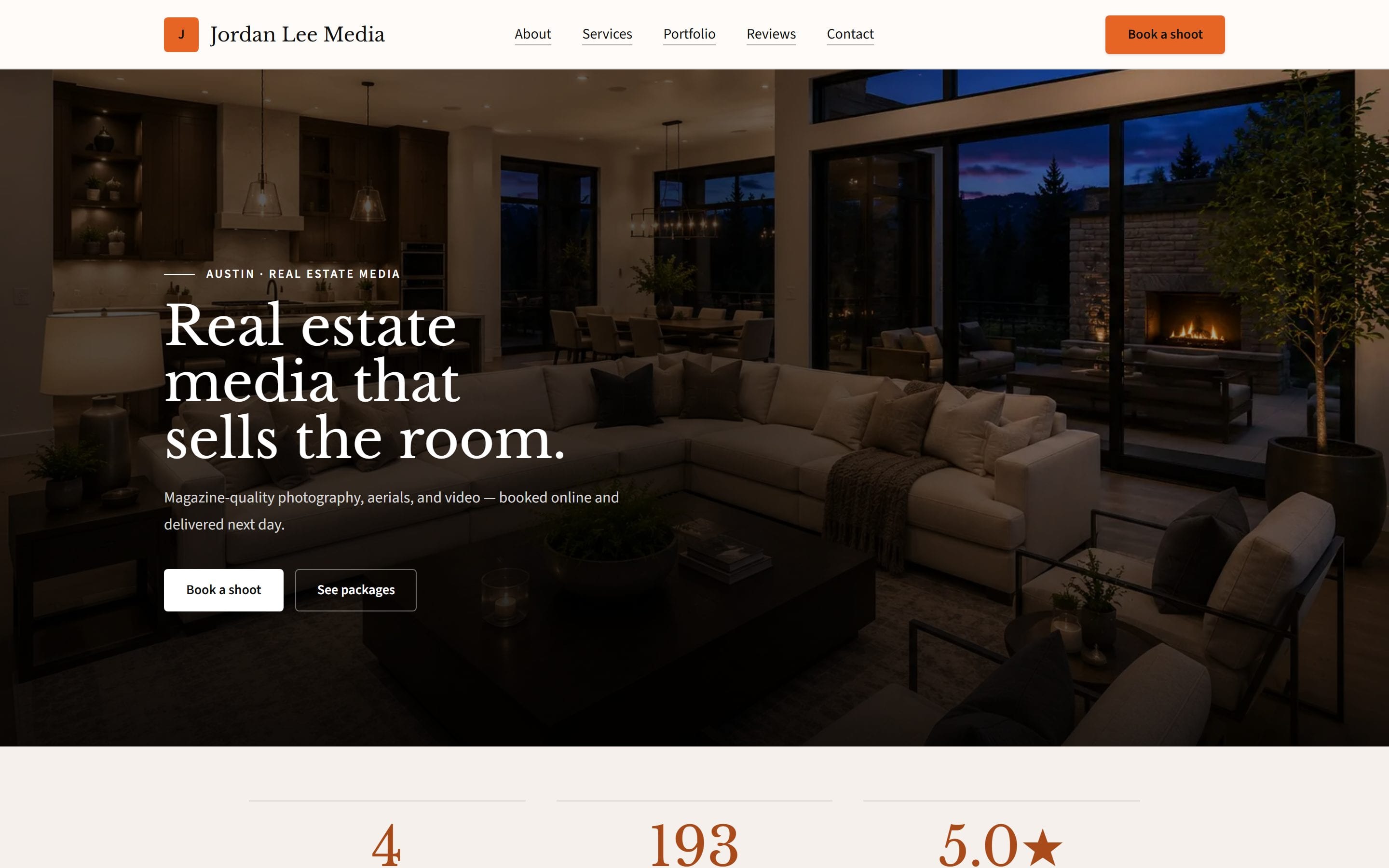
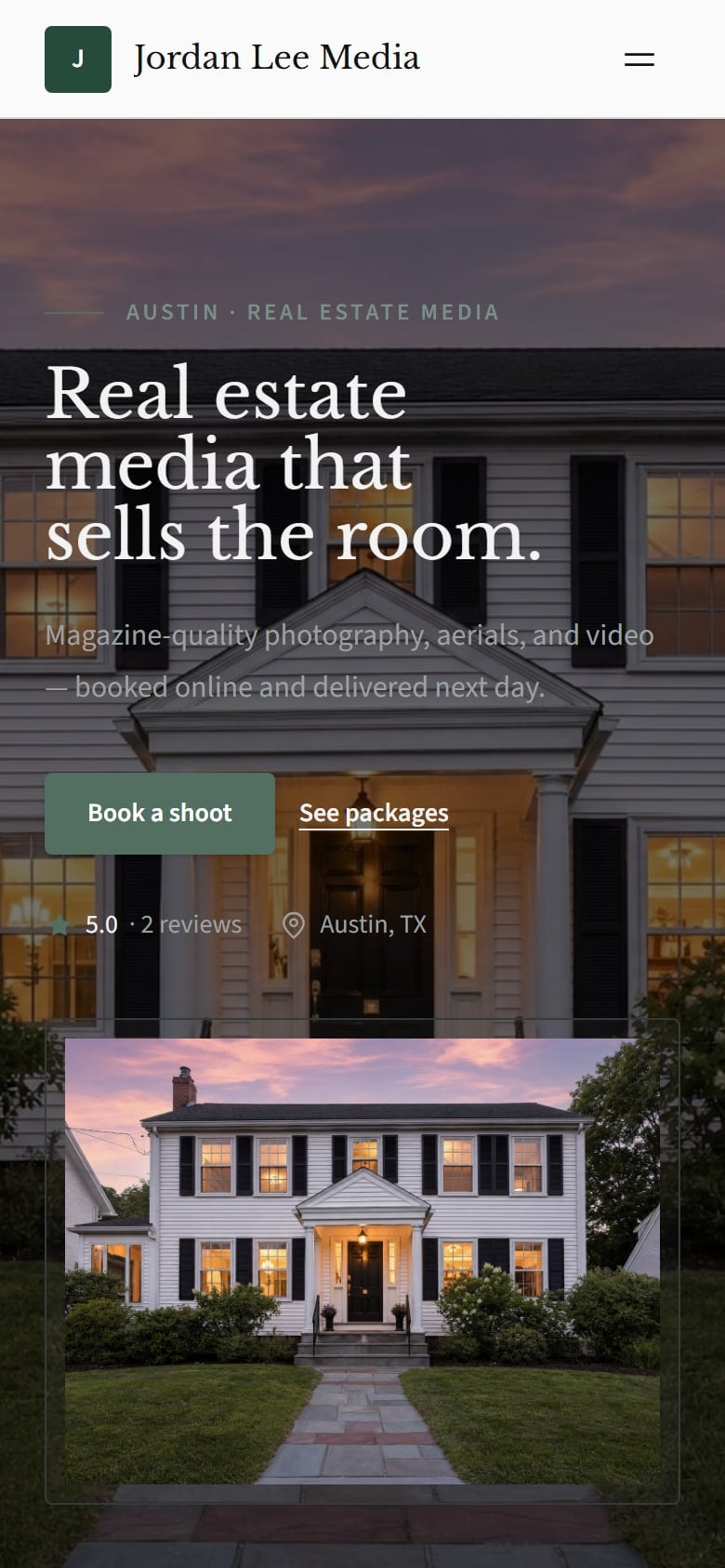


Basic
Daylight
Atelier
Nocturne
Dispatch
Ember
Cornerstone
On a phone
Booking built in
Delivery in your look
Live at its own address
Same pages, your words, your photos. Seven designs.
The same site, laid out for a phone.
Packages, add-ons and payment in one checkout. 0% booking fee on every Workspace tier.
Every delivery opens on a portal with your name on it.
On Workspace Pro, use your own domain.
Same pages, your words, your photos. Seven designs.


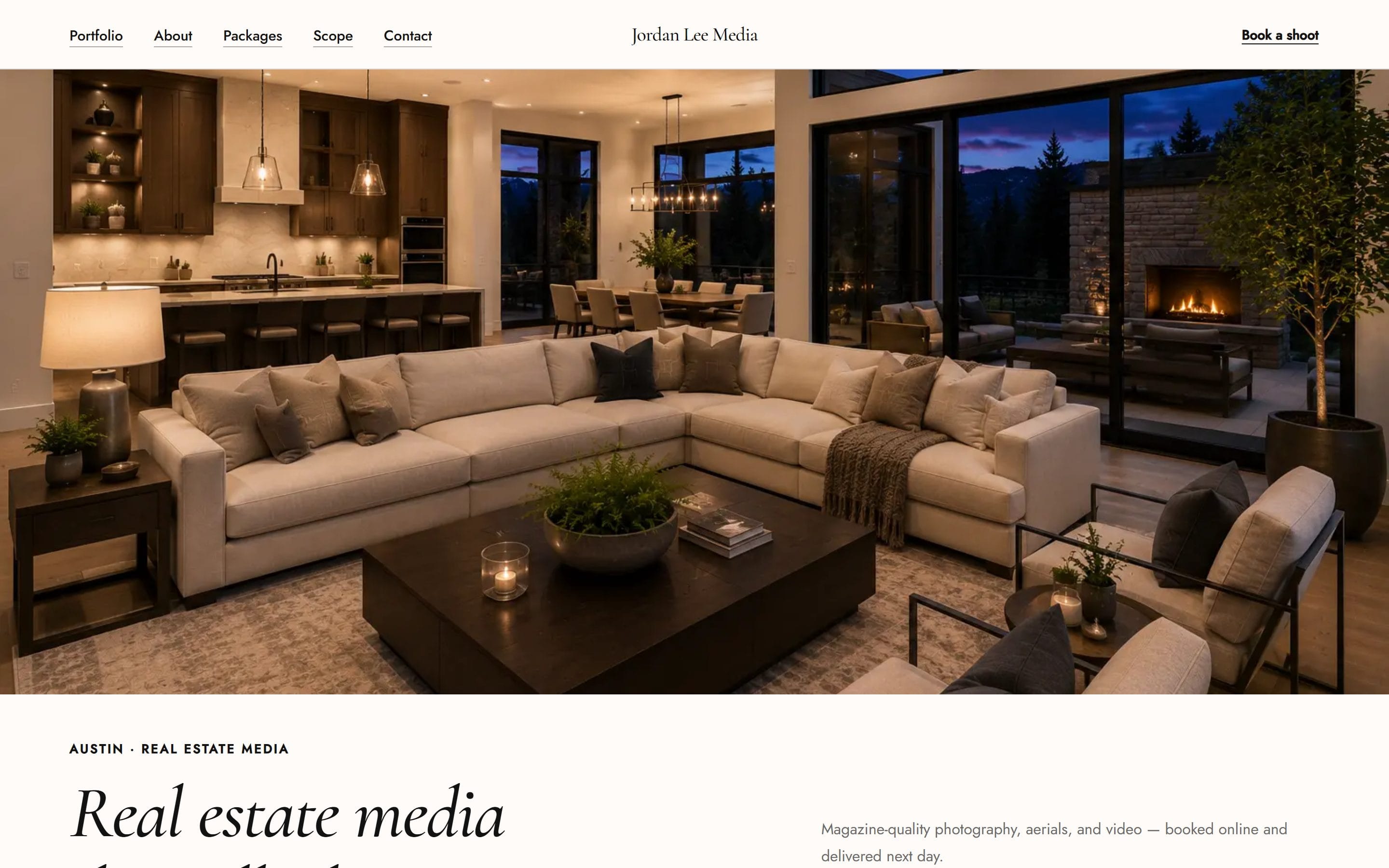

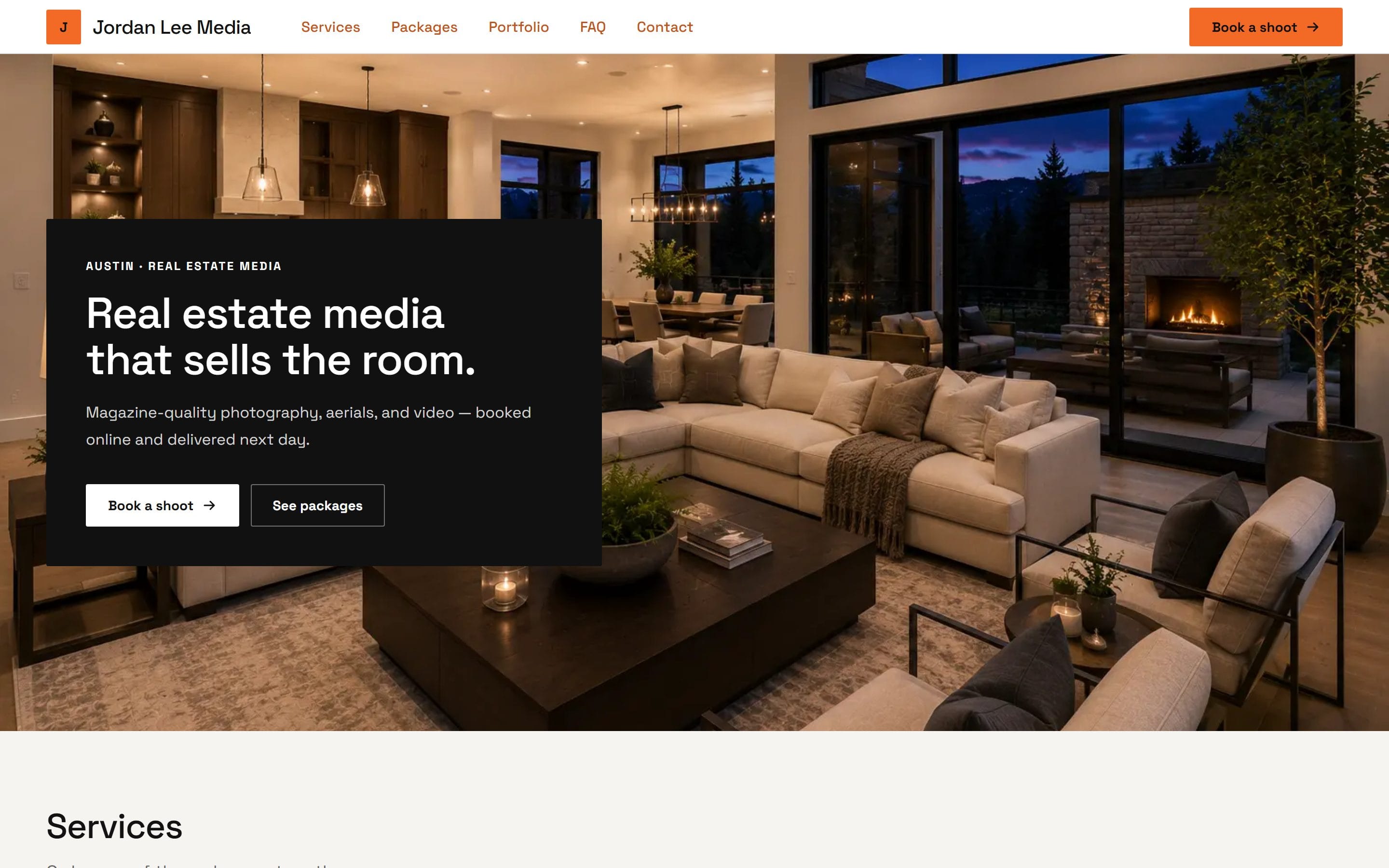
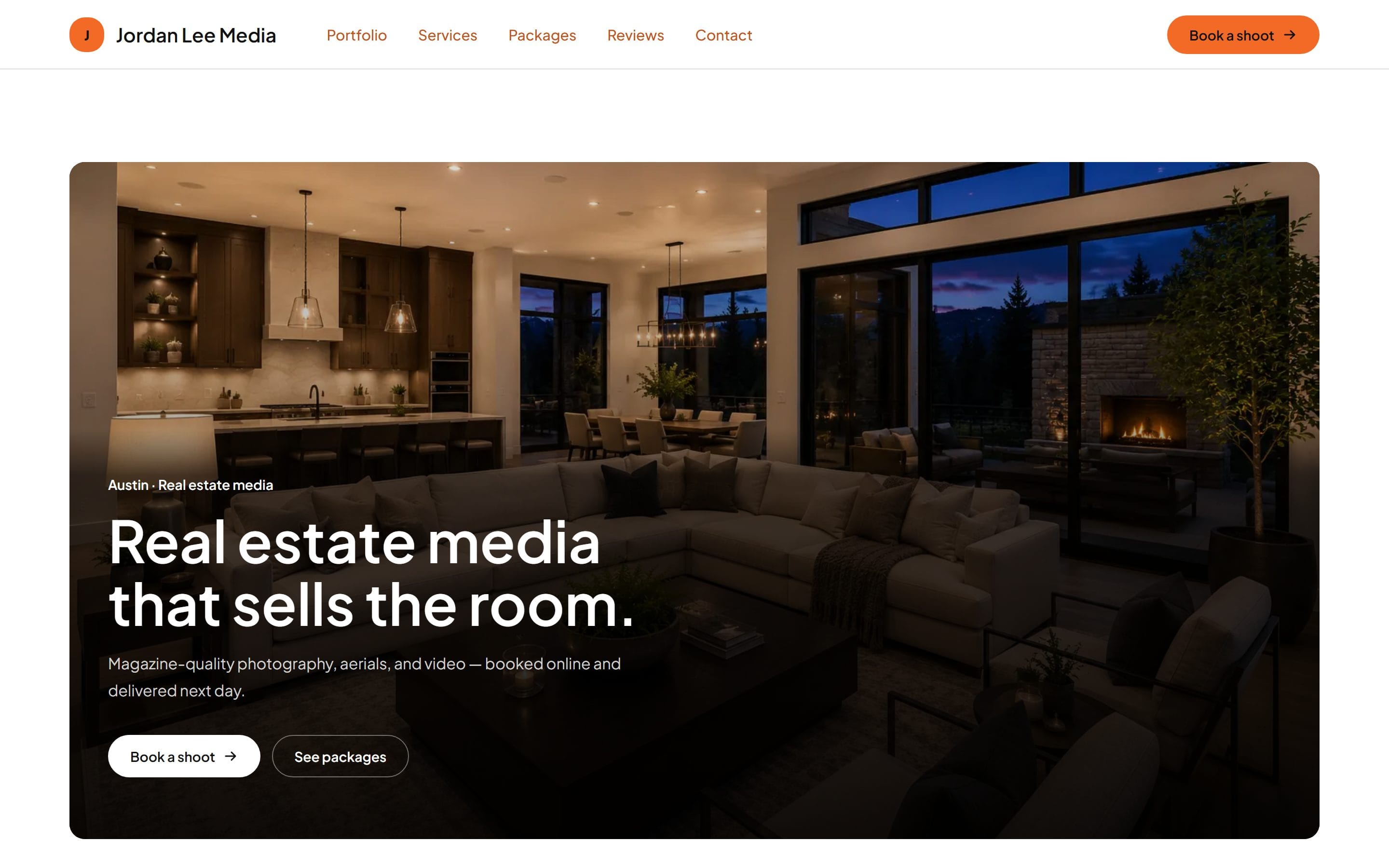
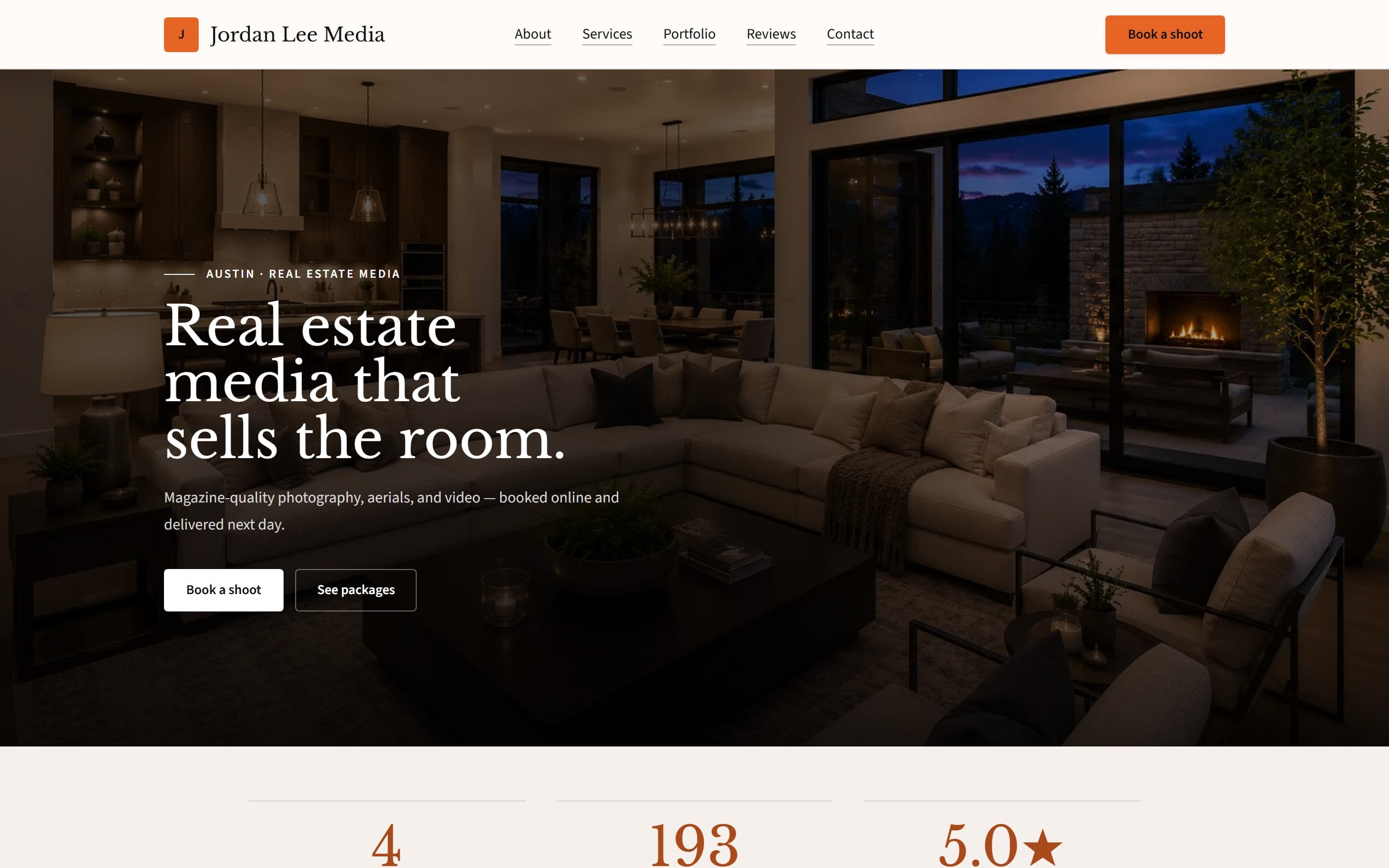
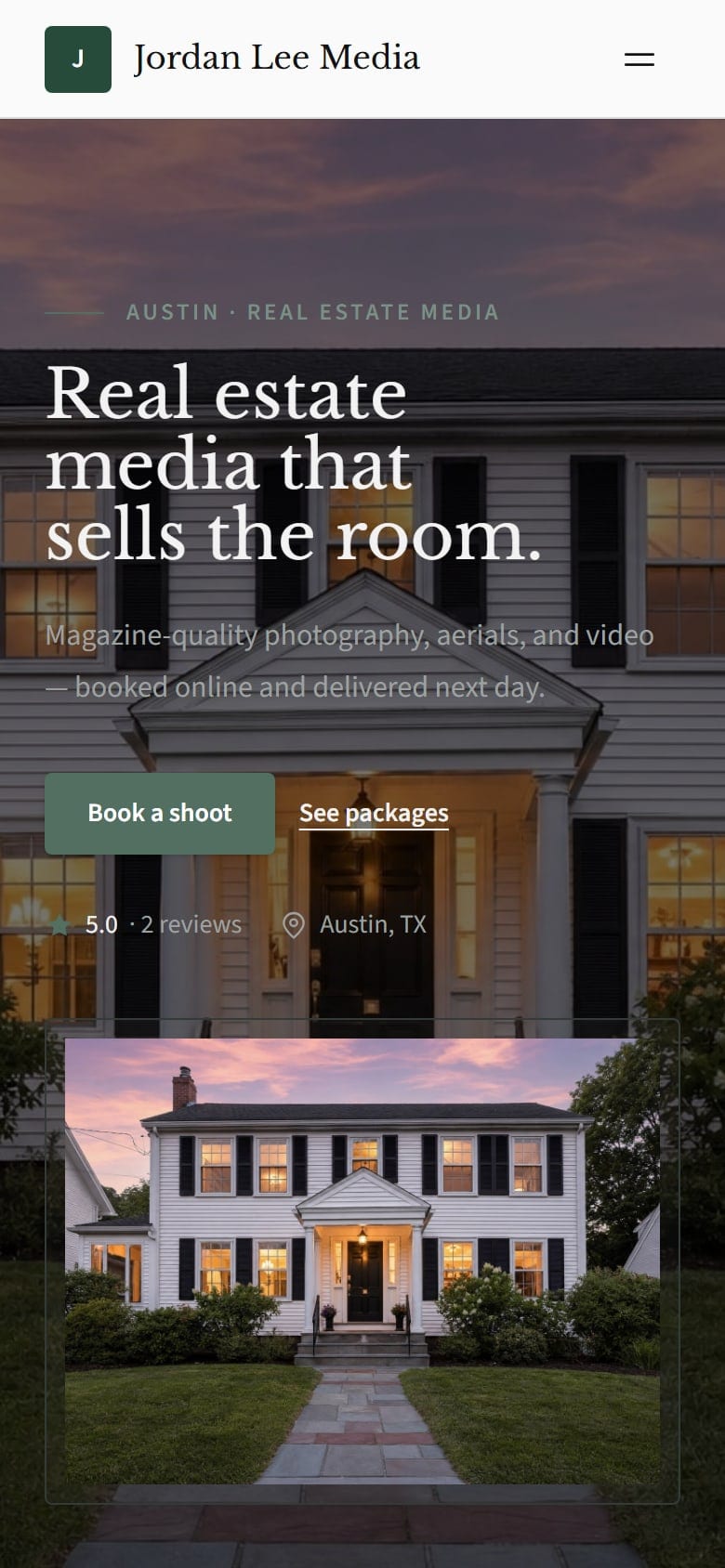
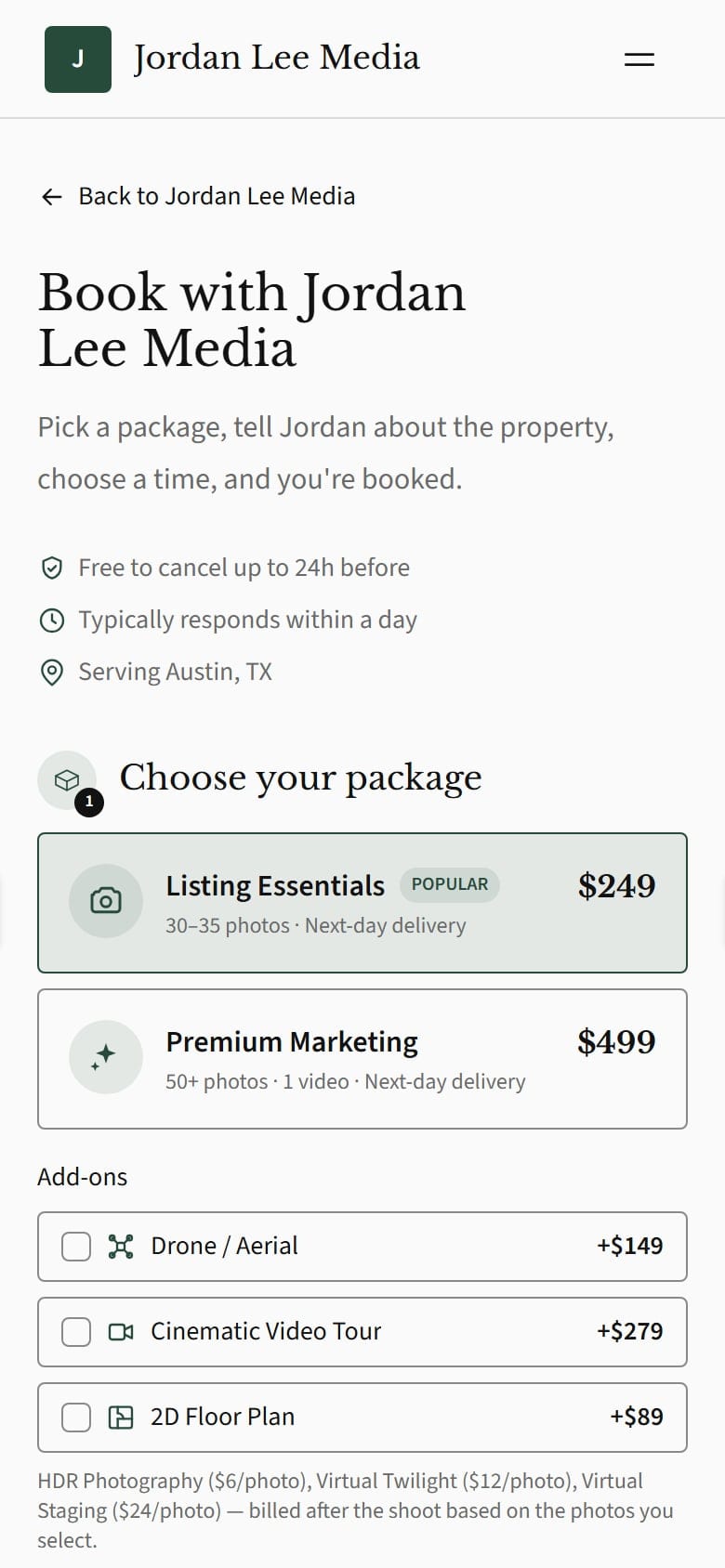
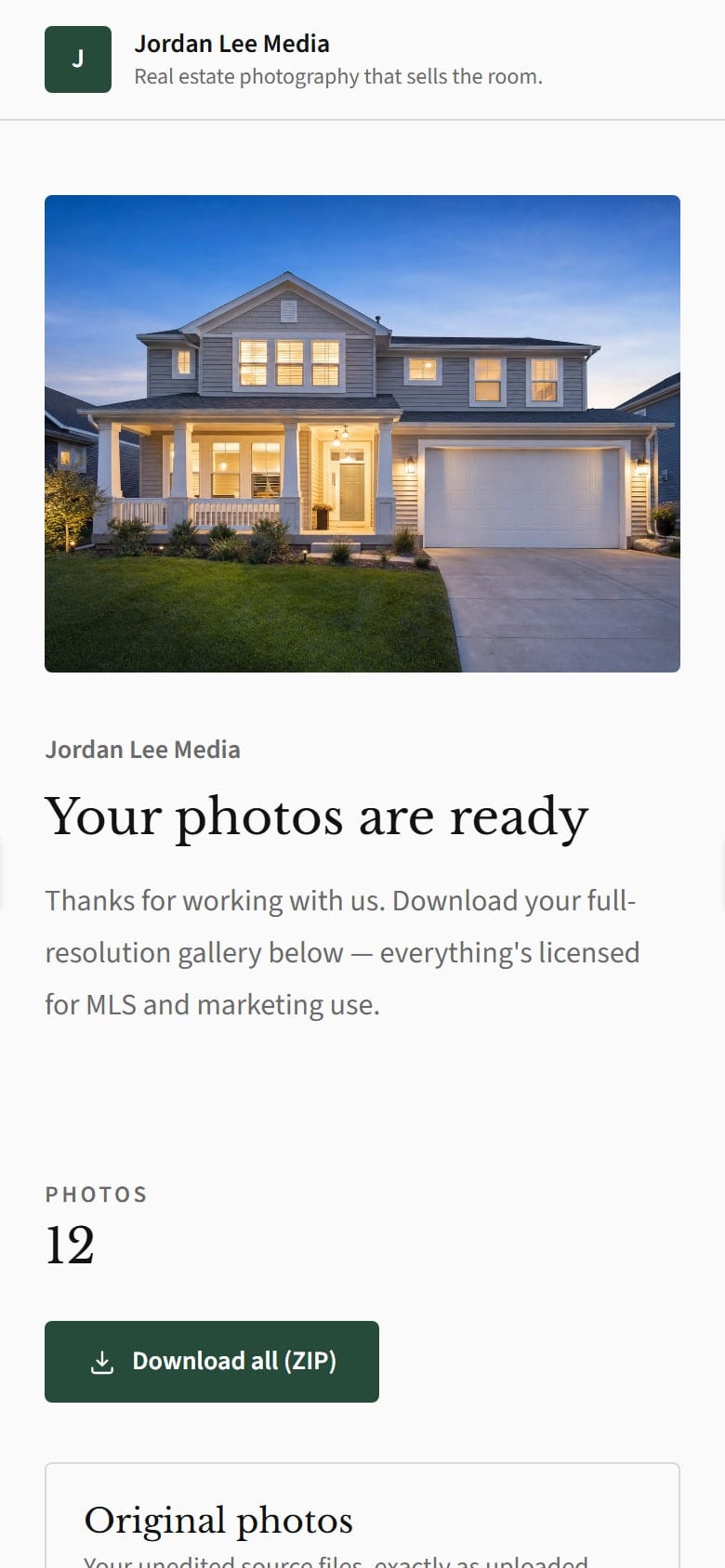
Live at its own address. On Workspace Pro, use your own domain.
Workspace Lite publishes your site on the Basic theme. Workspace Pro comes with the full builder.
Every platform
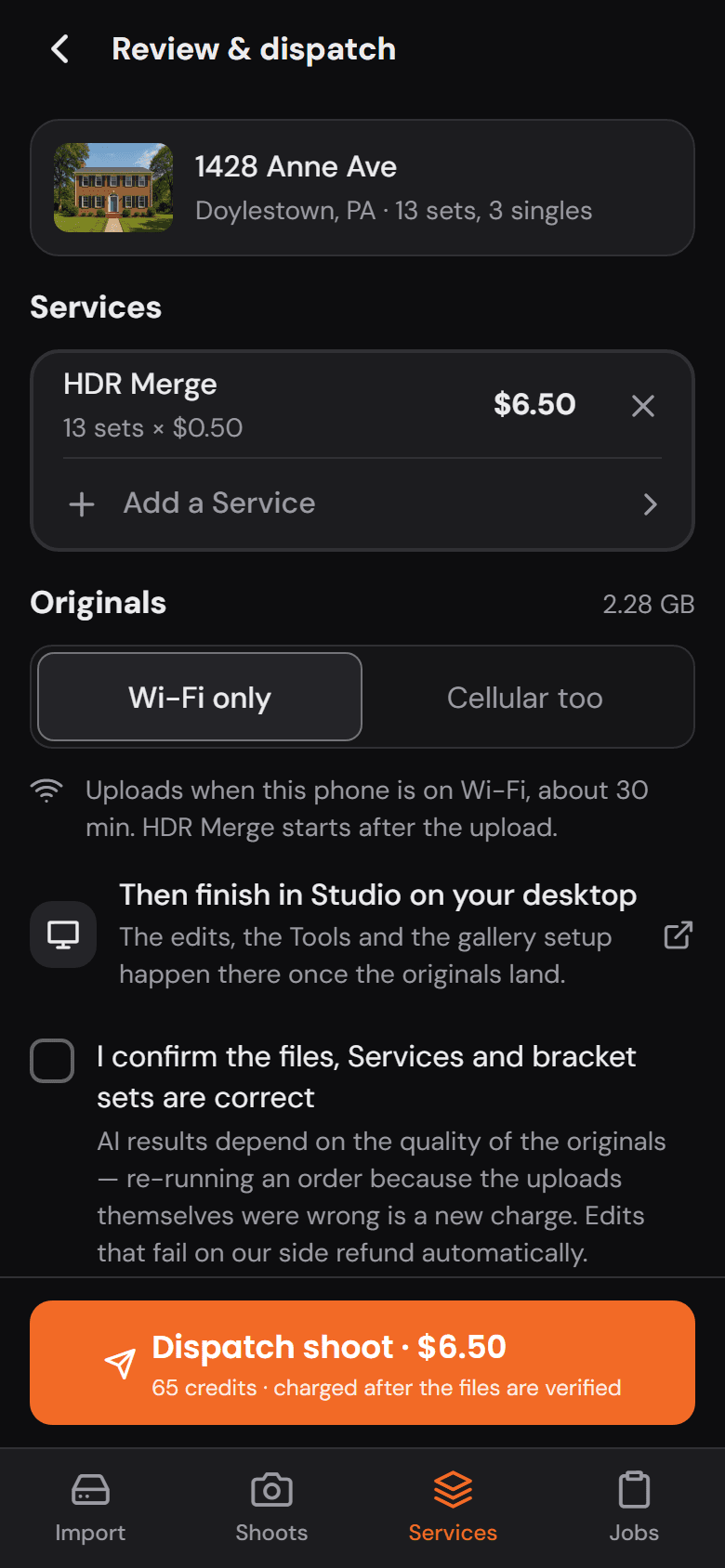
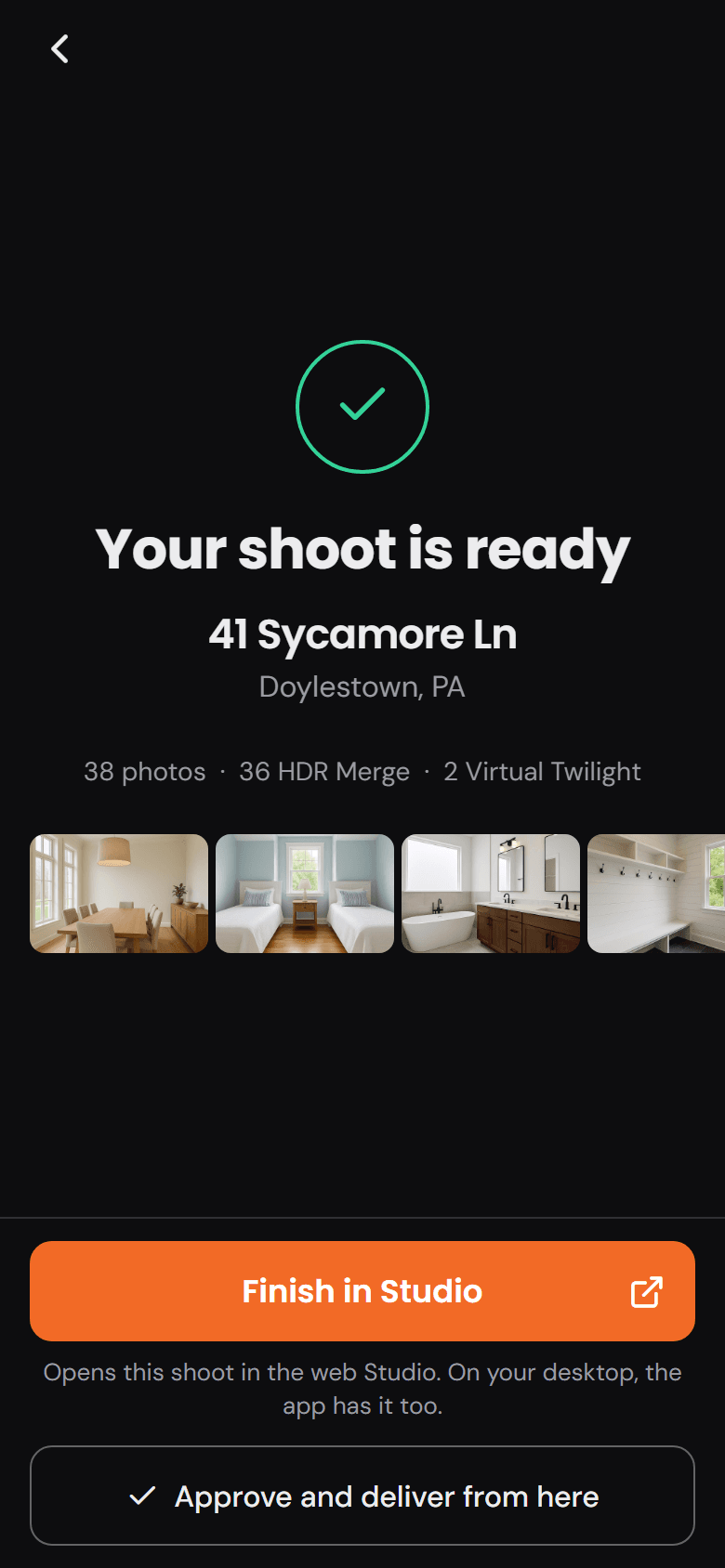
Start on the phone at the shoot, review in the truck, finish at the desk.
Coming soon
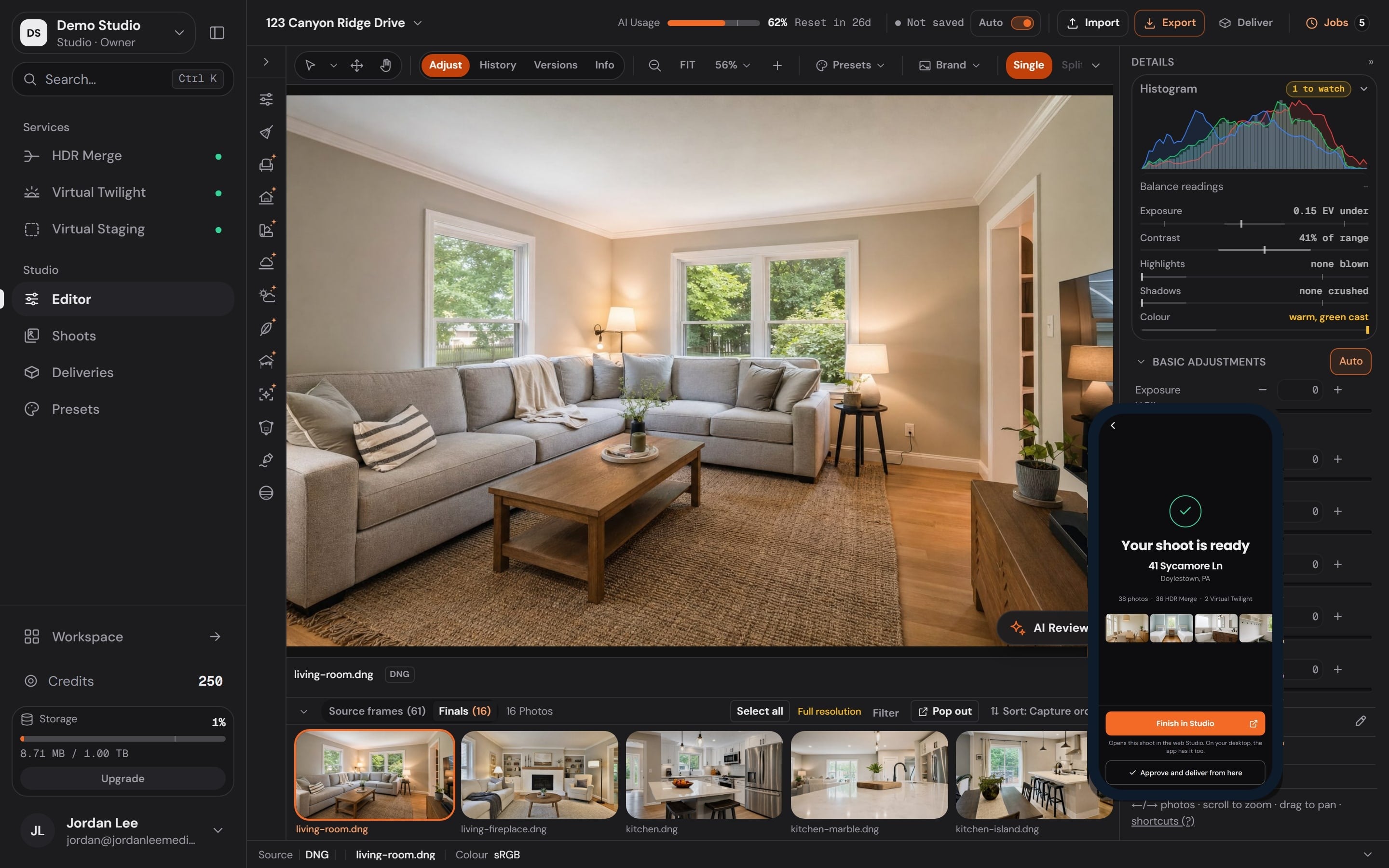
The essentials in any browser: Adjust, Crop and Geometry.
The desktop app, with the complete tool rail.
Start the edit at the property: import from the card, order the Services, approve and deliver from your phone.
Photo Ready 360
Photo Ready 360 walks the seller through the prep, room by room, so shoot day is spent shooting.
Link sent
You create the review and send the private link, or hand it to the agent to pass along.
Opened
The seller opens it on their phone. No app, no account, nothing to install.
Photos submitted
A few quick photos, room by room, from the phone that opened the link.
Report ready
A room-by-room readiness report lands before shoot day, with what to handle and what already looks great.
Price a shoot, prep a seller, plan around the light, and size photos for the MLS. Each one is a page you open and use, nothing to install.
Find a Photographer
Find a Photographer is a free directory where agents look up local photographers by the listing's address, compare them on a map and book. Your profile costs nothing; a booking through it pays a 2.25% fee, or 0% with any Workspace plan.
How an agent books you
Search by address
An agent types the listing's address and sees who covers it.
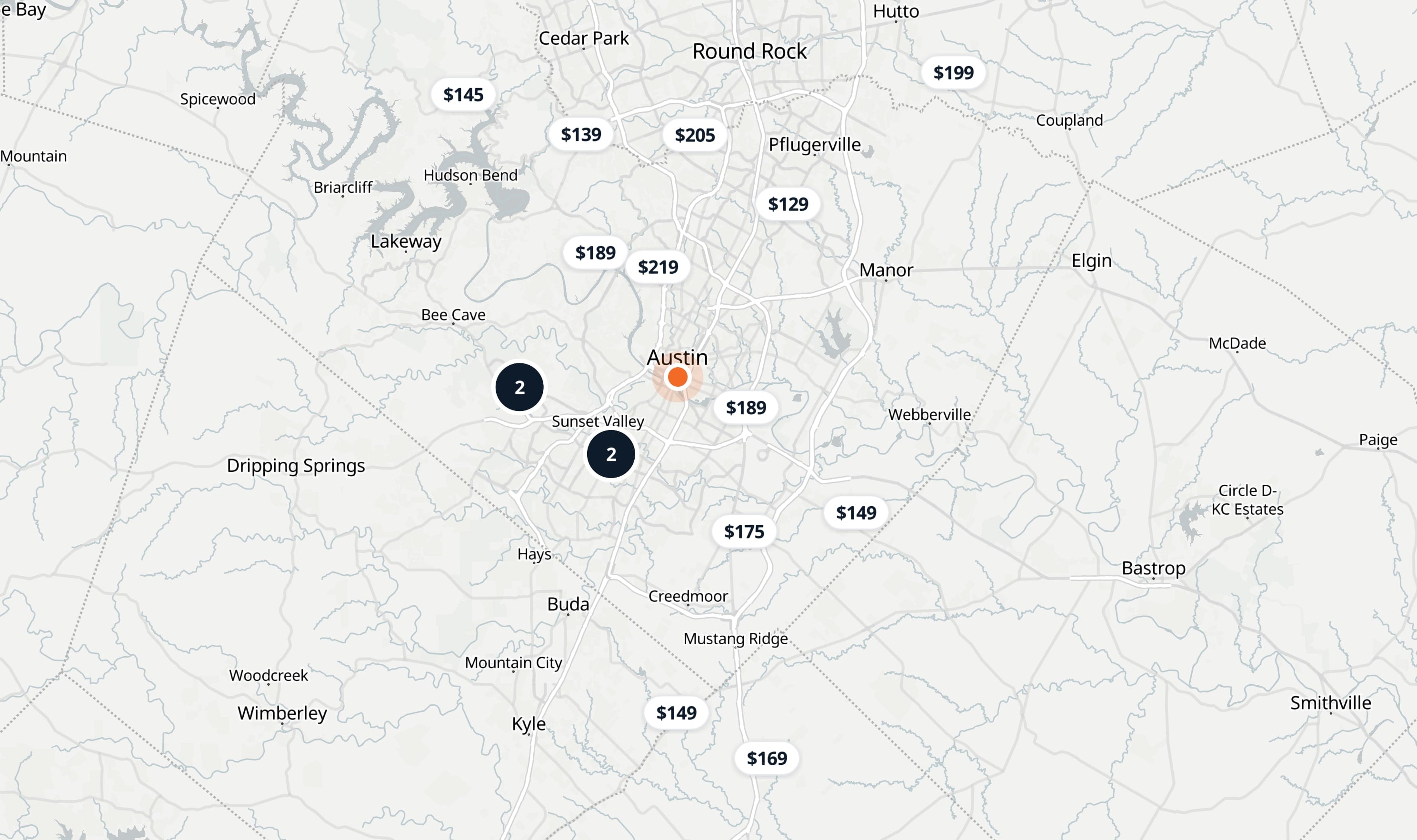
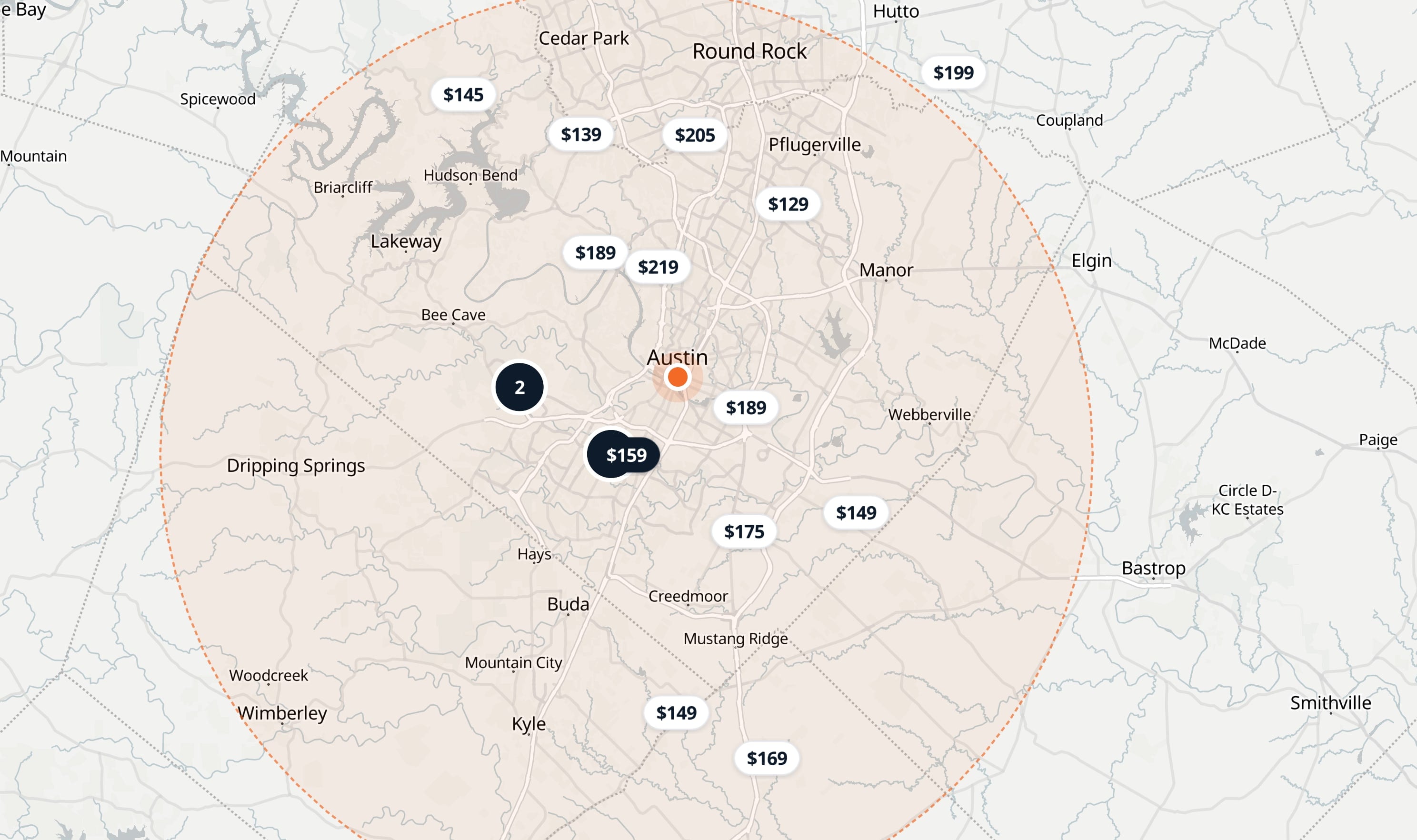
Compare on the map
Every local photographer is pinned at their starting price, with their coverage drawn on the map.
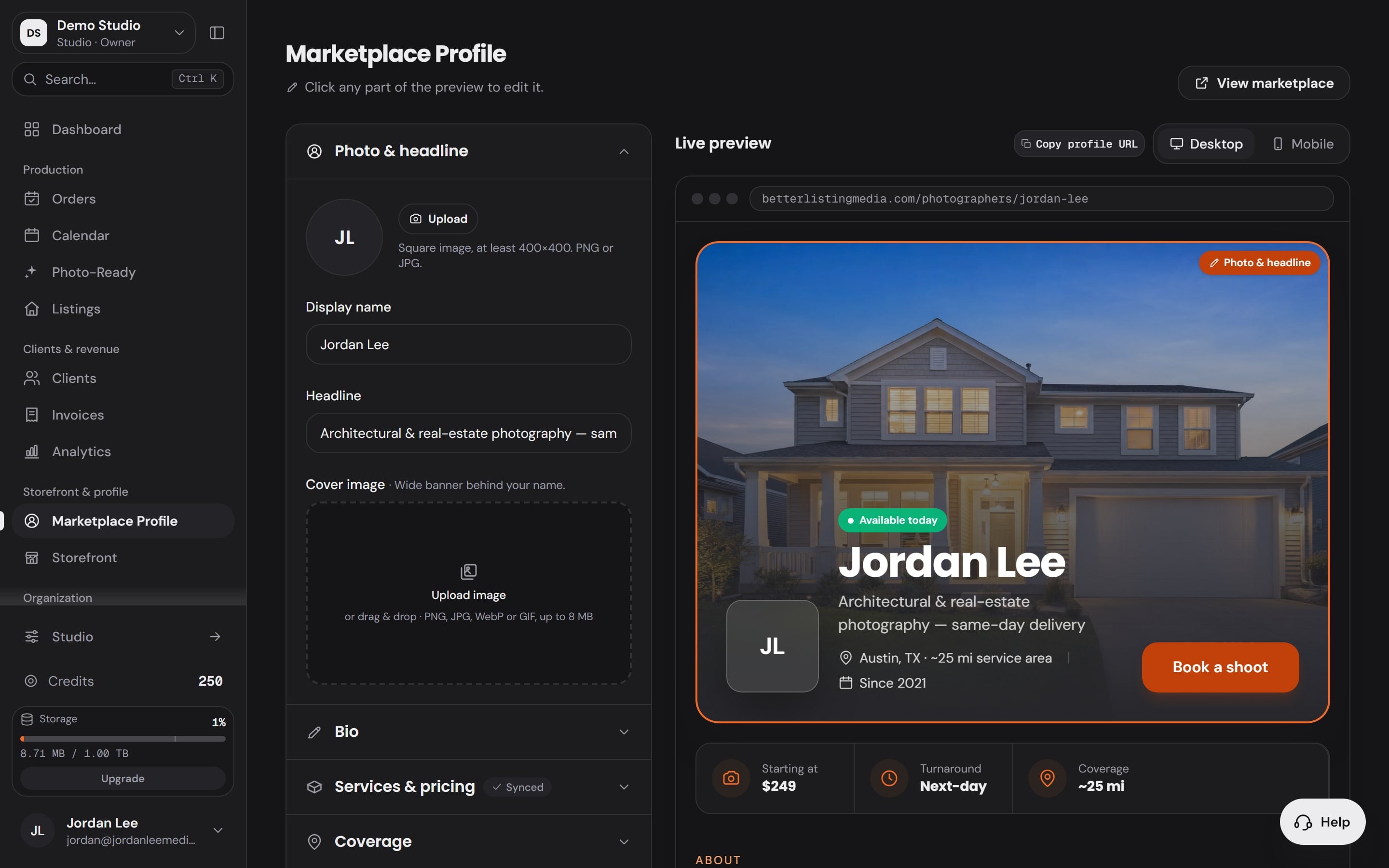
Book from your profile
Your profile opens with your work, your area and a Book a shoot button.
Map: OpenFreeMap, © OpenMapTiles, © OpenStreetMap contributors
Map: OpenFreeMap, © OpenMapTiles, © OpenStreetMap contributors
Search by address
An agent types the listing's address and sees who covers it.
Compare on the map
Every local photographer is pinned at their starting price, with their coverage drawn on the map.
Book from your profile
Your profile opens with your work, your area and a Book a shoot button.
A track record from your real bookings and reviews. Nobody can type it in.
Your coverage area on the map, so agents see where you work.
Bookings land in your calendar beside the rest of your shoots.
0%
Booking fee with any Workspace plan
Your listing is free. Without Workspace, a booking through it pays a 2.25% fee. Agents search the directory free.
What buyers, sellers and agents say about listing photos, from the published studies.
81%
of recent buyers who searched online rated listing photos “very useful”, the highest of any website feature.
52%
of buyers found the home they bought on the internet.
78%
of sellers are more likely to hire an agent who offers high-resolution photography.
88%
of sellers’ agents said listing photos were important to their clients.
67%
of U.S. photographers are self-employed. The BLS lists scheduling, record-keeping, billing and advertising as part of that job. That second job is the one Better Listing Media takes off your desk.
Why switch
A website here, a calendar there, the edits somewhere else, and a separate login for each. In Better Listing Media every one of those jobs lives in one account.
Separate tools8 logins
Better Listing MediaOne login
Take bookings online
 WorkspaceYour storefront
Schedule the shoots
 WorkspaceOrders and calendar
Prepare the home
 Photo Ready 360Room-by-room prep
Edit the photos
 Studio33 tools and AI Services
Deliver the gallery
 WorkspaceBranded delivery
Invoice and get paid
 WorkspaceInvoices, paid to you
Keep the client list
 WorkspaceClients
Get found by agents
 Find a PhotographerYour profile on the map
Pricing
A credit is always $0.10 and HDR Merge is 6 credits a photo. Editing plans add up to 19% bonus credits. Set your month and see what each option costs.
Costs least at this volume
Tier I
$69.90 a month
That is $0.69 a month less than buying packs.
At 120 HDR photos a month, Tier I costs least: $69.90 a month.
A month at 120 HDR photos
Totals include any top-ups
Credit packs
No subscription
$70.59
Tier I
$49.00 a month
$69.90
Tier II
$99.00 a month
$99.00
Tier III
$199.00 a month
$199.00
Tier IV
$399.00 a month
$399.00
Tier V
$799.00 a month
$799.00
Tier VI
$1499.00 a month
$1499.00
Add the software when you want it
Or no subscription at all: credit packs from $25.00, and the credits never expire.
Grow
One for the photographers you bring. One for every month you stay. Both are paid in credits, the same credits you spend on Services.

Every workspace has its own link. Each reward shows on your dashboard the moment it is earned, with the day it posts.
150 credits for every photographer who does both, $15.00 of list value. Bonuses at 3, 10 and 25 subscribed friends, up to +1,500 credits.
The affiliate programNothing to join. A calendar month counts as active once you use 100 credits on Services, or pay for a plan. Reach a level and its thank-you posts to your balance.
Past Platinum, every further 12 active months brings +500 credits. The badge says how long you have been active. It never changes where you rank.
How the loyalty program worksBuilt into how billing, editing and delivery work.
Read the terms in fullEvery metered job prints its cost before you start it. Nothing is charged by surprise.
If a job fails on the server, its credits come back on their own.
Nothing reaches a client until you have looked at it.
Galleries, storefront and invoices carry your name, never ours.
One balance covers every Service. Buy it once, spend it when the work comes.
Each order freezes its prices the moment you place it. A later price change never reaches an order already on the books.
Help, built in
One Help button, in the bottom corner of the site and your Workspace, signed in or not. Open it with a question about an order, an edit, a delivery or a charge and the assistant answers right there, without a form or a queue.
Before you switch
What photographers check before they move the business over.
Better Listing Media is real estate photography software built for photographers. Studio edits the photos: HDR merge, virtual twilight and virtual staging are ordered per image, and the editing tools sit on one rail. Workspace runs the business around each shoot: bookings, clients, branded delivery portals, invoices, team roles and the photographer's own storefront. Photo Ready 360 gets the home ready before shoot day.
Nothing up front. Pay as you go is $0.60 per HDR image with no monthly fee, so you buy credits only when there is a shoot to edit. Plans and credit packs are listed on the pricing page.
See plans and packsYou. Clients check out on your storefront through your own connected payment processor, so the money lands in your account and never passes through ours. On every Workspace tier the storefront booking fee is 0%.
Yours. Your storefront, your booking form and your delivery portal carry your logo, colors and type, set once and applied everywhere, so the client bookmarks you and not a file-transfer service. On Workspace Lite the storefront footer carries a small powered-by line; Workspace Pro removes it.
The browser keeps the essentials: Adjust, Crop and Geometry, free, for the fix you need from a client's office. The desktop Studio carries the full rail, every tool and every Service, and that is where a shoot gets finished.
The seller-prep product. You send the seller a private link before the shoot, they take a few phone photos of each key area, and the house gets a room-by-room readiness checklist and a report you both can see, so it is camera-ready before you drive out. It is preparation only: tidying, moving and switching on what the home already has, never renovation advice or an inspection.
No. A metered tool states its cost before it runs, and free and metered tools are marked apart on the rail itself, so nothing is charged by surprise. If a job fails on the server, its credits come back automatically.
Real estate media. Simplified.
Studio, Workspace and your own website in one account. Sign up free, no credit card needed. Workspace from $19 a month.