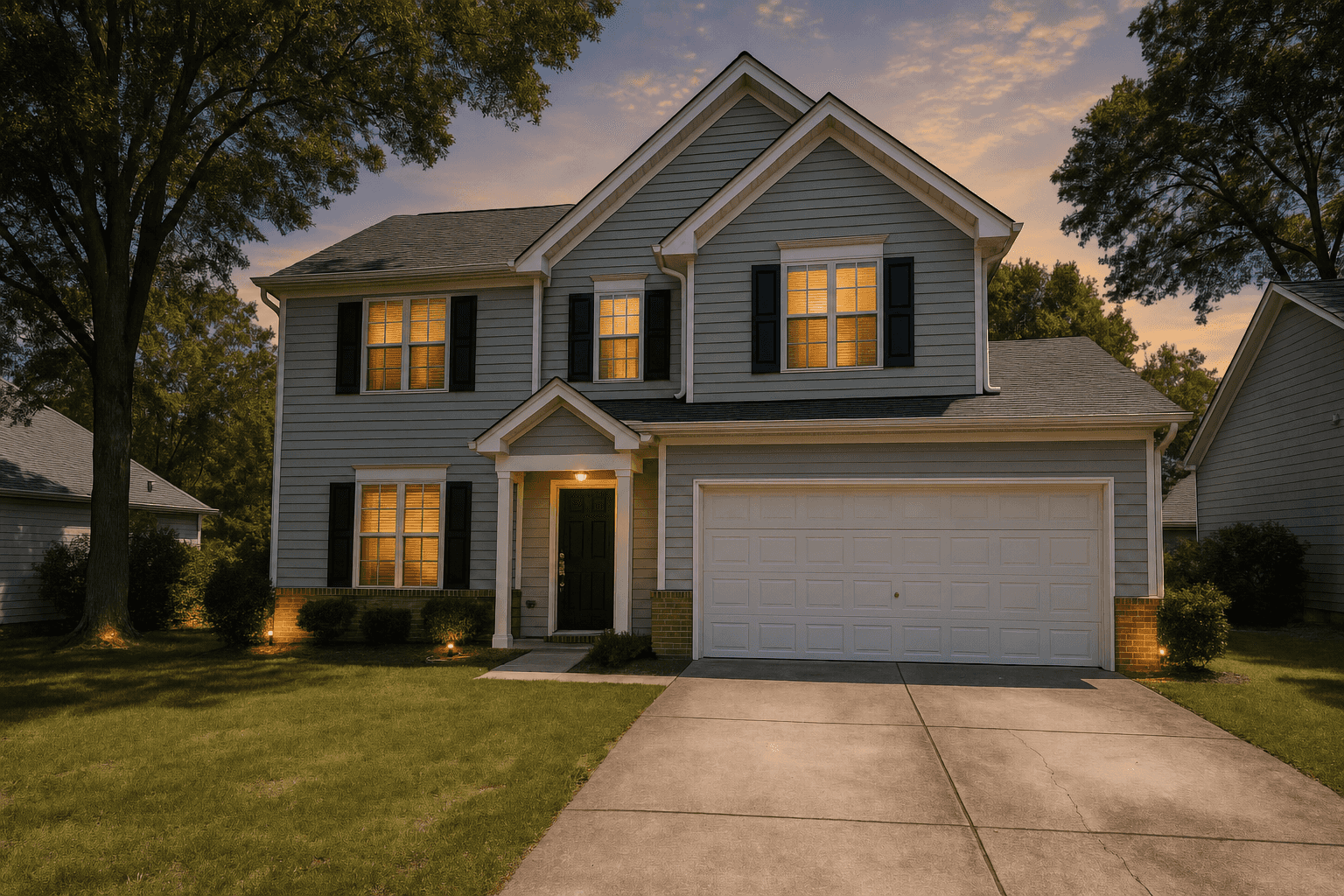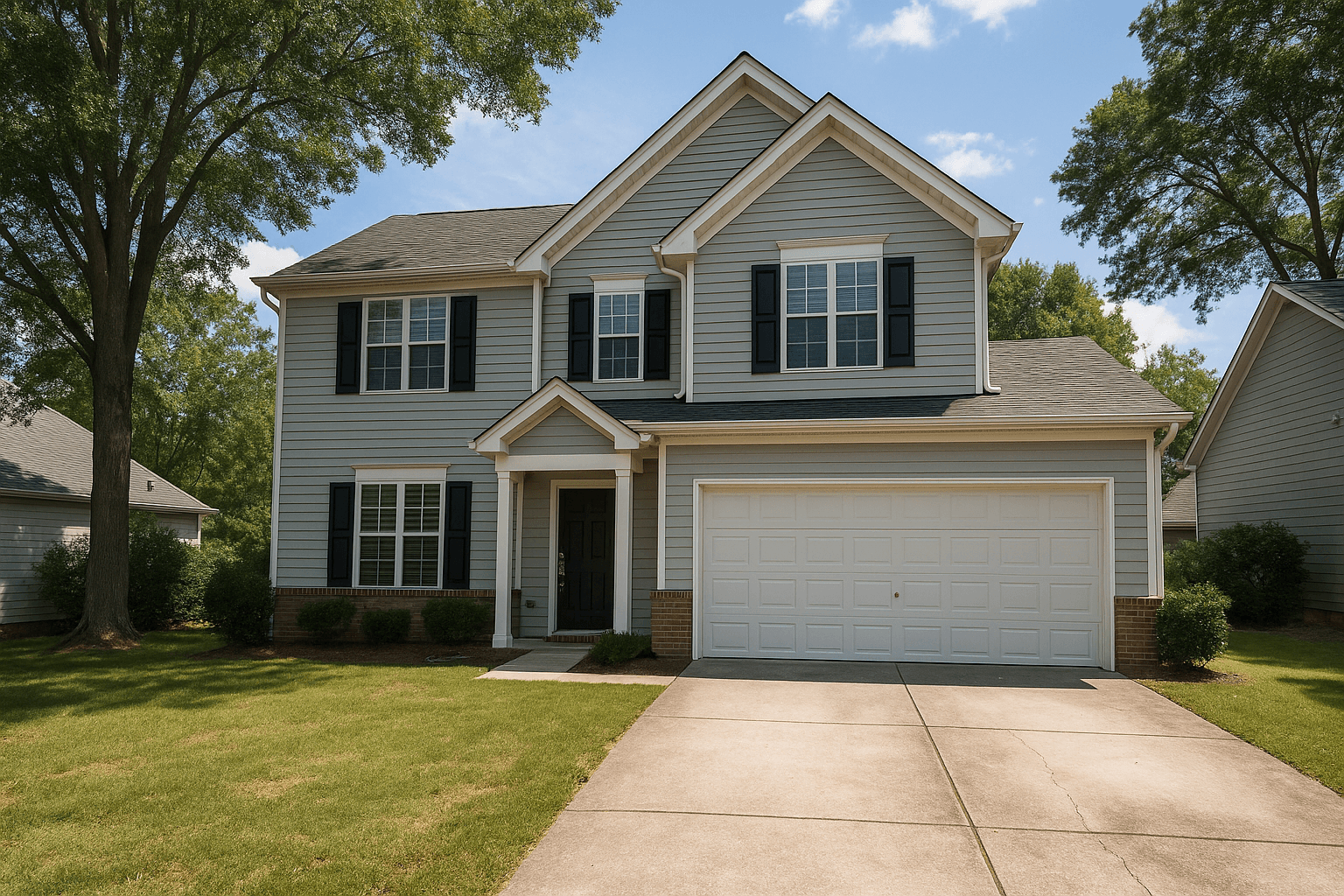
Front exterior
- Move vehicles off the driveway on photo day.
- Store trash and recycling bins out of sight.
- Mow and edge the lawn before photo day.
- Sweep the entry and add a clean doormat.
Photo Ready 360, seller prep
Your seller gets a private link, walks the home with their phone, and a room by room readiness report lands before shoot day.
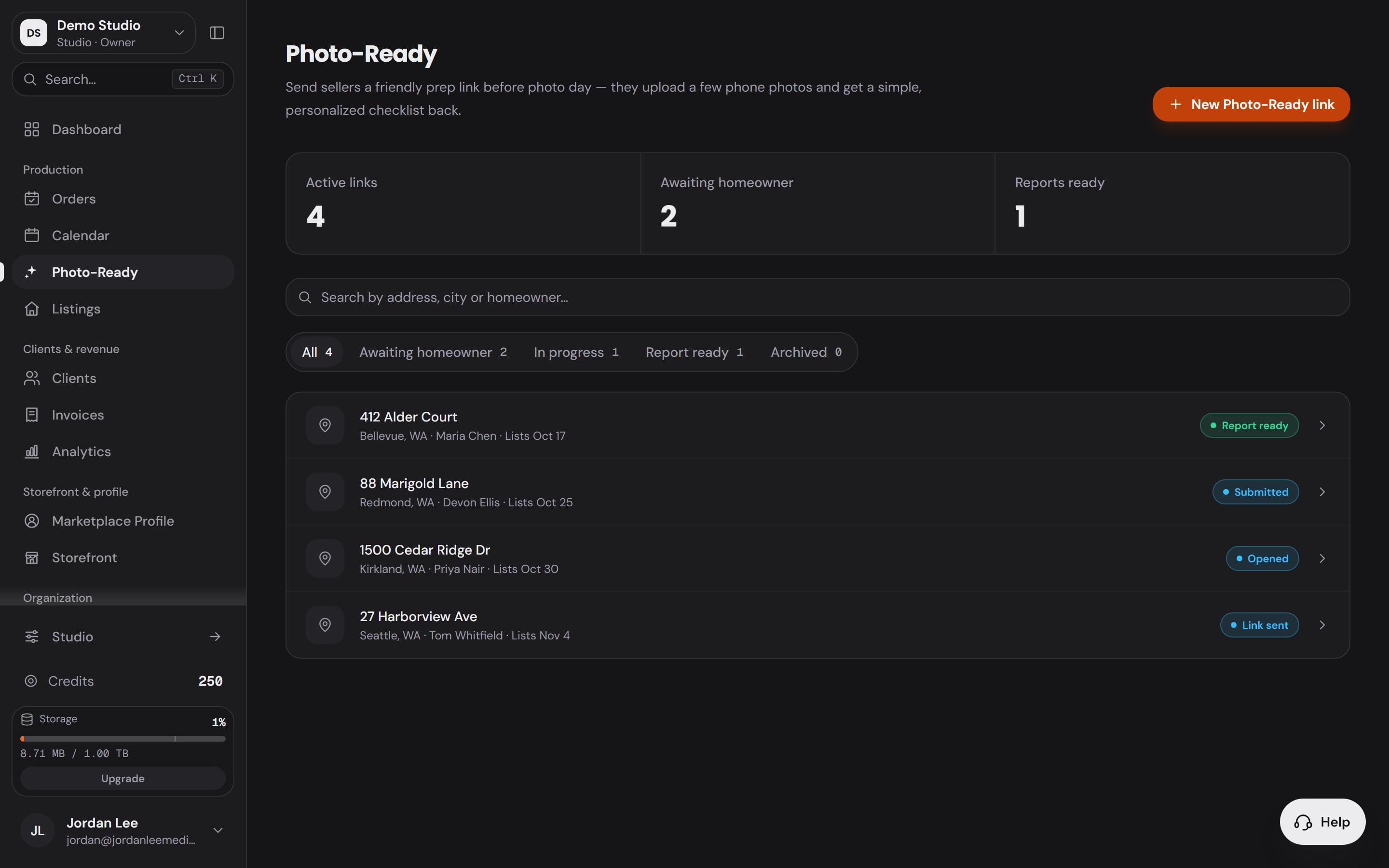
 Straighten patio furniture and store extra items.DoneMow and edge the lawn before photo day.DoneRake leaves and clear debris from paths and beds.Done
The walkthrough
412 Alder CourtFront exteriorKitchenLiving roomPrimary bedroomPrimary bathroomBackyardEvery room
23 items on the list
The walkthrough
Six areas, one house, and every action written for this property from the seller’s own photos.
Front exterior
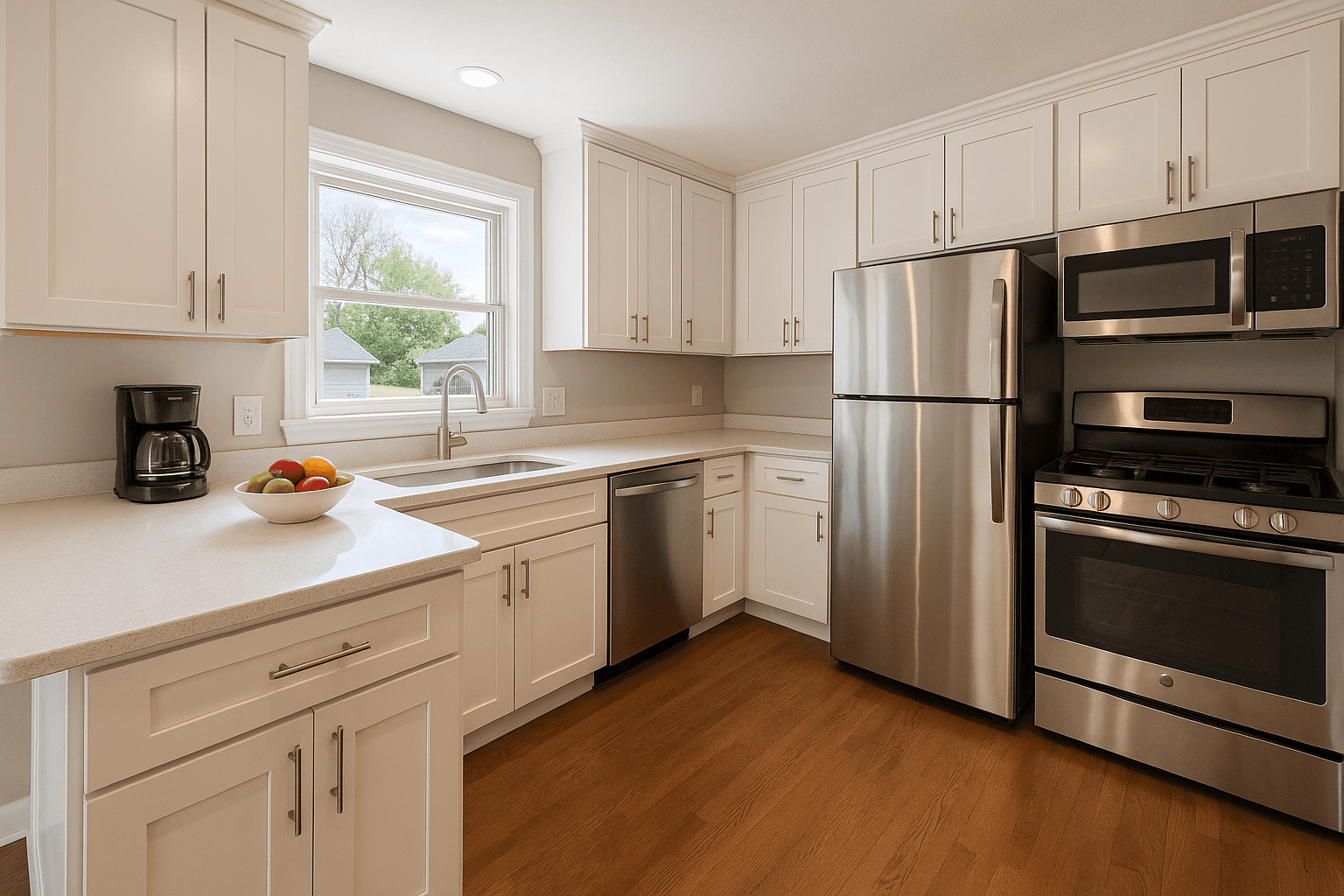
Kitchen
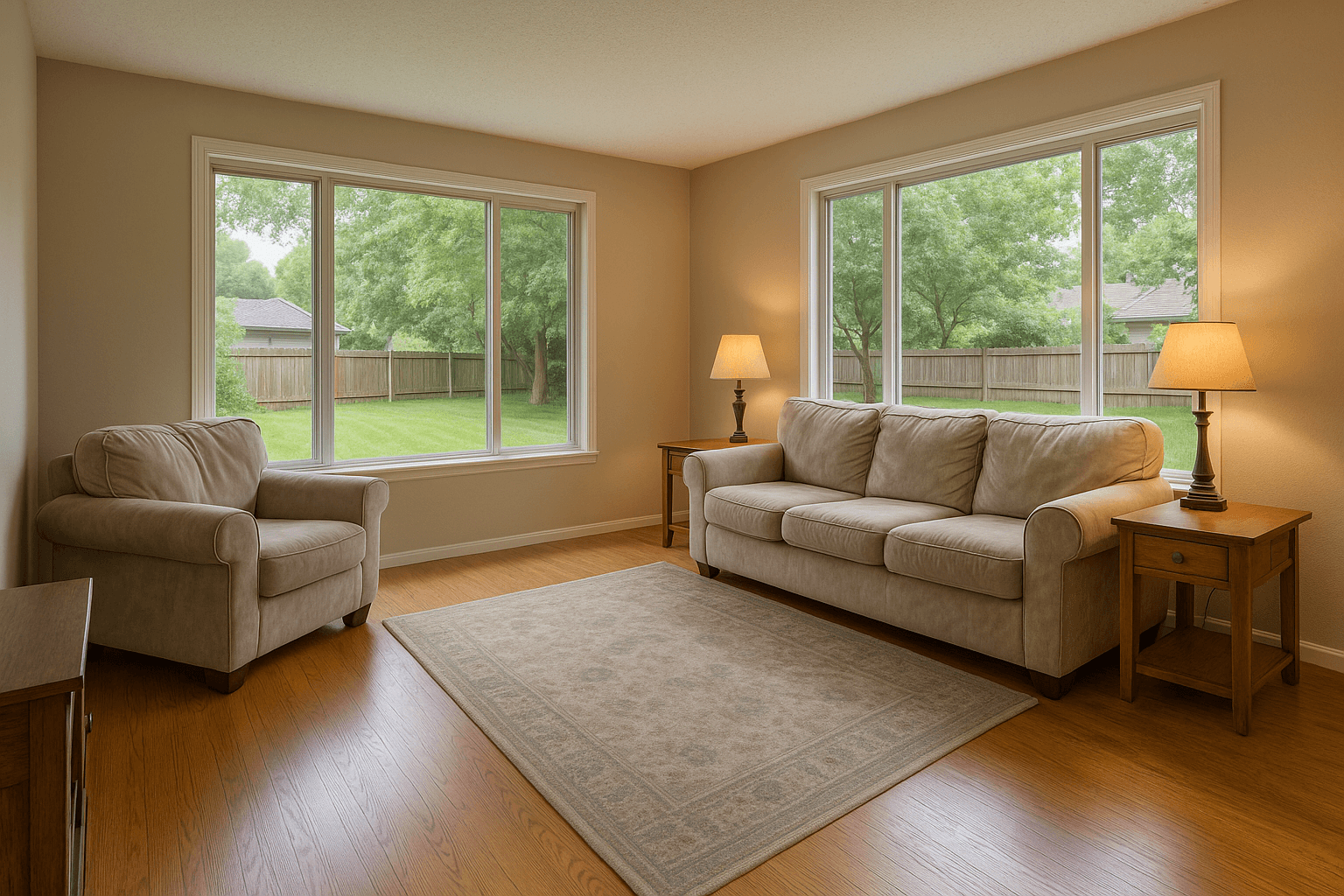
Living room
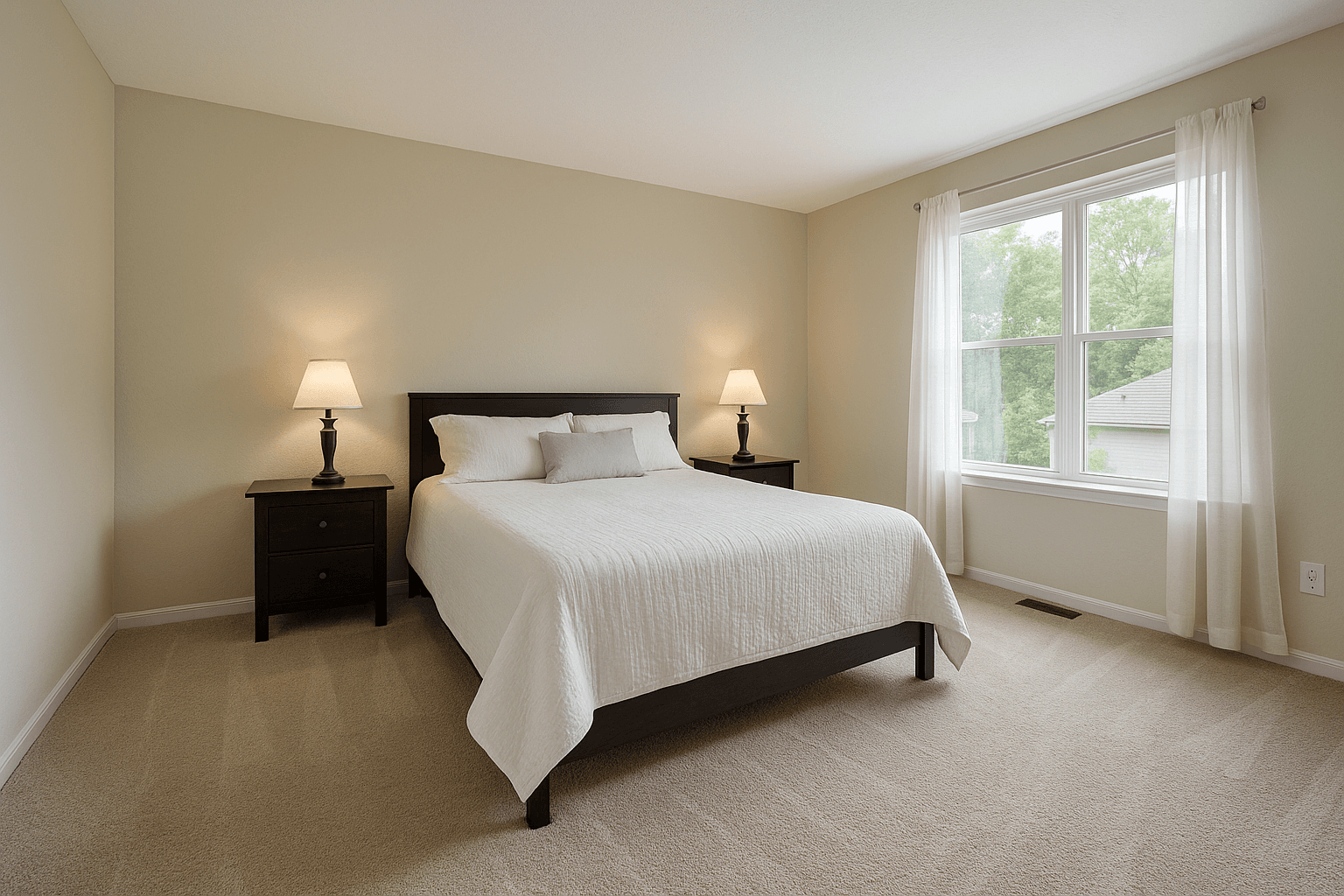
Primary bedroom
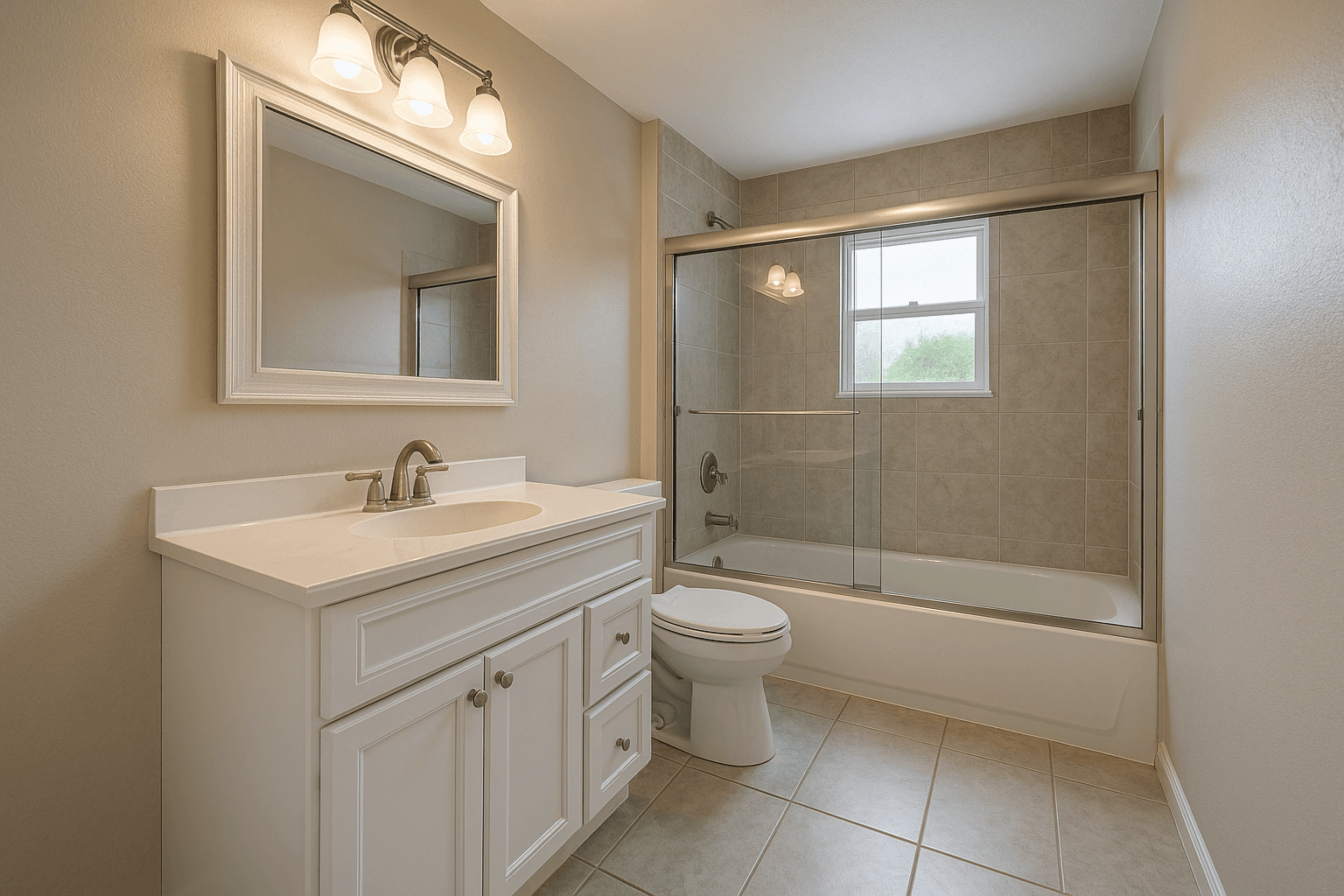
Primary bathroom
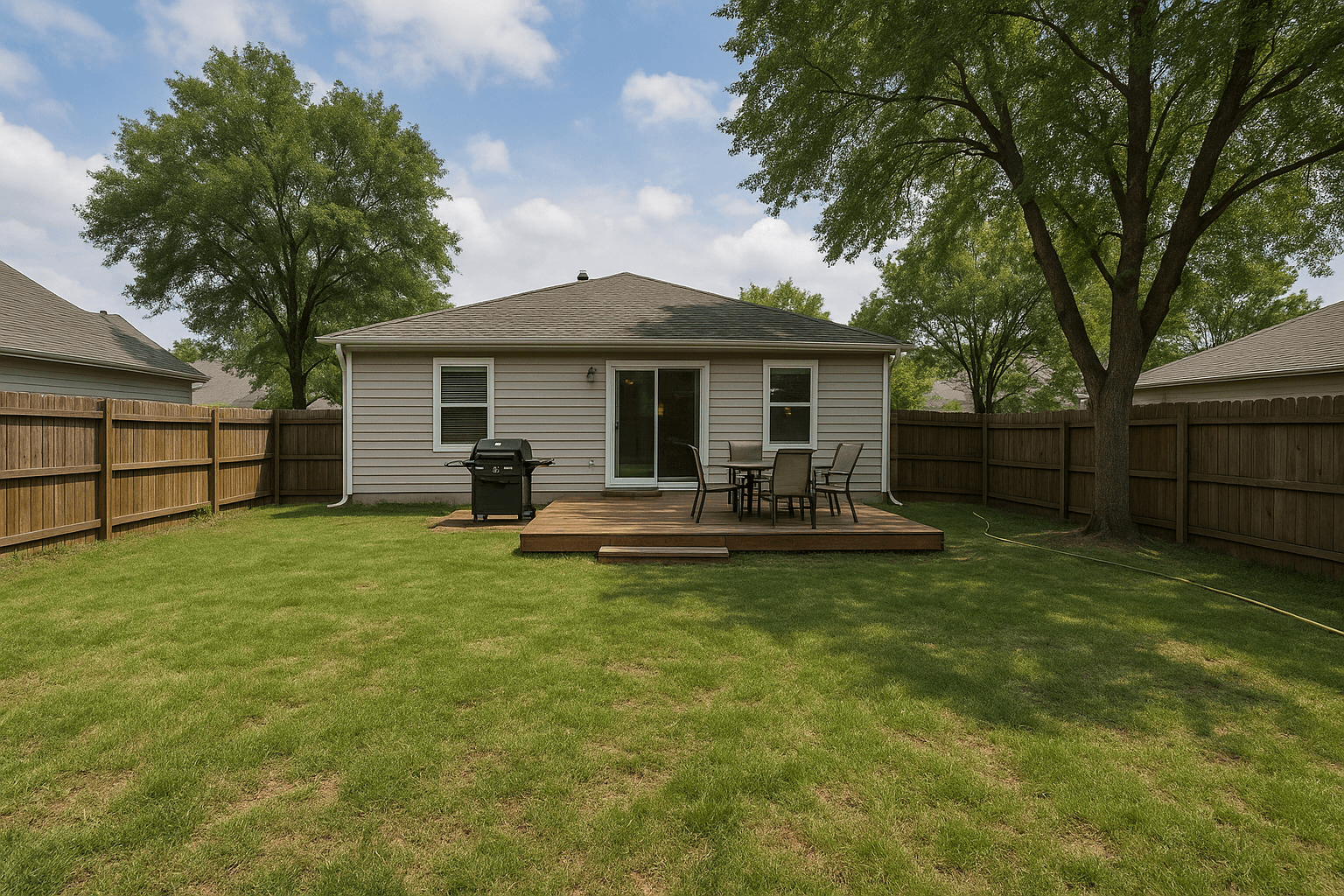
Backyard
Every item handled
The house is ready.
Shoot day starts with photography, not a conversation.
The link
Four screens on a phone, in the order the link shows them. Every heading below is the one the seller reads.
Screen 1 of 4
The link opens on the seller's phone with your name on it. No app to install, no account to create, and a plain explanation of what the next five minutes are for.
No app
A private link in a text or an email
No account
Nothing to sign up for, nothing to remember
About five minutes
A few phone photos and a few questions
Screen 2 of 4
Six recommended areas, each with a one-line tip on where to stand. 12 more are optional, from the dining room to the closets. These do not need to be good photos; they need to show the room.
Front exterior
Stand across the street or driveway and capture the whole front of the home.
Kitchen
Stand in a corner and capture as much of the kitchen as you can. These don't need to be professional photos.
Living room
Step into a corner and frame the whole living space.
Primary bedroom
Capture the room from the doorway or a corner.
Primary bathroom
A quick wide shot of the main bathroom is perfect.
Backyard
Show the yard and any patio, deck, or outdoor space.
Screen 3 of 4
Is the home lived in, are there pets, is a cleaning already booked. The answers shape the report, and if a photo cannot be read the answers alone are enough to write the checklist.
Screen 4 of 4
The seller confirms the submission and the report is prepared. The link shows Preparing report in your Workspace until it flips to Report ready, and both of you are told the moment it does.
Consent, recorded
The seller agrees to share their photos for the report. Nothing goes to a local prep vendor unless they ask for quotes, category by category.
The report, delivered
A room by room list for the seller and the same report beside the listing in your Workspace, with front exterior to backyard covered.
Photo Ready 360
Photo Ready 360 walks the seller through the prep, room by room, so shoot day is spent shooting.
Link sent
You create the review and send the private link, or hand it to the agent to pass along.
Opened
The seller opens it on their phone. No app, no account, nothing to install.
Photos submitted
A few quick photos, room by room, from the phone that opened the link.
Report ready
A room-by-room readiness report lands before shoot day, with what to handle and what already looks great.
The readiness report
No grades, no red marks. Each area gets a readiness label, what was noticed, and what to do about it, worded so a seller reads it as help.
412 Alder Court
Bellevue, WA
Overall
Almost readyThis home is close to photo-ready. A few light prep items, mostly clearing counters and tidying the front exterior, will help it show beautifully in the professional photos.
Before photo day
A little light prep here will help the home show its best online.
What was noticed
What to do
The morning of the shoot, on every report
If the seller wants help
Property-specific
A prep sheet says “declutter the kitchen.” The report reads the seller’s own photos and says which counter, which lawn, which driveway.
The sheet every agent has sent
The same four lines, whatever the listing.
The list for 412 Alder Court
Written from the seller’s phone photos. Only this house could have earned these lines.
Photo Ready 360 asks one question: what should this seller move, clean or switch on before the photographer arrives? It works with what the home already has, and it reads the photos for the state of the rooms, nothing else.
One list, every seller
Each link sits in the Photo Ready list with its status, from Link sentOpenedSubmittedReport ready, so you know where every listing stands without asking the seller.
Counted in Analytics
Links sent, opened, submitted and reports ready for any period, with the typical time a seller takes to finish, beside your bookings and revenue.
Both sides told
The seller gets the invite and the finished report; you get the report the moment it is ready. Nobody chases anybody.
Private by construction
The seller's photos live in private storage behind the link, readable only by your workspace. Nothing is shared with a prep vendor until the seller asks for quotes.
The same workspace holds your bookings, your delivered galleries and your invoices. See the whole Workspace
Included
Each link holds up to 30 seller photos. Pay As You Go does not include it.
Questions
No. You send a private Photo Ready 360 link; the seller opens it on their phone, photographs each recommended area, and answers a few quick questions. Nothing to install, no login to create.
A quick phone shot of each of six recommended areas: the front exterior, kitchen, living room, primary bedroom, primary bathroom and backyard, with more areas optional. About five minutes in total. If a photo cannot be read, the seller's answers alone are enough to write the checklist, so nobody is left with a blank page.
No. That is a hard boundary. Photo Ready 360 is pre-photography preparation only: moving, tidying and switching on what the home already has. It never gives renovation advice, never estimates repairs, and it is not an inspection, an appraisal or a condition report.
Yes. Your Workspace lists every Photo Ready 360 link with its status, from Link sent through Opened and Submitted to Report ready, and Analytics counts how many were sent, opened and finished in any period. The finished report is delivered to you and to the seller.
A room by room report in plain words: a readiness label for each area, what was noticed, what to do about it, the items to handle before photo day, and the morning-of checklist. If they want local help, the report names the kind, and quotes go out only when the seller asks.
Yes, on every monthly plan: Starter includes 1 a month, Professional includes 20 a month, Business includes 30 a month, Enterprise includes 100 a month, each link holding up to 30 seller photos. Pay As You Go does not include it. The seller never pays for anything or creates an account.
Send the link when you book the shoot. By photo day the house is ready, the awkward conversation never happened, and you walk into the listing at its best.