Free tool for photographers and agents
MLS photo resizer and compressor, in your browser.
Drop in a shoot, pick a preset or set your board's numbers, and download the batch as a zip. Nothing is uploaded, and the metadata comes off.
- Editable presets
- File-size limits
- Square crops
- Numbered file names
- Zip or one at a time
Free, no account, and it runs in your browser. Start below
Output
Long edge
2048 px
Quality
80%
Fits inside
File size
≤ 2,000 KB
Metadata removed
Photos already smaller than the target keep their size: this tool never upscales.
Starting points, the same ones Studio exports with. Check your MLS’s photo rules and change any number below.
The longest side of each photo. Smaller photos are left at their size.
Lower is smaller. With a file-size limit, quality steps down only as far as it needs to.
2.0 MB per photo.
Photos never leave your device
Resizing runs in this browser tab; nothing is uploaded. Re-encoding also removes the EXIF metadata, GPS coordinates included, before the photos go public.
How it works
Your numbers,every photo.
Pick a starting point
- MLS Standard: 2048 px on the long edge, 80% quality, files up to 2,000 KB.
- Web: 1600 px on the long edge, 82% quality.
- Social 1080 square: 1080 px square, 85% quality.
Make it match your board
Change the long edge, the quality or the file-size limit, crop to a square for social posts, and flag anything under your minimum size.Name them in order
Keep the original names, or number the set with a prefix like the street address.Take them with you
Download one at a time or the whole batch as a zip. The originals on your device are not touched.
Privacy
Location datastays out of the listing.
Camera and phone files carry EXIF metadata: capture settings, times, the device’s serial number and, on phones and GPS-enabled cameras, exact coordinates. Listing photos are shared widely once they are public.
This tool re-encodes every photo through a canvas, which writes a clean file with no EXIF at all. The one trade-off: copyright and credit fields go too, so keep your originals as the source of truth and treat the resized copies as the ones you upload.
Questions
Asked often.Answered plainly.
What size do photos need to be for the MLS?
Each MLS sets its own rules for photo dimensions, file size and the number of photos, so check your board's published requirements. Enter its long edge and file-size limit here, or start from the MLS Standard preset and adjust it.
Do my photos get uploaded anywhere?
No. Resizing runs entirely in your browser with the canvas API. Your photos never leave your device, there is no account, and nothing is kept once you close the tab.
How does the file-size limit work?
Each photo is first sized to your long edge, then saved at your quality. If the file is over your limit, the quality steps down in small stages until it fits. The photo is never made smaller than your long edge to hit the limit; if even the lowest quality is over, the photo is flagged.
Will resizing reduce photo quality?
Scaling down removes pixels the listing site would not show anyway, and the tool resamples in stages so edges stay clean. It never scales up, so a photo smaller than your target keeps its size. Set the quality and compare the before and after sizes in the list.
Does resizing remove EXIF data like GPS location?
Yes. Re-encoding through a canvas writes a new JPEG with no EXIF metadata, so GPS coordinates, capture times and camera details are gone. Copyright fields go too, so keep your originals.
Can I rename the photos in order?
Yes. Choose Numbered, type a prefix such as the street address, and the files come out as address-01.jpg, address-02.jpg and so on, in the order shown. Photos you add together are sorted by file name.
More free tools.
All tools and guidesIn Studio
Export it sizedthe first time.
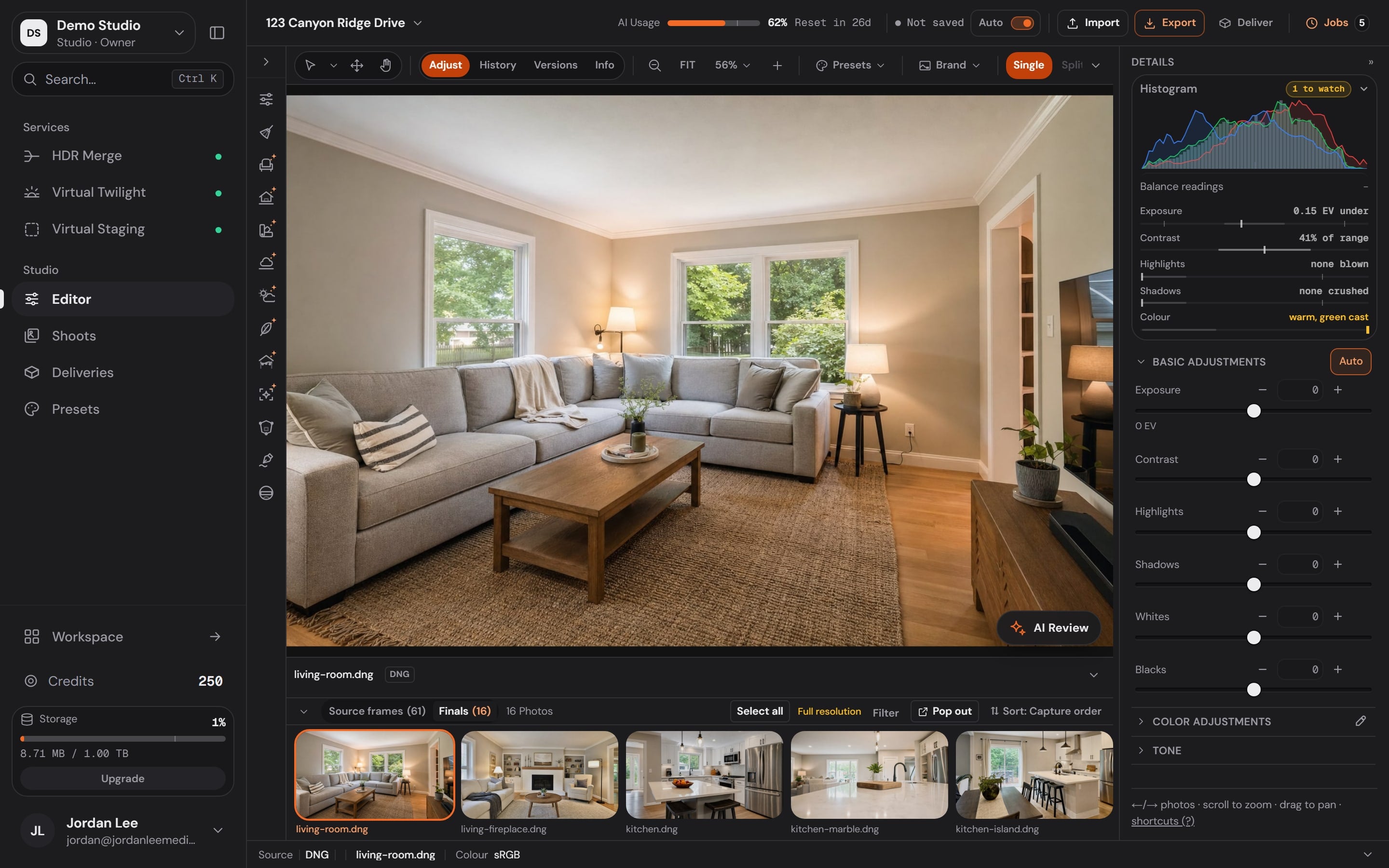
Studio exports with deliverable presets: MLS Standard, Web, Print, Social 1080 square. Each shows its long edge, quality and file-size target, and you can save your own.
- Adjust, crop and straighten by hand, order HDR Merge or Virtual Twilight from the dock, and watch the filmstrip fill with finals.