Photography
MLS photo requirements: sizes, rules and how to export
The MLS photo rules most boards share: dimensions, aspect ratio, file size, no branding or text, staging disclosure, plus a free browser resizer.
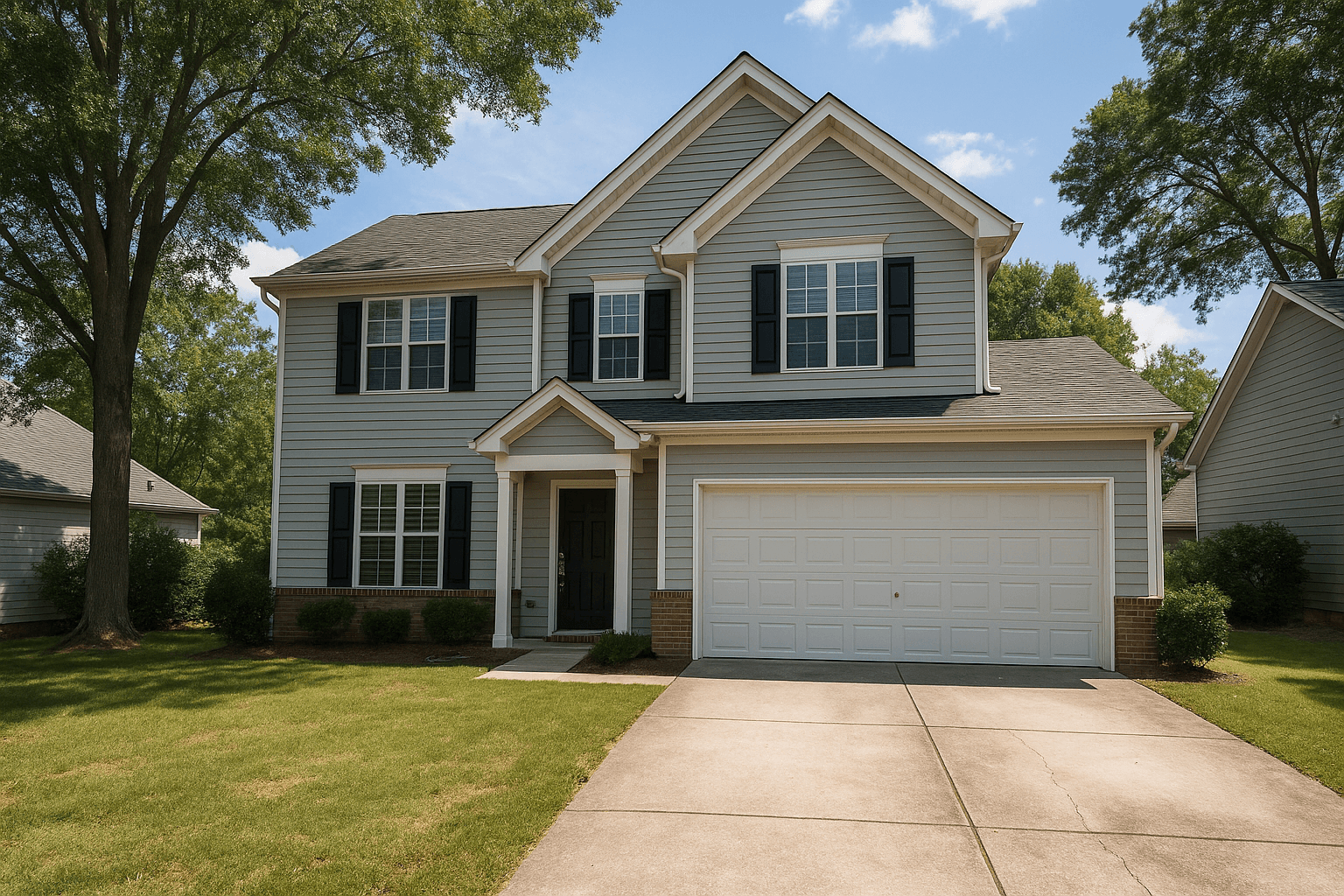
The MLS is where listing photos do their real work. According to NAR's 2026 Home Buyers and Sellers Generational Trends report, 81% of recent buyers who searched online rated listing photos very useful, the highest of any website feature. Those photos reach buyers through the MLS feed, and every board sets rules for what it will accept.
There is no single national spec. Each MLS publishes its own photo requirements, and they change. What follows is the set of rules that show up on most boards, stated generally, so you can read your own board's page and know what each line means. Check that page before any large upload.
Dimensions and resolution
Most boards set two numbers: a minimum size, below which a photo is rejected, and a storage size, which is the largest version the system keeps. Upload something larger than the storage size and the system scales it down for you, with compression settings you do not control.
Full-resolution camera files are several times larger than any board stores. Uploading those is slower, and it hands the final quality decision to the board's resizer instead of yours. Exporting at your board's storage size keeps the resampling in your hands and makes every upload faster.
Never upscale a small photo to reach a minimum. Adding pixels adds no detail, only softness. If a photo is below your board's minimum, the fix is a different frame or a reshoot, not a bigger export.
Aspect ratio
A camera shoots 3:2 by default. If your board displays photos in a different frame, a 3:2 photo uploaded as-is either gets letterboxed or gets cropped by the board, usually by trimming the left and right edges without regard for what is in them.
Crop deliberately instead. Deciding where the edges fall is part of composing the photo: it keeps the island in the kitchen frame and the corner of the house in the exterior. In Studio, the Crop tool's aspect presets include an MLS 4:3 preset alongside 3:2, 16:9, 1:1 and a custom ratio, and the crop you see in the preview is the crop the export produces. Shoot a little wider than you need so the crop has room to breathe. If your board keeps photos at their native shape, keep it.
File size and format
JPEG is the safe format for an MLS upload. Most boards enforce a per-photo file cap, and the number is on your board's requirements page. A single over-cap file can fail silently and leave a listing short a photo.
Resizing to your board's storage size and re-encoding as JPEG is what brings a camera file under the cap. A quality setting around 80% is the resizer's default and keeps files small. Save higher quality for print or for a client who asked for it.
No branding, text or contact details on the photo
Most boards prohibit anything on the image that is not the property: logos, watermarks, agent names, phone numbers, website addresses, price banners, open house text and arrows. The rule exists because MLS photos syndicate to portals and to other brokers' sites, and a photo carrying one agent's branding is advertising on everyone else's listing page.
Some boards extend this to border frames, collages and heavily stylized filters. Keep every MLS photo clean: the photograph, edited well, and nothing on top of it.
This is also why the branded version of a shoot and the MLS version are two different exports. Your logo belongs on your storefront, your booking page and your delivery portal, not on the file the agent uploads. When you deliver through a Better Listing Media portal, the client downloads clean full-resolution files from a page that carries your brand around them.
Disclose virtual staging and other scene changes
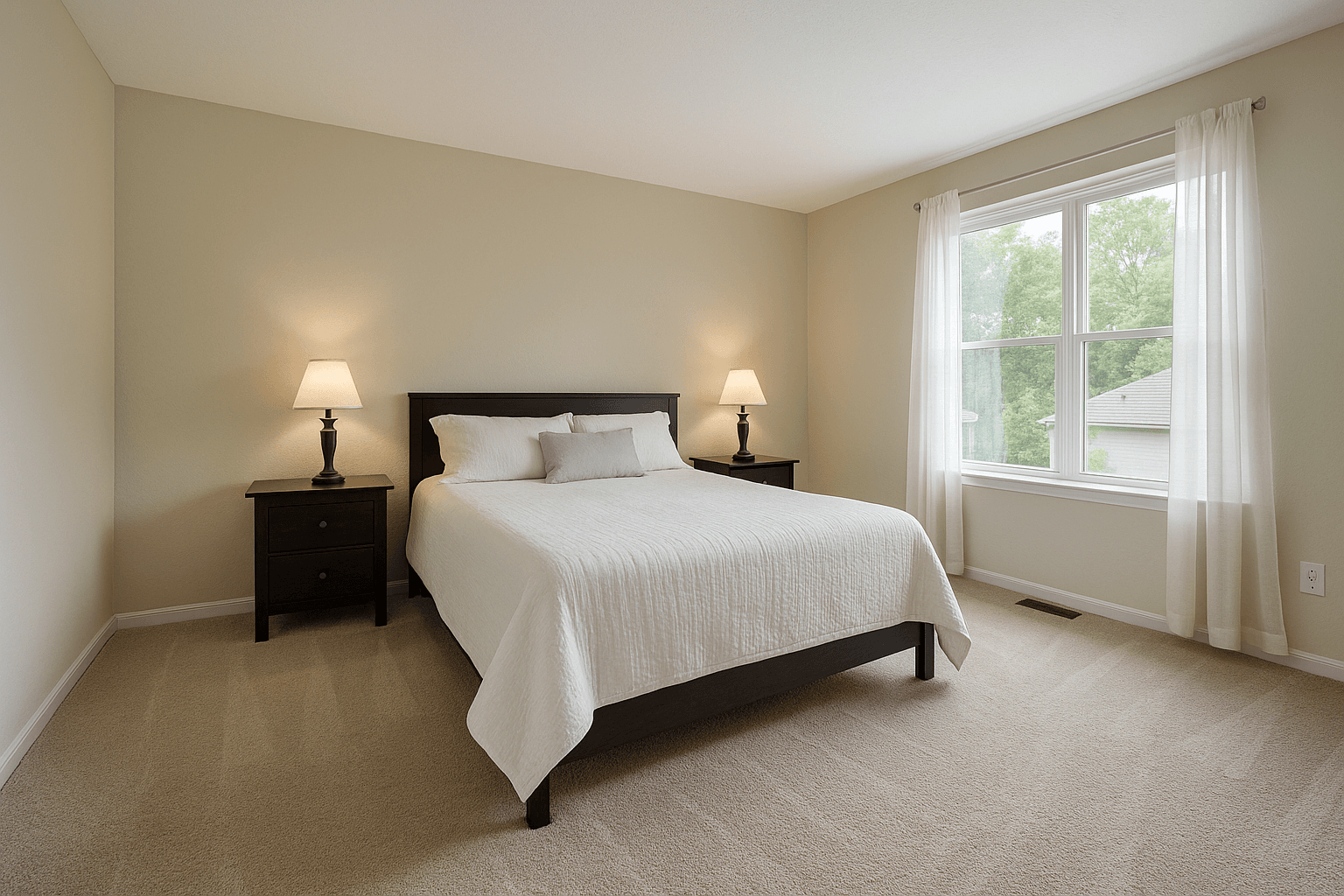
A photo that shows furniture that is not in the house, a lawn that is greener than the real one, or a renovated kitchen that has not happened is a misrepresentation unless it is labeled. Many boards require that virtually staged photos be identified as virtually staged, in the listing remarks and often on the image itself, and some require the unedited original to be included in the set.
The practical rule: label every photo that shows something the property does not currently have, and give the buyer the real frame too. Every virtual staging order from Better Listing Media returns the unstaged original alongside the staged frame so the side-by-side is ready to upload. A buyer who feels misled by the photos does not write an offer, so disclosure protects the showing as much as it satisfies the board.
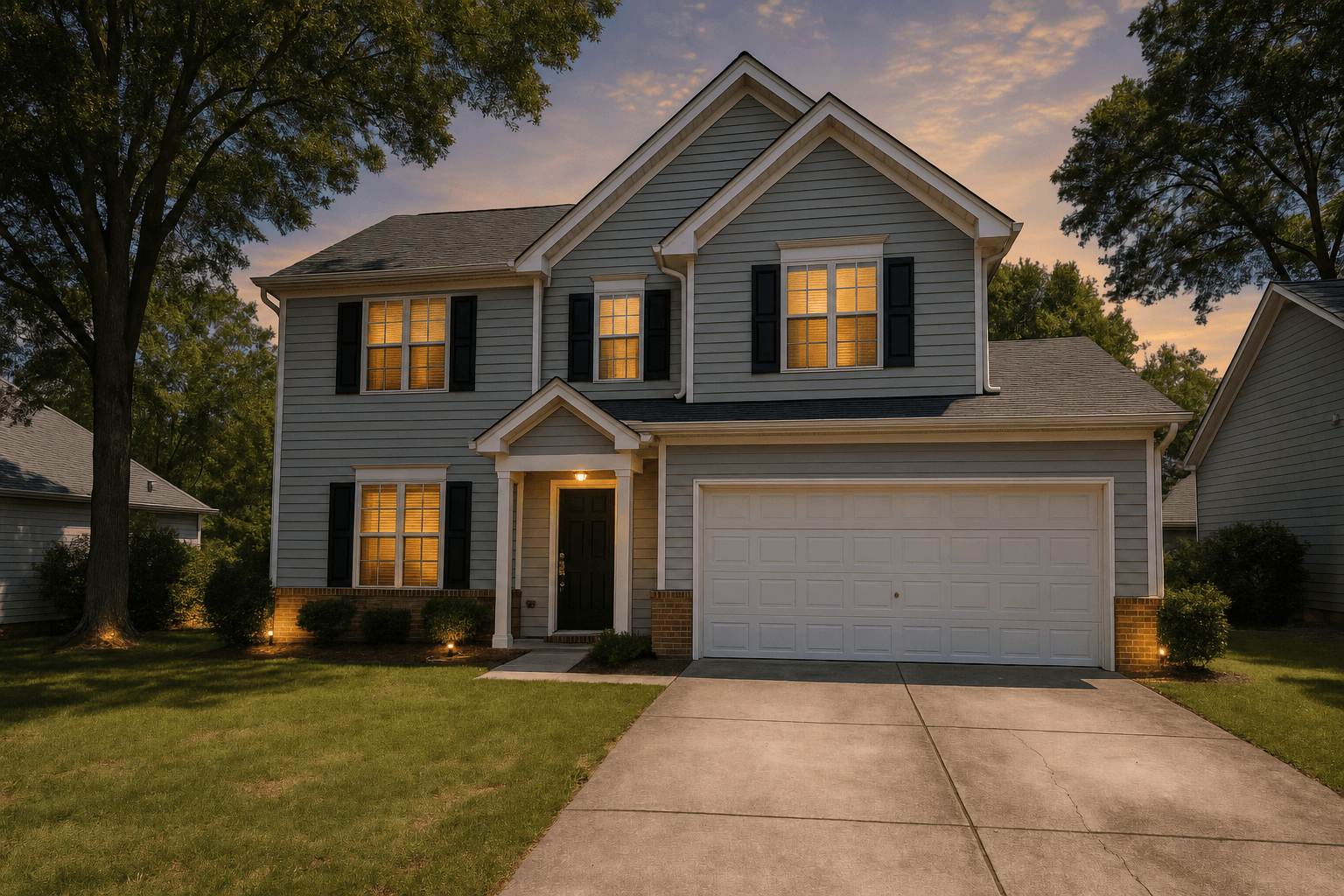
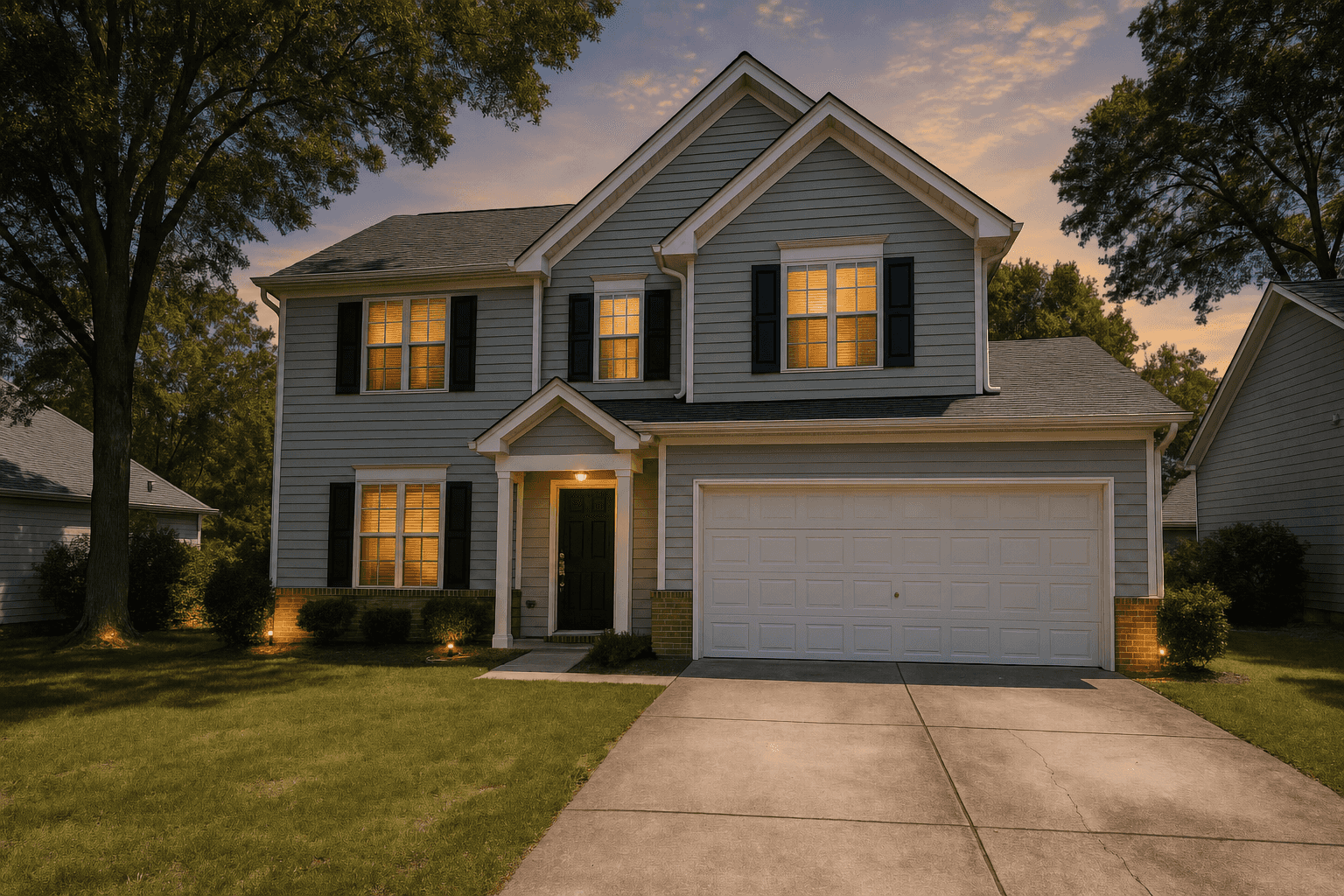
Virtual twilight and sky replacement change the time of day or the weather, not the property, and boards treat them differently. Some are fine with them as standard enhancement; some ask for disclosure of any edit that alters the scene. Read your board's wording and, when in doubt, disclose. A note in the remarks costs nothing.
How to export for the MLS, step by step
Finish the edit first, then make a dedicated MLS export. Do not try to make one file serve the portal, the print flyer and the MLS at once.
- Look up your board's published photo requirements: minimum size, storage size, per-photo cap, display aspect ratio and disclosure rules.
- Edit the full-resolution photo as usual, including straightening and geometry, before any crop. Cropping first throws away pixels you may want when the walls are leveled.
- Crop to the board's display aspect ratio, placing the edges yourself. In Studio, pick the MLS 4:3 preset in the Crop tool and drag the window where it belongs.
- Export as JPEG. If the editor lets you set a long edge, use the board's storage size; otherwise export full size and resize in a second pass.
- Resize the batch to the board's long edge at the resizer's default quality, and confirm every file is under the board's cap.
- Name files in gallery order so the upload keeps your sequence: hero exterior first, then living spaces, kitchen, primary suite, remaining rooms, yard, twilight last.
- Add the disclosure text for any staged or altered photo before you hit publish, not after the listing goes live.
The free MLS photo resizer
The resize pass is the one step most editors make tedious, so we built a free tool for it at /resources/mls-photo-resizer. Drop in up to 60 JPG, PNG or WebP photos, pick a target (the MLS preset at 2048 pixels on the long edge, the minimum preset at 1024 pixels, a Zillow preset at 2048, or a custom long edge), set the JPEG quality between 50% and 95%, and download the results one at a time or as a single zip. When your board publishes a storage size, use the custom field.
Everything runs in your browser through the canvas API. Nothing is uploaded, there is no account and no queue, and the table shows the exact before and after dimensions and file size for every photo. It only scales down: a photo already smaller than the target keeps its dimensions.
Re-encoding through a canvas also writes a brand-new JPEG with no EXIF metadata, which means GPS coordinates, timestamps and camera details are gone before the photo syndicates to other portals. The trade-off is that copyright fields are stripped too. Keep your originals as the source of truth and treat the resized copies as upload-ready duplicates.
A pre-upload checklist
Run every set through this before it goes to the board. It is short and saves a rejected upload.
- Every photo meets the board's minimum dimensions without upscaling
- Long edge at the board's storage size, or the resizer's MLS preset where none is published
- Every file under the per-photo cap, saved as JPEG
- Cropped to the display aspect ratio by hand, not by the board's system
- No logos, watermarks, text, contact details, borders or collages on any image
- Virtually staged or otherwise altered photos labeled, with the original included
- Twilight and sky edits disclosed where the board asks for it
- Files named in gallery order, hero exterior first
- EXIF and GPS stripped from the upload copies, originals archived
Sources
- 81% of recent buyers who searched online rated listing photos “very useful”, the highest of any website feature. NAR, Home Buyers and Sellers Generational Trends, 2026